
Over the past few days, I have been utilizing a wide array of AI tech tools, and I’ve found that each tool offers a unique set of AI features.
I began my journey with ChatGPT, followed by tools like Claude and Google Gemini; subsequently particularly in this year, 2026. we witnessed an absolute flood of AI applications.
My experience suggests that, with the aid of AI, tasks such as video editing, content writing, voice generation, coding, SEO, research, and automation can now be accomplished in mere minutes. Each new tool has the potential to boost your productivity manifold.
I have personally tested over 80 different AI tools. Some were “AI” in name only (ranging from free to paid options), while others truly revolutionized the way I work.
I used many of these AI tools just once or twice and never opened them again; however, there are a select few without which I now find it difficult to get my work done.
In this article, I will share details about the 10 AI apps that have become an integral part of my daily workflow tools that enable me to produce higher quality work in significantly less time.
What is an AI app?
In my experience, AI apps are smart tools that, powered by Artificial Intelligence, have simplified not only my work but yours as well. Regardless of the field be it writing, coding, video editing, voice generation, research, or automation they can accomplish hours’ worth of work in mere minutes.
Some AI apps are built entirely on AI technology such as ChatGPT, Claude, and Google Gemini.
Other tools, however, automate tasks by integrating AI with other applications and APIs.
In this list, you will discover AI apps capable of making your daily workflow easier, faster, and smarter.
How I Found the Most Useful AI Apps In 2026
Over the past few days, I have experimented with over 80 AI tools; however, this list features only those apps that I continue to use on a regular basis today. Some of these tools are an integral part of my daily workflow, while others come in handy on a weekly basis.
I select any AI tool based on the following criteria:
- Does it genuinely save time?
- How easy is it to use?
- What is the quality of the output?
- Is the pricing fair?
- How well does it integrate with other tools?
- And most importantly is it a tool I would want to use repeatedly?
For me, AI is not merely a technology rather, it is a tool that simplifies tasks which previously seemed difficult.
Now, let’s talk about the top AI apps that I use the most.
10 Best AI Apps & Tools (Free + Paid) In 2026
My Favorite AI Apps You Should Try:
- Google Gemini
- Google Flow
- Google AI Studio
- Claude
- ElevenLabs
- Higgsfield
- Descript
- Perplexity
- Lovable
- InVideo
Now let’s take a quick look at each AI tool that I’ve used and still use regularly.
1. Google Gemini
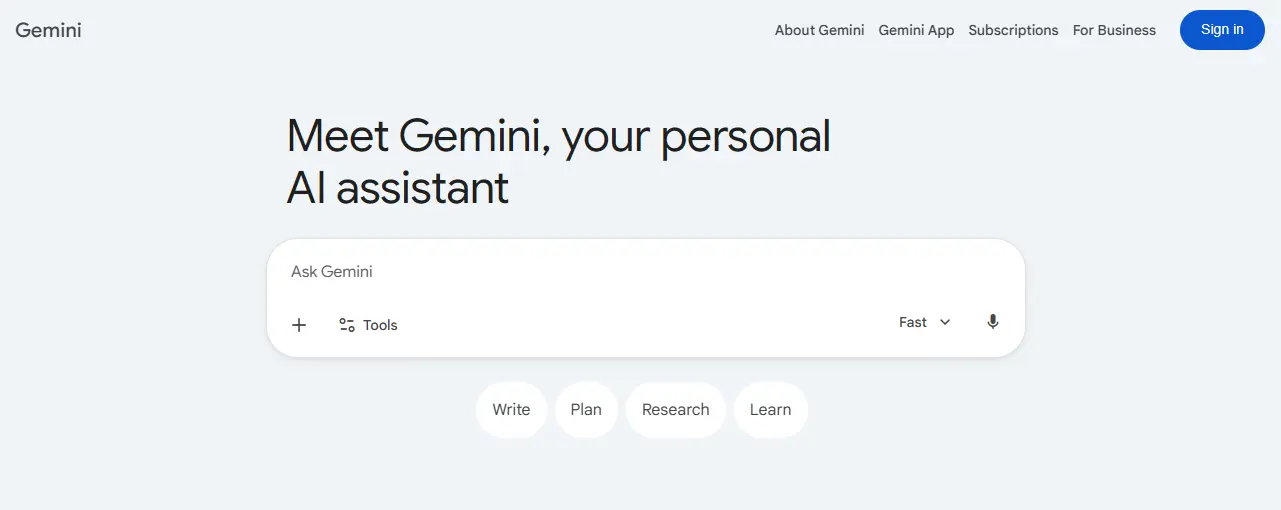
I used this Google Gemini app more than Chat GPT, hence it is my favorite app.
Google Gemini is no longer just a simple chatbot it has become a complete AI workspace.
You can use it to write content, create images, generate music, make videos, and even perform deep research tasks in one place.
What I like most is its clean interface and the variety of AI tools it offers together.
Whether you are brainstorming ideas, coding, researching, or working on creative projects, Gemini makes the entire workflow faster and easier.
Everything I like about Google Gemini:
- Create images in seconds like Nano Banana and music, and videos
- Fast responses with regular AI updates
- Clean and easy to use interface
- Works smoothly with Google apps and services
Google Gemini Pricing:
Google Gemini offers both free and paid plans:
- Free Plan: Basic AI features with limited access.
- Gemini Advanced: Around $19.99/month through Google One AI Premium.
2. Google Flow
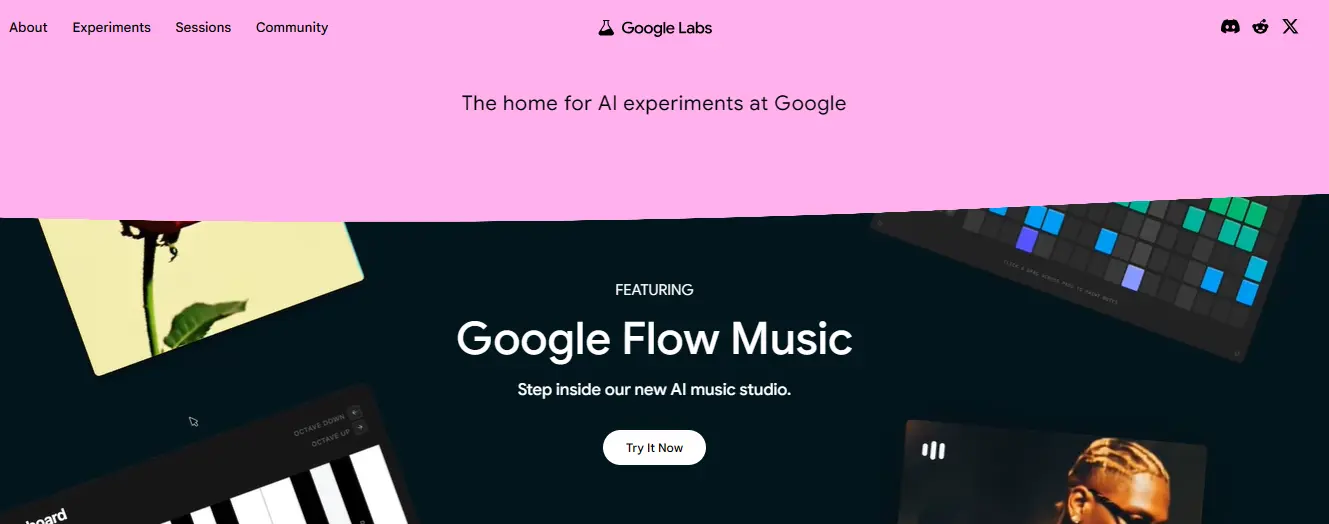
Google Flow is an innovative AI powered video production technology that enables producers to create dramatic films with basic text cues.
Users may use Google Flow to construct realistic scenarios, manipulate camera angles, add theatrical effects, and make professional quality films without the need for expensive equipment or extensive editing skills.
Google Flow may be used by content producers, marketers, filmmakers, and companies to create YouTube videos, Instagram Reels, ads, narrative, and marketing campaigns.
Its simple process, rapid generating speed, and high quality output make it an effective tool for creating current digital material.
You can check full plan details here.
Everything I like about Google Flow:
- Free access to most AI experiments
- Great tools for creators and developers
- Full access to Gemini models in AI Studio
- New AI experiments are added regularly
Google Labs Pricing:
Google Labs is Sometime free to use with credit.
- Without a Google AI Subscription: Free
- Google AI Pro: $19.99/mo
- Google AI Ultra: $249.99/mo
3. Google AI Studio
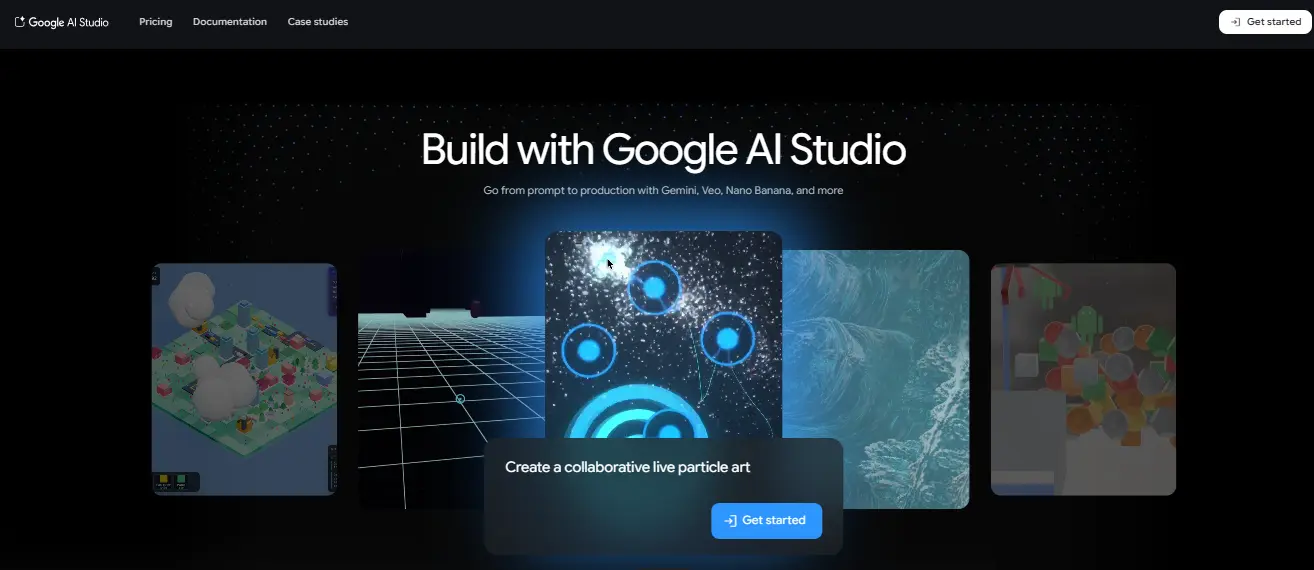
Google AI Studio enables developers and creators to create AI-powered applications with powerful Google models like as Gemini, Veo, Nano Banana, and others.
It enables users to progress from a simple prompt to a production ready AI workflow that includes tools for text generation, video creation, code assistance, picture recognition, and automation.
APIs let developers to test prompts, create AI chatbots, generate creative content, analyze data, and incorporate AI capabilities into websites or mobile apps.
Google AI Studio offers a quick and easy way for beginners to explore with artificial intelligence, as well as sophisticated capabilities for professional development and large-scale production projects.
Everything I like about Google AI Studio:
- Easy and beginner-friendly interface
- Fast AI prompt testing with Gemini
- Simple API integration for apps
- Great for chatbot and content creation
- Quick transition from idea to production
Google AI Studio Pricing:
Google AI Studio is a free tool for quick testing, AI experimentation, and simple programming. Users may access Gemini models and create AI processes without incurring any monthly fees. Google has subscription plans for advanced usage and production level API access, with Google AI Plus starting at ₹399/month and Google AI Pro at ₹1,950/month in India. API price is dependent on token consumption in large-scale applications.
4. Claude
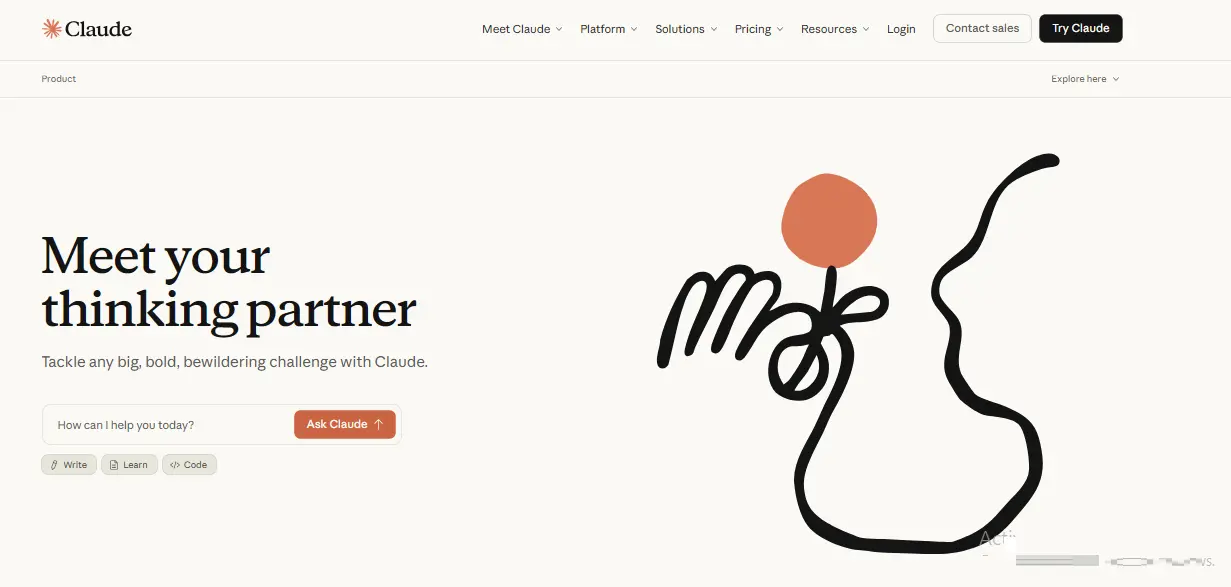
I use Claude on a regular basis to edit blog pieces, construct internal tools using Claude Code, conduct SEO efforts with MCP integrations, and develop bespoke AI abilities for various projects. The desktop software makes it simple to transform Claude into a personalized assistant for virtually any task.
Claude goes far beyond simple AI chat. With Claude Desktop and Claude Code, you can edit local files, automate workflows, and even build custom tools.
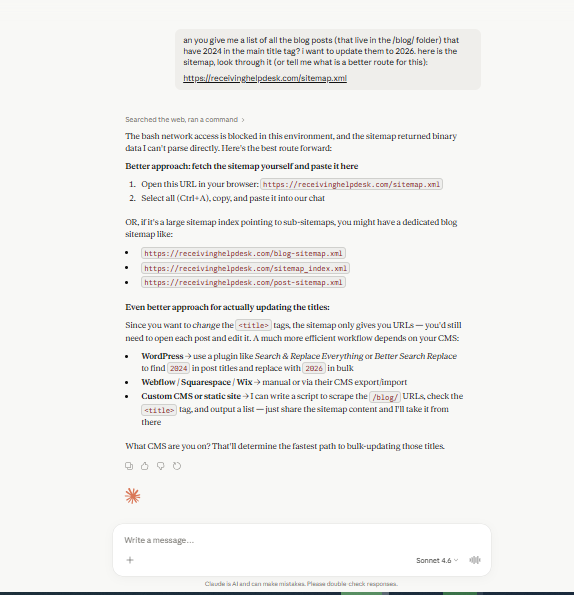
I recently used it to create my own speech to text app for writing articles. Whether it’s coding, productivity, or daily work, Claude is one of the best all-in-one AI tools available, and the Max plan easily pays for itself with regular use.
Learn more about all available plans here.
Everything I like about Claude:
• Projects let you organize campaigns with custom instructions and files
• Claude Code makes it easy to build internal tools and automations
• MCP integrations connect with platforms like Google Analytics and Ahrefs
• Cowork can access and edit local desktop files
• The free plan is powerful enough for everyday use
Claude AI Pricing:
Claude provides a Free plan for $0 per month, a Pro plan for $17 per month, and a Max subscription for $100 per month, which includes higher limitations and priority access.
5. ElevenLabs
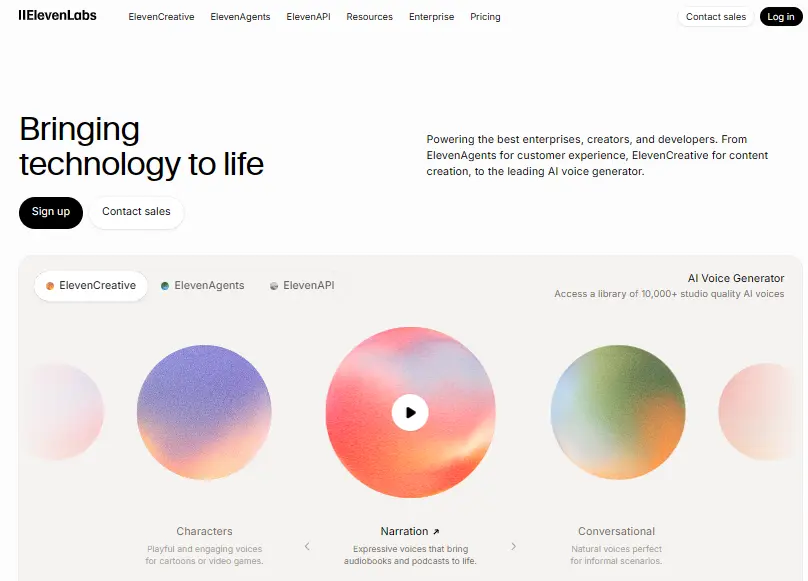
Currently, ElevenLabs stands as one of the most popular AI voice generation platforms available. This is because you can input any text or transcript into it, and it generates voiceovers that are remarkably natural and human-like. It is utilized to create voiceovers for AI videos, podcasts, audiobooks, and voice assistants for websites.
Now, thanks to ElevenLabs Agents, deploying and managing conversational AI agents has also become effortless. It supports over 70 languages and produces voices so realistic that it becomes difficult to distinguish them from human speech.
If you ever find yourself in need of AI voiceovers, narration, or smart voice agents, ElevenLabs is undoubtedly one of the most reliable and powerful tools at your disposal.
Explore all plan features and pricing here.
Everything I like about ElevenLabs:
• Delivers some of the most realistic AI voices available today
• Supports 70+ languages for voiceovers and AI agents
• Free plan is great for testing and small projects
• ElevenLabs Agents helps add conversational AI to your own apps and products
ElevenLabs Pricing:
ElevenLabs provides adjustable pricing for various creators and enterprises. The free plan offers 10,000 credits and essential capabilities such as text-to-speech and voice design.
Paid plans begin at $5 per month for business usage and voice cloning, with higher levels providing greater audio quality, more credits, and additional API capabilities.
ElevenLabs Agents are charged individually dependent on consumption You can learn more about it here.
6. Higgsfield
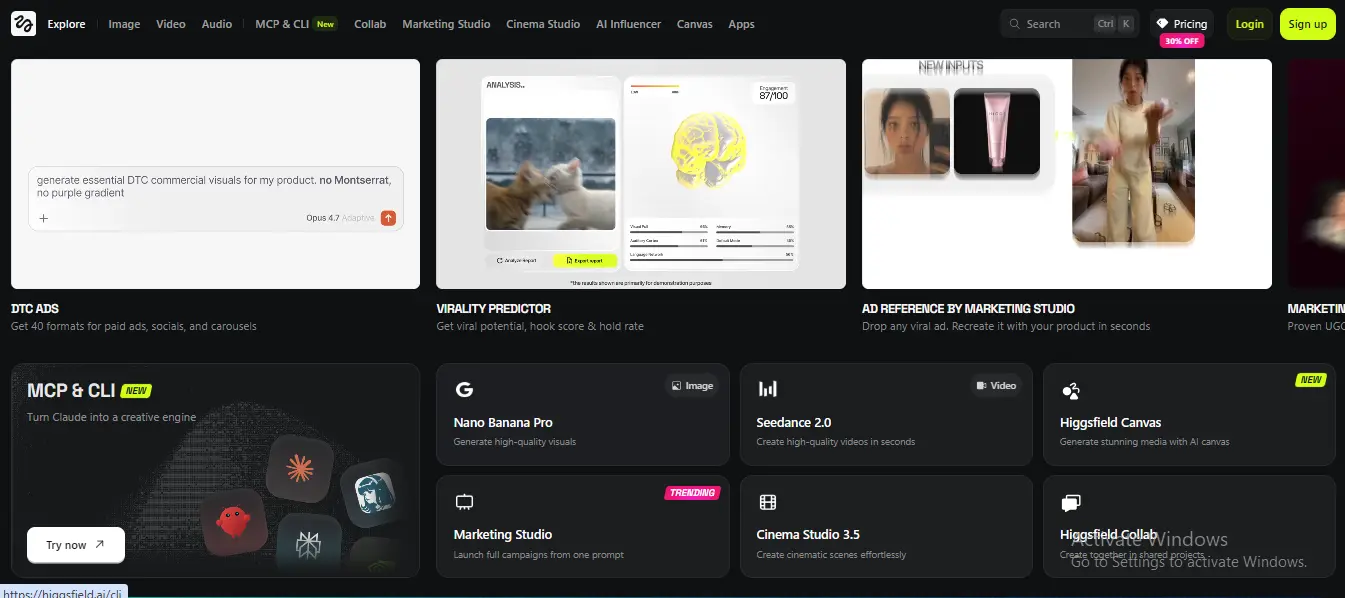
Higgsfield is a comprehensive AI video production tool designed for individuals, marketers, and corporations. It integrates numerous AI video models, editing tools, picture generating features, and audio tools into a unified workspace. Instead of jumping between many apps, users can control everything from a single dashboard.
The platform also offers proprietary technologies such as Higgsfield Audio for voice cloning and multilingual voice synthesis. Users may also connect to services like ElevenLabs to get sophisticated AI audio capabilities.
Higgsfield accelerates, simplifies, and optimizes video creation by integrating the key AI creative tools. The platform offers a comprehensive environment for current AI-powered content production, from graphic generation to video editing and the development of realistic AI voices.
See detailed information about every plan here.
Everything I like about Higgsfield:
• Combines multiple AI video tools into one platform
• Includes built-in AI audio and voice cloning features
• Supports both image generation and video editing
• Affordable credit-based pricing for beginners
Higgsfield Pricing:
• Basic — $9/month with 150 credits
• Pro — $29/month with 600 credits
• Ultimate — $49/month with 1,200 credits
• Creator — $250/month with 6,000 credits and lower credit costs
7. Descript
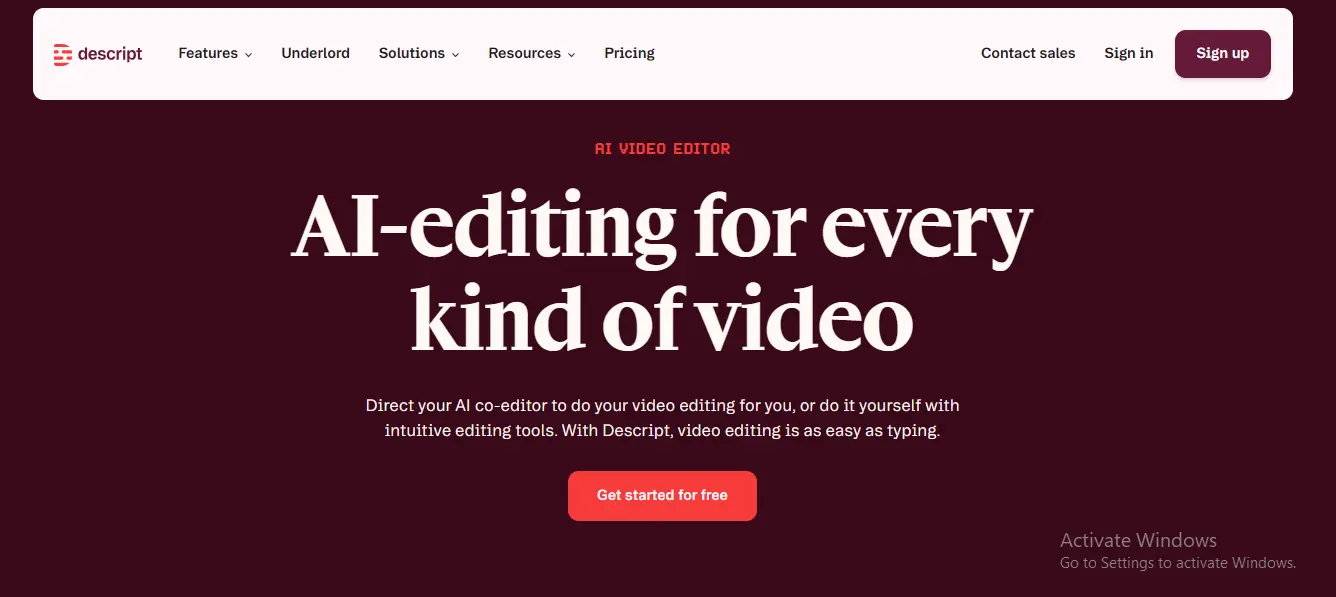
Descript is an AI-powered editing software for long-form films and podcasts. It is ideal for video productions that require a script to be read on-screen. With Descript, you may alter and produce scripts using its AI. You may also make unique films for B-roll portions.
The platform has grown into a complete text based editing platform with AI features for green screen, eye contact correction, studio sound, and filler word removal. It is a complete video, podcast, and clip editing platform with AI added on top.
Find detailed plan information here.
Everything I like about Descript:
• Edit videos by simply editing text
• Removes filler words automatically
• AI Studio Sound improves audio quality
• Generate scripts, clips, and voice clones
• Faster all-in-one AI video workflow
• Great for creators and marketers
Descript Pricing:
• Free: $0/month with basic editing and AI tools
• Hobbyist: $16/month with 10 media hours and AI editing features
• Creator: $24/month with 4K export, AI video generation, and stock media
• Business: $50/month with dubbing, custom avatars, and priority support
• Enterprise: Custom pricing with advanced team and brand controls
8. Perplexity
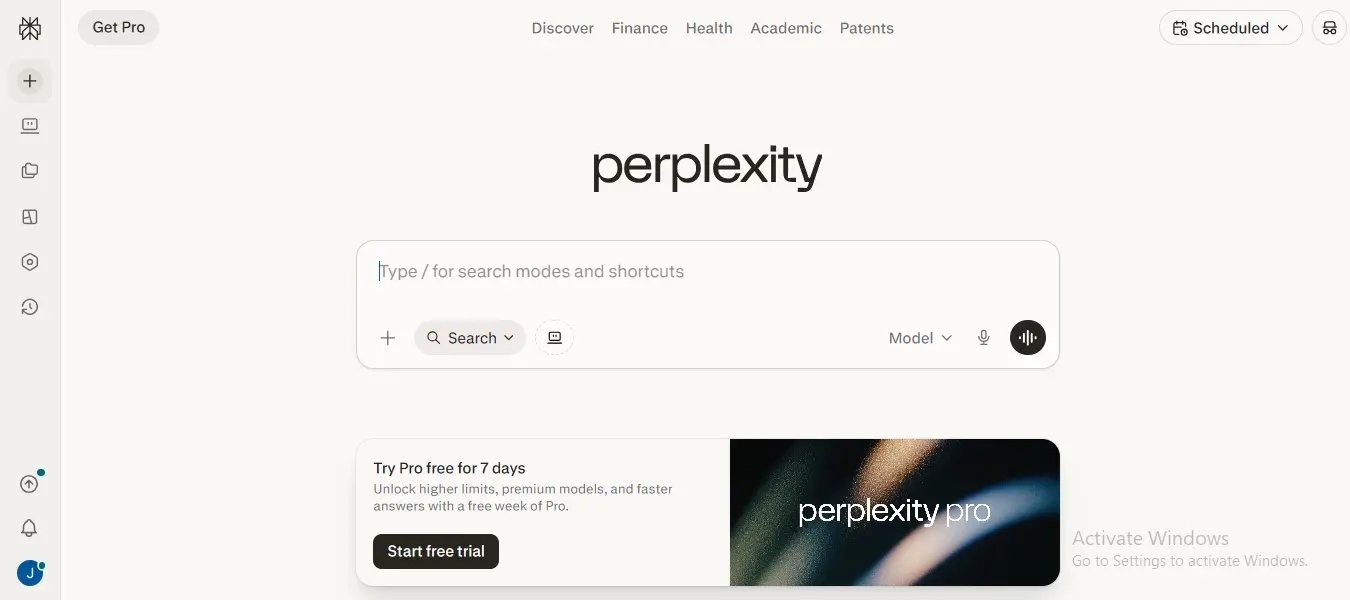
Perplexity has become one of my favorite AI research and online search tools. Unlike typical AI chatbots, it is adept at gathering real-time information from websites, forums, and user-generated material, making research feel quicker and more conversational.
Perplexity, like ChatGPT or Claude, has online search features that are significantly more powerful for identifying data, trends, ideas, and detailed information. It’s extremely valuable for producers, marketers, students, and anybody else who wants reliable information rapidly.
Perplexity also contains a new “Computer” mode, which is an AI agent that can complete tasks on your behalf, akin to ChatGPT Agents and Claude’s AI workspace capabilities.
Learn more about all available plans here.
Everything I like about Perplexity :
• Delivers AI powered answers with real source citations
• Finds valuable insights from forums and community discussions
• Lets you switch between top AI models like GPT, Gemini, and Grok
• AI “Computer” mode can handle tasks for you automatically
Perplexity Pricing:
• Free: $0/month with basic AI search
• Pro: $17/month with GPT, Gemini, Grok access, and advanced research tools
• Ultra: $167/month with powerful reasoning models, deep investigations, and AI agent credits
9. Lovable
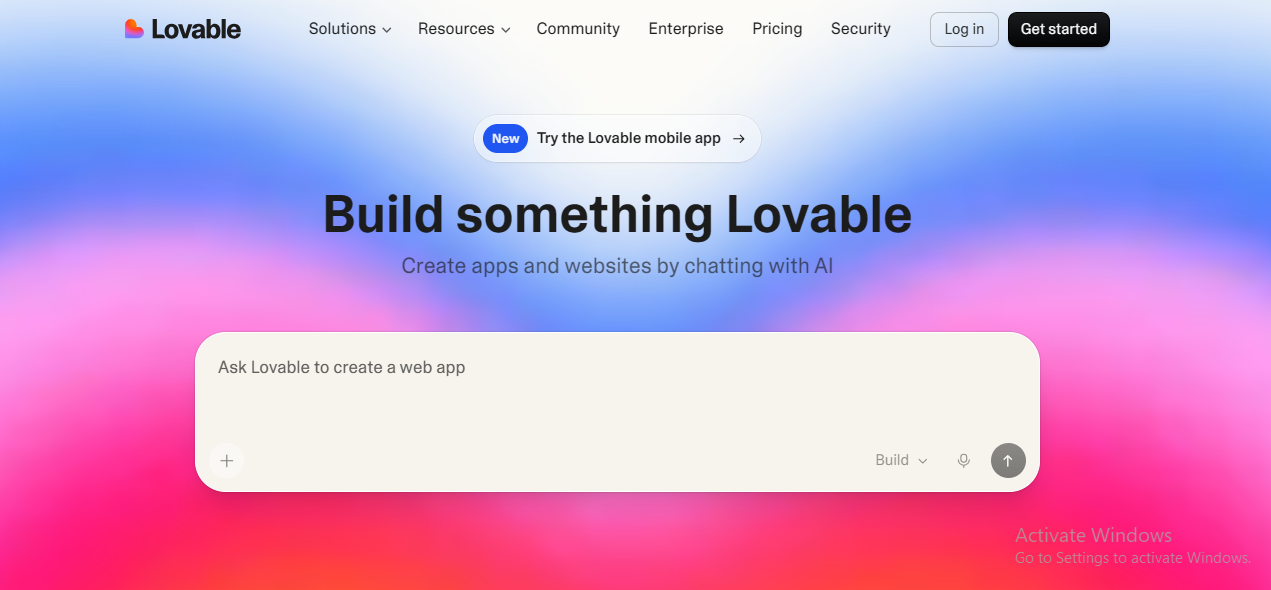
Lovable is an AI-powered website and app builder that allows you to develop projects with easy natural language instructions. You explain your concept, and it quickly develops a functioning prototype that you can improve with simple feedback and deploy with a single click.
The platform also works with technologies like as Supabase and GitHub, making it easy to convert prototypes into fully working products. Unlike design-focused builders, Lovable is designed to easily create fully functional apps without the need to write code.
If you want to create and deploy actual products quickly, Lovable provides an easy and efficient no-code AI methodology, as well as pre-made templates to get you started.
View complete pricing and feature details here.
Everything I like about Lovable :
• Builds full apps from simple prompts
• One-click deployment for fast launches
• Easy GitHub and database integration
• Unlimited collaborators on the free plan
Lovable Pricing:
• Free: $0/month with limited credits and public projects
• Pro: $25/month with more credits, custom domains, and team roles
• Business: $50/month with SSO, team workspace, and security tools
• Enterprise: Custom pricing with advanced support and publishing controls
10. InVideo
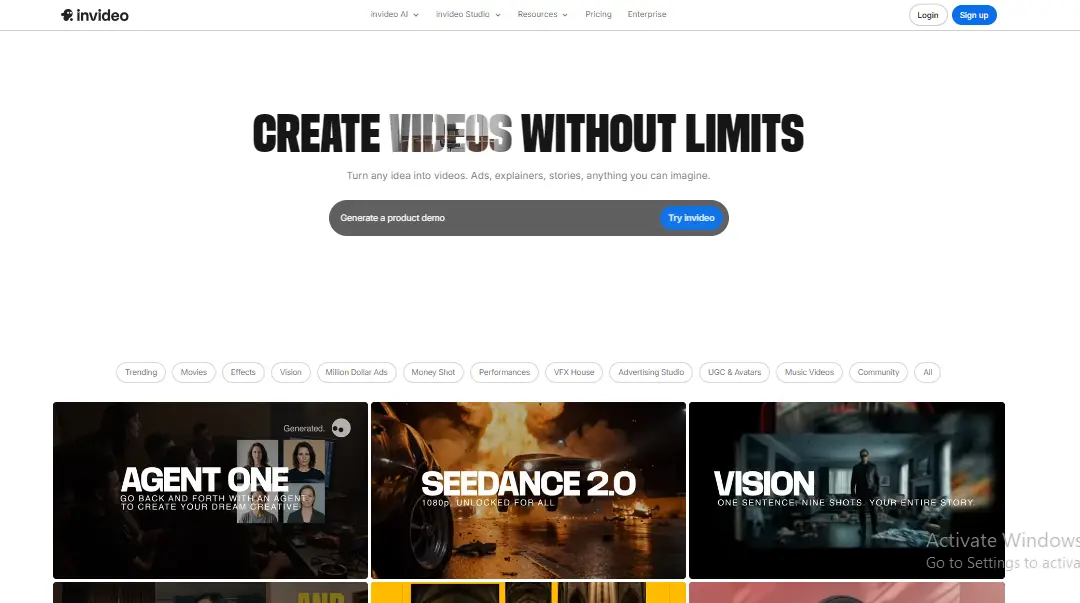
InVideo is an AI-powered video production platform that allows users to produce professional movies rapidly by utilizing templates, AI tools, and text prompts.
It’s widely used by artists, marketers, and corporations to create YouTube videos, social media content, commercials, and presentations without extensive editing abilities.
The platform offers AI script development, text-to-video conversion, voiceovers, stock media, subtitles, and automated editing capabilities. Users may produce films by merely defining their concept, and the AI will build scenes, images, music, and narration automatically.
You can check full plan details here.
Everything I like about InVideo :
• Easy AI-powered video creation
• Turns text prompts into full videos fast
• Huge library of templates and stock media
• Automatic voiceovers and subtitles
• Beginner-friendly editing interface
• Great for YouTube, Reels, and marketing content
InVideo Pricing:
• Free: $0/month with watermark and limited exports
• Plus: Starts around $25/month with HD exports and no watermark
• Max: Around $50–60/month with more AI minutes and premium features
• Team/Enterprise: Custom pricing for teams and advanced collaboration tools
Which Free AI Tool Is Actually the Best?
The best free AI depends on your needs. For an all around AI chatbot, Claude stands out with free access to web search, memory, integrations, and productivity tools. If you want free AI apps for creativity and productivity, Google Labs offers a huge collection of powerful tools at no cost. For AI automation, Higgsfield is a great option with generous free credits and workflow building features.
After testing dozens of AI tools, the best ones are the tools that genuinely save time and improve your workflow. And with AI evolving so quickly, the next generation of apps will likely be even more powerful than what we use today.
FAQs
Q1. Which is the best AI app for creators and professionals in 2026?
Ans: Google Gemini and Claude are among the best all-in-one AI apps for productivity and creativity.
Q2. Are these AI tools free to use?
Ans: Most of these AI apps offer free plans with optional paid upgrades for advanced features.
Q3. Which AI tool is best for video creation and editing?
Ans: InVideo, Descript, and Higgsfield are excellent for AI-powered video editing.
Q4. Which AI app is best for research and content writing?
Ans: Perplexity and Claude are great for research, SEO, and content creation tasks.
Q5. Can beginners use these AI apps easily?
Ans: Yes, most modern AI apps are beginner-friendly and designed with simple interfaces and easy workflows.