
AI avatar generator tools have completely transformed the way creators produce content for Instagram and other social media platforms. With just a few clicks, you can now create realistic talking avatars, virtual presenters, and high quality videos in minutes without needing expensive equipment or advanced editing skills.
After testing dozens of AI avatar platforms, I found that only a handful truly stand out. The best tools deliver realistic avatars, accurate lip syncing, natural sounding AI voices, extensive customization options, and powerful time-saving features that make content creation much easier.
In this guide, I’ve compiled my top 10 AI avatar generator tools for 2026 based on my personal experience. These are the platforms I recommend for creating professional AI avatars, Instagram Reels, YouTube videos, marketing campaigns, online courses, business presentations, and social media content.
Whether you’re searching for a free AI avatar generator to get started or a premium platform with advanced features, this list will help you choose the right tool for your needs.
What is AI Avatar?
An AI avatar is a digital persona developed using artificial intelligence that appears, speaks, and behaves like a real person.
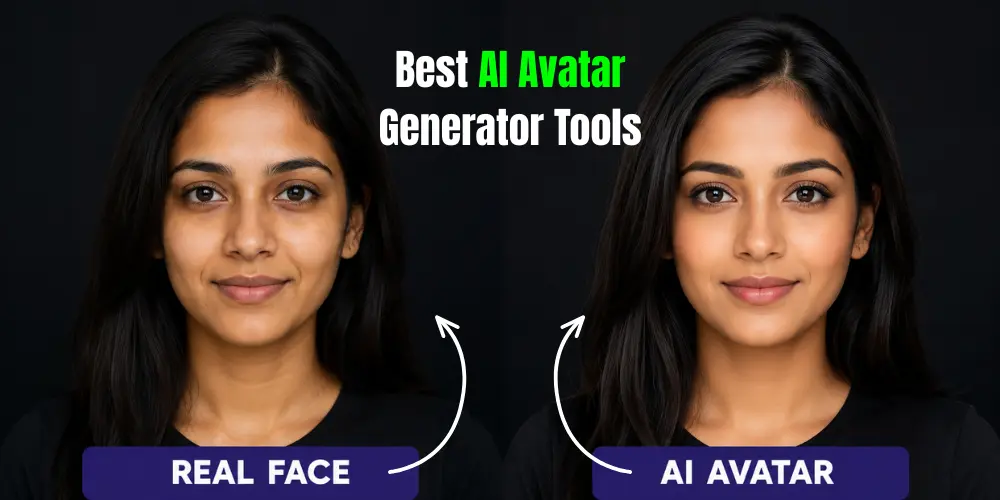
Instead of filming yourself on camera, simply enter a script, and the AI will create a video with realistic speech, lip syncing, and facial expressions.
AI avatars are frequently used to create Instagram Reels, YouTube videos, business presentations, online courses, and marketing content.
They allow artists to save time, cut production costs, and create professional quality videos without the need for cameras or pricey equipment.
10 Best AI Avatar Generator Tools | AI Talking Avatars Generator
The right AI avatar generator can transform your content. Here are the best AI avatar generators for 2026, chosen for their realistic avatars, powerful features, and ease of use.
- deevid.ai
- invideo.io
- pictory.ai
- synthesia.io
- creatify.ai
- heygen.com
- Higgsfield AI
- d-id.com
- Jogg AI
- fliki.ai
Alright, let’s discuss the 10 tools listed above in detail.
1. Deevid.ai
Best for: Turning text prompts into short AI videos with realistic avatars.
Pricing: Free plan available; paid plans unlock higher quality exports and premium features.
How I use it: I use Deevid AI to quickly create Instagram Reels and short promotional videos. It helps me turn ideas into engaging videos without recording myself.
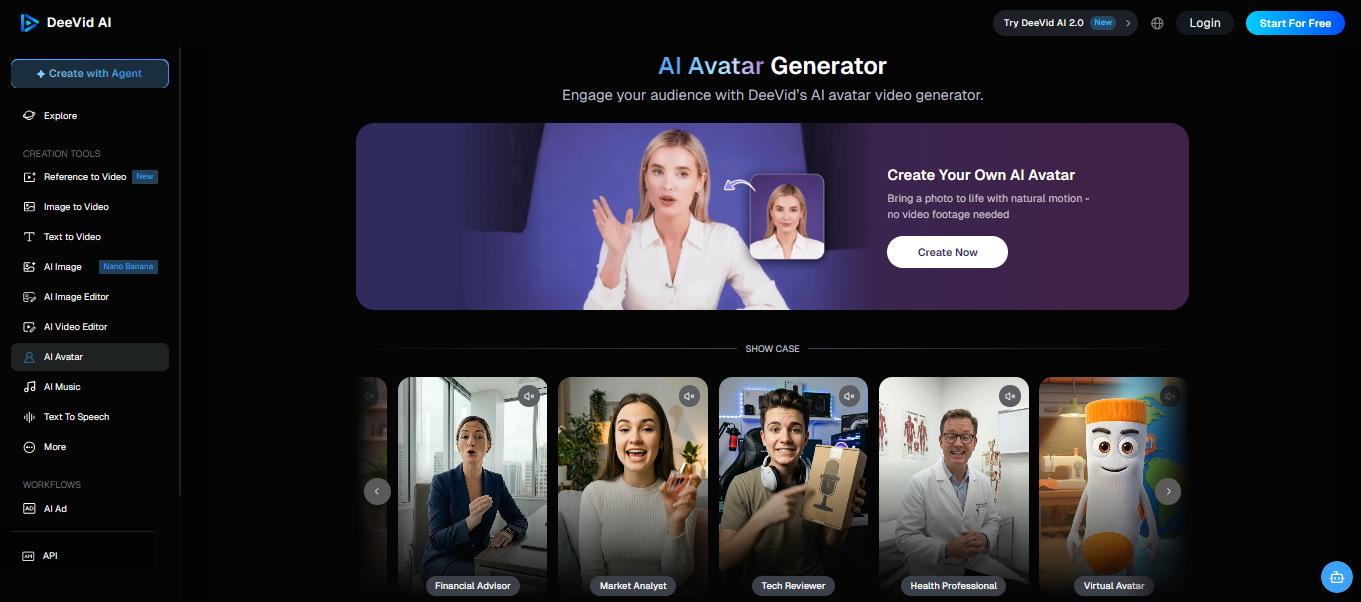
Here are some things I like about this tool:
Deevid AI offers a simple workflow that makes video creation fast, even for beginners. I like its AI avatars, automatic scene generation, and ready made templates. The interface is easy to navigate, and the rendered videos look clean enough for social media. It’s a good option for creators who want quick results with minimal editing.
Pros
- Easy to use
- Fast AI video generation
- Good avatar quality
- Beginner friendly interface
Cons
- Limited features on the free plan
- Fewer avatar customization options
Use this link and generate ai avatar: https://deevid.ai/ai-avatar
2. Invideo.io
Best for: Creating complete AI videos from text prompts. But you can also generate your own AI avatar.
Pricing: Free plan available; premium plans start with higher export limits and advanced AI features.
How I use it: I use InVideo AI to create YouTube Shorts and Instagram videos from simple prompts. It automatically writes scripts, generates visuals, and adds voiceovers.
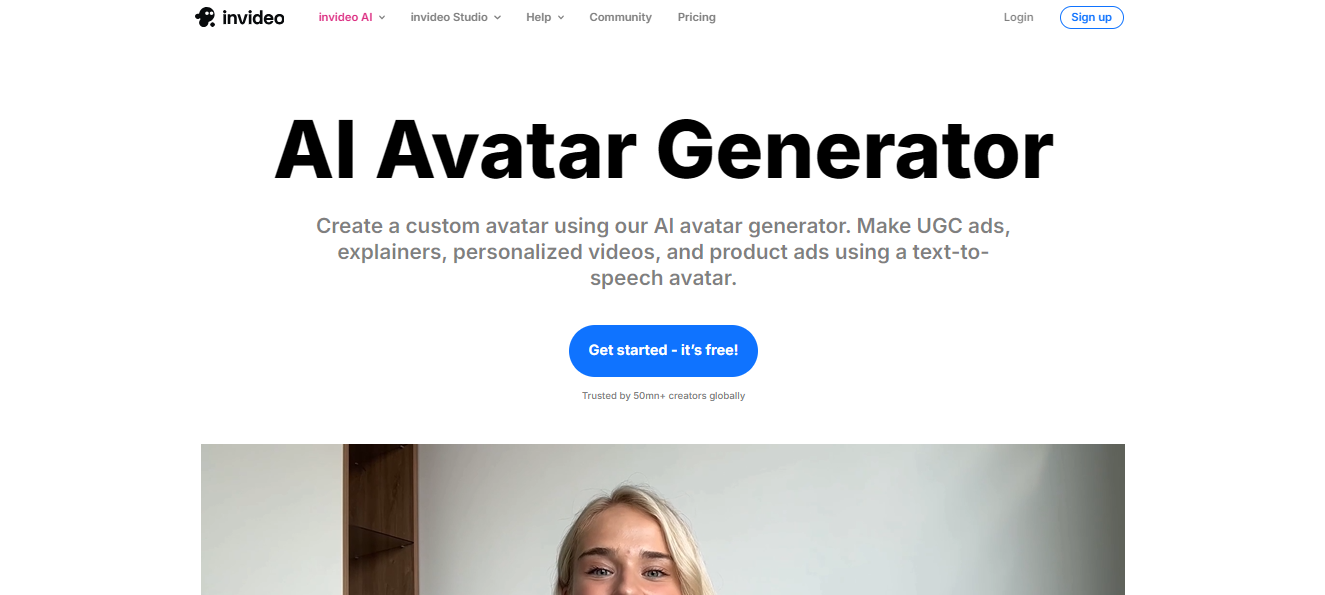
Here are some things I like about this tool:
InVideo AI is one of the fastest AI video generators I’ve used. It combines script writing, AI voiceovers, stock footage, and video editing into one platform. The templates are modern, exports are high quality, and it saves a lot of production time, especially for social media content.
Pros
- AI script generation
- Huge stock media library
- Beginner friendly
- High quality exports
Cons
- Some features require a paid plan
- AI scenes may need manual adjustments
Generate your AI avatar using the link: https://invideo.io/make/ai-avatar-generator/
3. Pictory.ai
Best for: Converting long form content into short AI videos with build your custom AI avatar.
Pricing: Paid plans available with a free trial.
How I use it: I use Pictory AI to transform blog posts and articles into engaging videos for YouTube and Instagram.
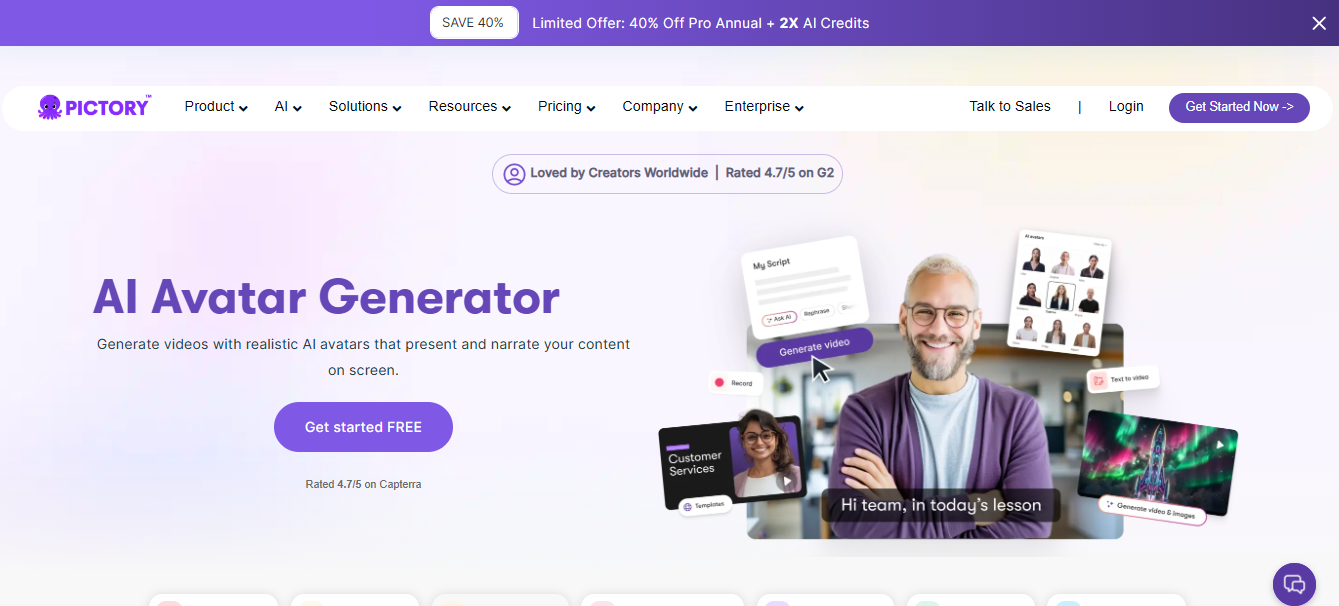
Here are some things I like about this tool:
Pictory AI makes repurposing content incredibly easy. It automatically selects visuals, generates captions, and creates professional looking videos from text. It’s an excellent tool for bloggers, marketers, and educators who want to turn written content into shareable videos.
Pros
- Excellent text to video
- Automatic captions
- Large media library
- Simple interface
Cons
- Limited customization
- Premium subscription required for full features
Use this tool to generate a high quality AI avatar: https://pictory.ai/ai-avatar-generator
4. Synthesia.io
Best for: Professional AI avatar presentations.
Pricing: Paid plans with business and enterprise options.
How I use it: I use Synthesia for business presentations, tutorials, and educational videos with realistic AI presenters.
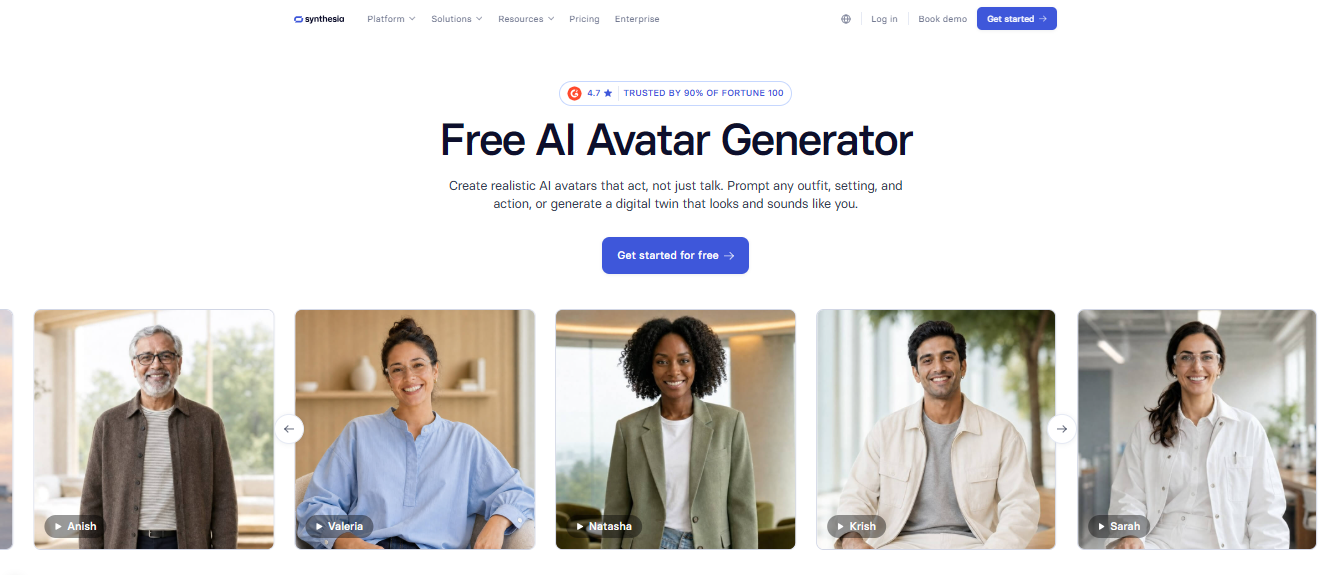
Here are some things I like about this tool:
Synthesia delivers some of the most realistic AI avatars available today. It supports multiple languages, natural voiceovers, and professional templates, making it ideal for corporate training, marketing, and educational content.
Pros
- High quality AI avatars
- Multiple languages
- Professional templates
- Excellent lip-sync
Cons
- Premium pricing
- Limited creative editing
Generate a professional AI avatar in minutes: https://www.synthesia.io/features/avatars
5. Creatify.ai
Best for: AI generated product advertisement videos and Build your realistic ai avatar.
Pricing: Free trial with premium plans.
How I use it: I use Creatify AI to create product ads and promotional videos for social media campaigns.
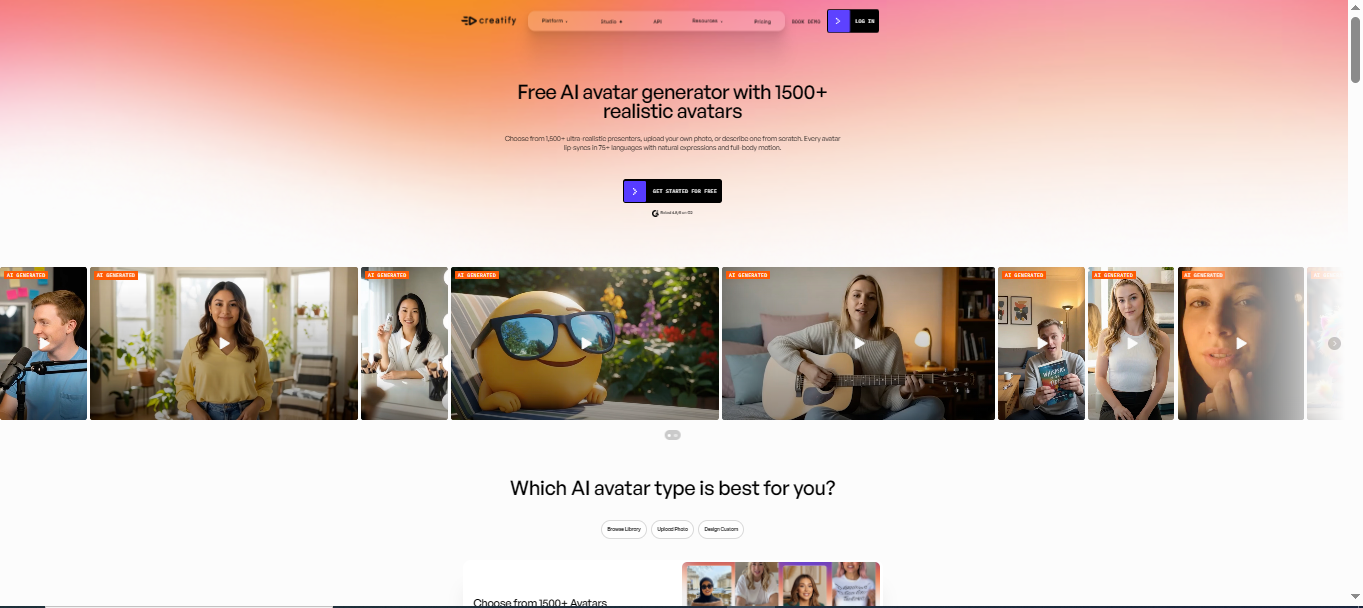
Here are some things I like about this tool:
Creatify AI is designed for businesses and eCommerce sellers. It quickly generates product videos using AI avatars, voiceovers, and templates. The workflow is simple, and the videos are optimized for platforms like Instagram, TikTok, and Facebook.
Pros
- Great for product ads
- Fast rendering
- AI voiceovers
- Social media templates
Cons
- Limited free features
- Better suited for marketing videos
Click the link below to create a realistic AI avatar. https://creatify.ai/features/ai-avatar
6. Heygen.com
Best for: Realistic AI talking avatars.
Pricing: Free plan available with premium subscriptions.
How I use it: I use HeyGen to create realistic talking avatar videos for YouTube tutorials and Instagram Reels.
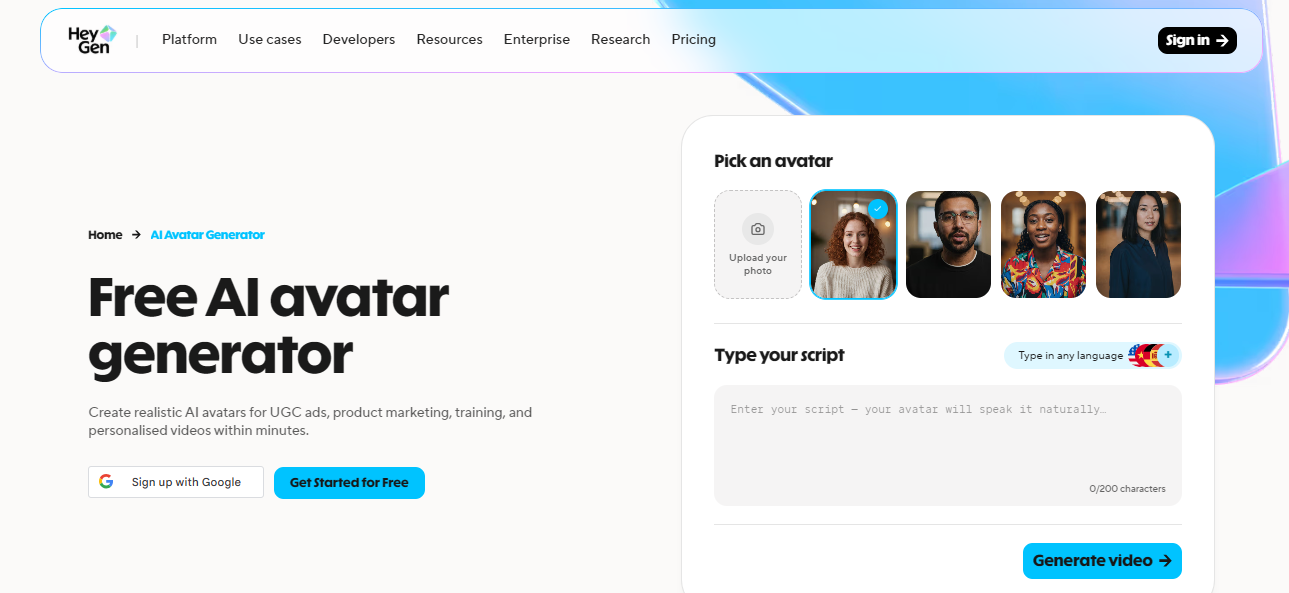
Here are some things I like about this tool:
HeyGen is my favorite AI avatar generator because the avatars look natural and professional. Voice cloning, multilingual support, and custom avatars make it one of the most powerful tools available. It significantly reduces the time needed to produce high-quality video content.
Pros
- Very realistic avatars
- Voice cloning
- Multiple languages
- Easy interface
Cons
- Premium plans are expensive
- Free plan has limitations
Use the link to create your AI avatar: https://www.heygen.com/en-in/avatars
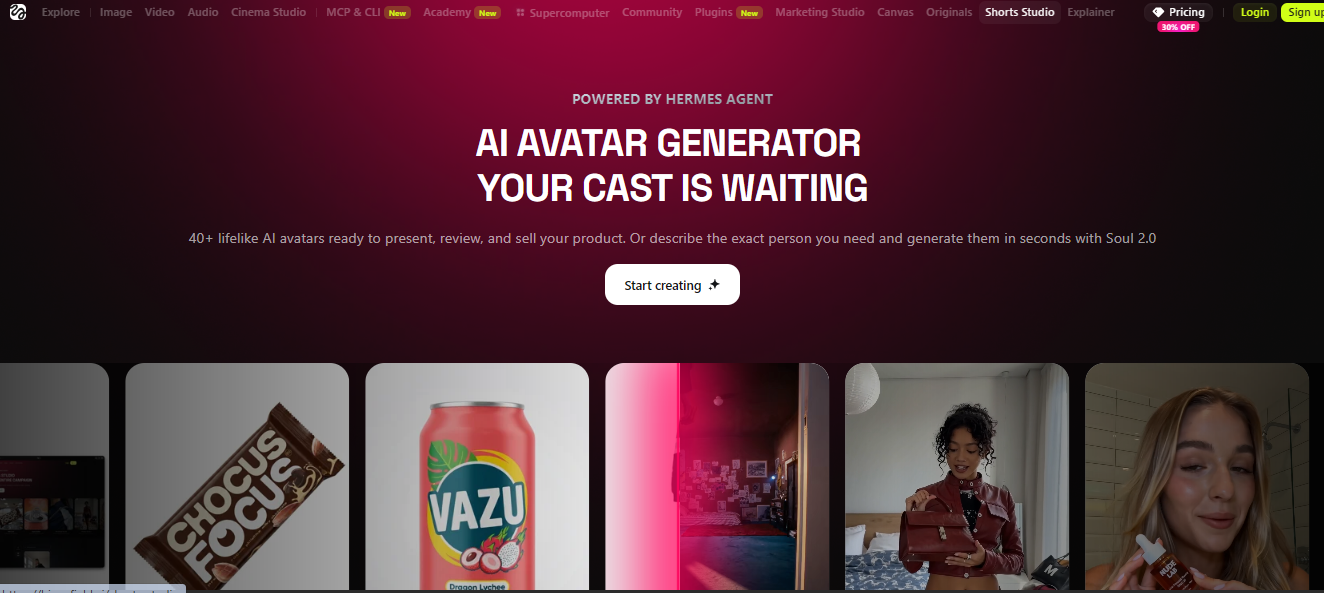
7. Higgsfield AI
Best for: Cinematic AI talking avatars, digital twins, and professional marketing videos.
Pricing: Free plan available; paid plans start at $15/month (Starter), with Plus and Ultra plans for advanced creators.
How I use it: I use Higgsfield AI to create cinematic AI avatar videos for Instagram Reels and YouTube Shorts.
Here are some things I like about this tool:
Higgsfield AI combines realistic AI avatars, voice cloning, multilingual support, and cinematic video generation in one platform. I especially like its high-quality lip-syncing, customizable digital twins, and easy workflow. It also supports 70+ languages, making it a great choice for creators, marketers, educators, and businesses looking to produce engaging AI-powered videos quickly.
Pros
- Realistic AI talking avatars
- Create your own digital twin
- Excellent lip-sync quality
- Supports 70+ languages
- Beginner-friendly interface
- High quality cinematic videos
Cons
- Premium plans can be expensive
- Credit-based system for advanced models
Generate your AI avatar using the link: https://higgsfield.ai/ai-avatar-generator
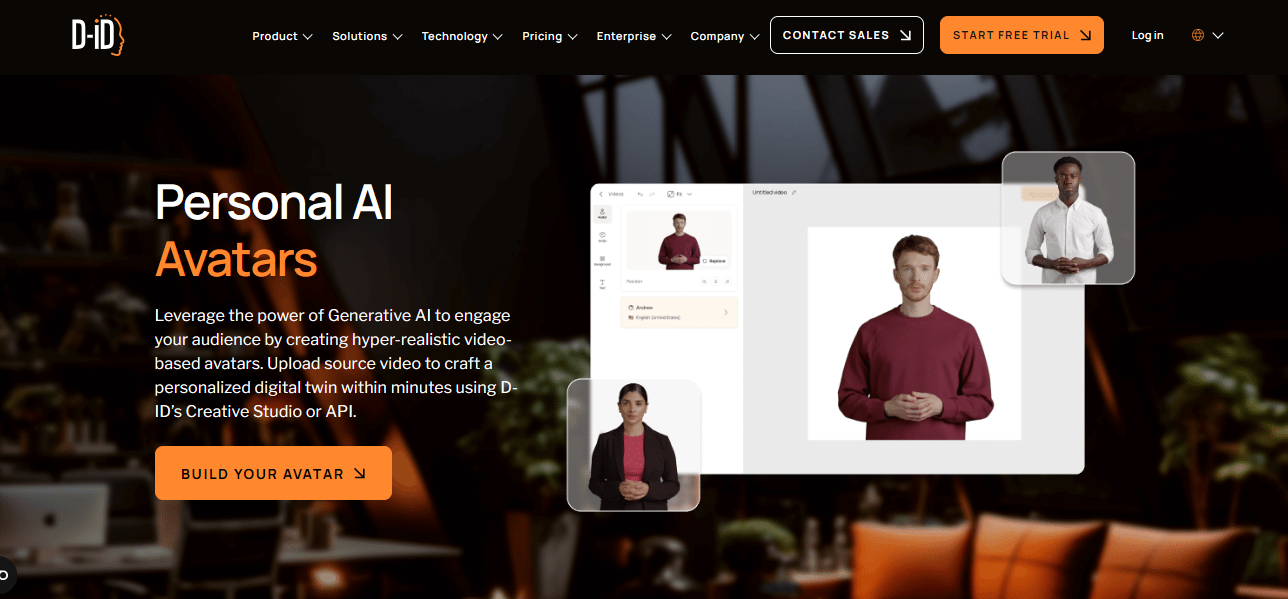
8. D-id.com
Best for: Turning photos into talking avatars.
Pricing: Free trial with premium subscriptions.
How I use it: I use D-ID to animate photos and create AI spokesperson videos for storytelling content.
Here are some things I like about this tool:
D-ID makes static images come alive using realistic facial animation and lip-sync technology. It’s perfect for educational videos, storytelling, historical presentations, and creative marketing campaigns.
Pros
- Excellent talking photos
- Realistic facial animation
- Easy workflow
- Fast rendering
Cons
- Limited editing tools
- Premium plan needed for full quality
Click the link to create a realistic AI avatar: https://www.d-id.com/personal-avatars/
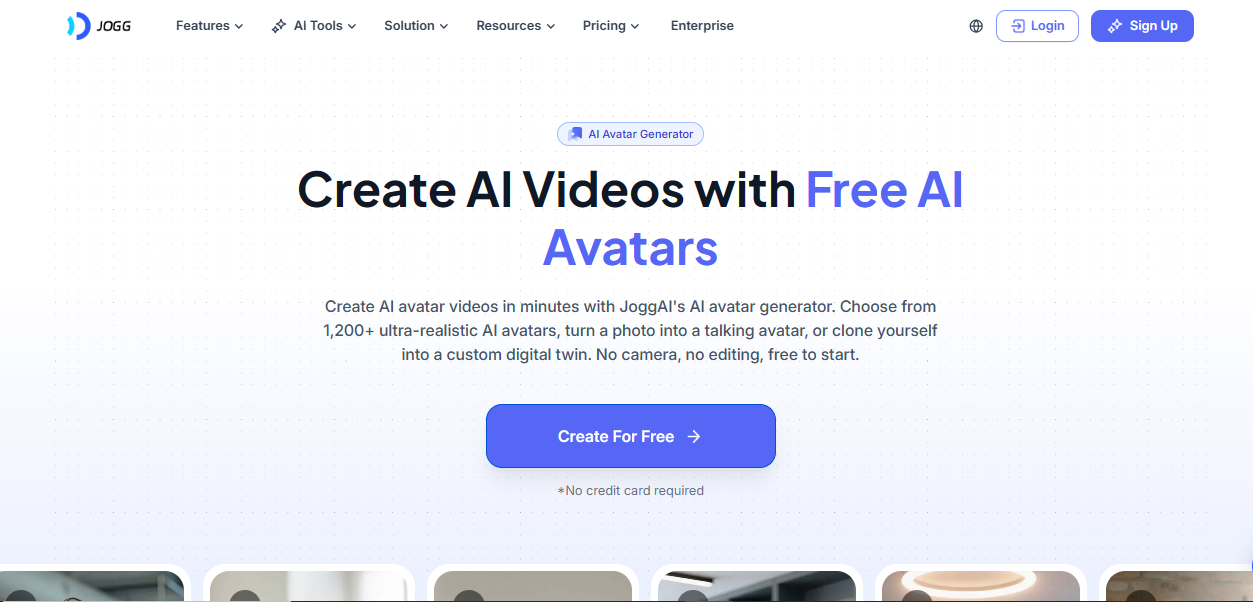
9. Jogg AI
Best for: Creating AI avatar videos, product ads, and social media content.
Pricing: Free plan available; premium plans start with additional AI credits.
How I use it: I use Jogg AI to create talking avatar videos and product promotions for Instagram Reels in just a few minutes.
Here are some things I like about this tool:
Jogg AI is easy to use and creates realistic AI avatar videos with natural voiceovers and lip-syncing. It also supports text to video, voice cloning, and multilingual content, making it a great choice for creators and marketers.
Pros
- Realistic AI avatars
- Easy to use
- Voice cloning support
- Great for social media
Cons
- Limited free credits
- Premium features require a paid plan
Generate a professional AI avatar in minutes: https://www.jogg.ai/features/ai-avatar/
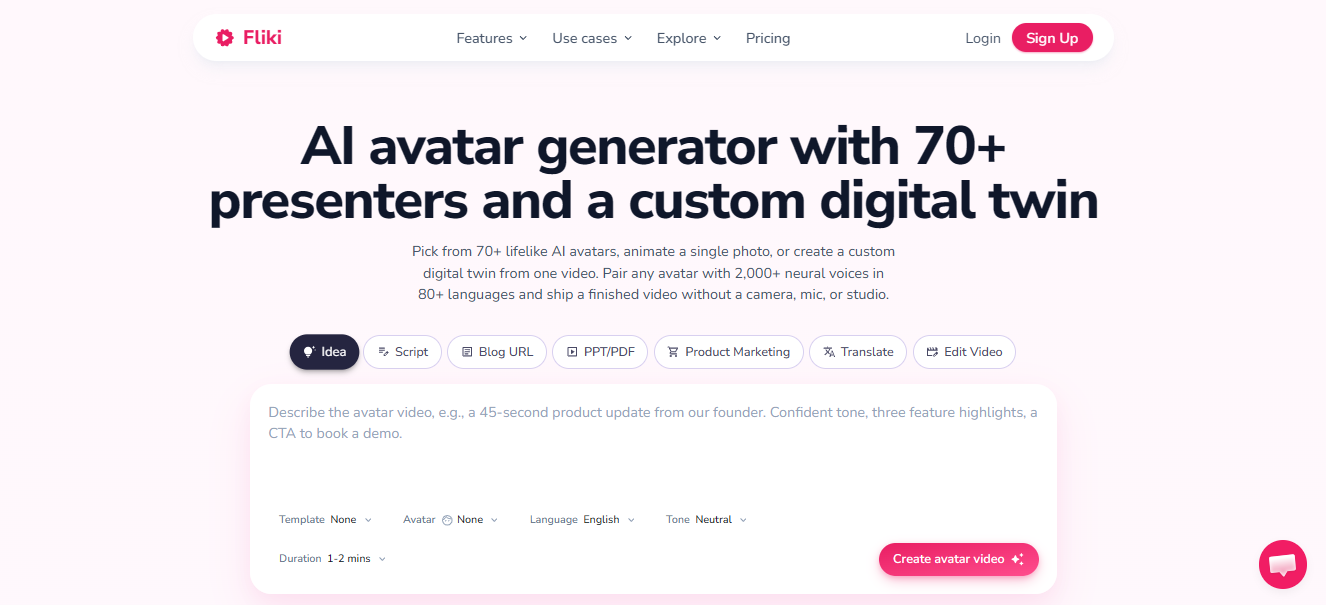
10. Fliki.ai
Best for: AI text to video with realistic voiceovers and make your own AI avatar..
Pricing: Free plan available with paid upgrades.
How I use it: I use Fliki AI to turn blog posts and scripts into narrated videos for YouTube and social media.
Here are some things I like about this tool:
Fliki AI combines realistic AI voices with text-to-video generation, making it easy to create professional videos without recording audio. The voice quality is excellent, and the platform supports many languages, making it ideal for global audiences.
Pros
- Excellent AI voices
- Easy text to video
- Multiple languages
- Beginner-friendly
Cons
- Limited exports on free plan
- Some voices require premium
Create a lifelike AI avatar instantly with this link: https://fliki.ai/features/ai-avatar
Note: Besides AI avatar creation, many of these tools also let you generate ai talking video, images, create videos, write captions, and edit content with AI all from a single platform.
How These Tools Helped Me Grow on Instagram
Using these AI avatar tools made creating Instagram content much easier. I was able to produce high quality Reels faster, post more consistently, and save hours on recording and editing all of which helped me grow my Instagram more efficiently.
Key Benefits I Experienced:)
- Saved hours on video creation and editing.
- Created professional Reels without filming.
- Posted content more consistently.
- Generated AI avatar videos in minutes.
- Reached global audiences with multilingual voices.
- Maintained a consistent brand style.
- Tested content ideas faster.
- Automated repetitive editing tasks.
- Reduced production time and costs.
- Focused more on content growth and strategy.
Final Thoughts
These are the AI avatar generator tools I have personally used to create high-quality content faster. They helped simplify my workflow and save valuable time.
While no AI tool can guarantee Instagram growth, the right platform can improve your video quality and help you post more consistently.
I believe it’s always better to use tools that help you finish a task in 10 minutes instead of an hour.
If you’ve used any of these AI avatar generators or have a favorite tool of your own—share your experience and recommendations in the comments.
FAQs
1. What is an AI avatar generator?
An AI avatar generator creates realistic digital avatars that can speak and present videos using artificial intelligence.
2. Which AI avatar tool is best for Instagram Reels?
HeyGen and Jogg AI are among the best choices for creating engaging Instagram Reels.
3. Are AI avatar generators free to use?
Many tools offer free plans or trials, while advanced features require a paid subscription.
4. Can AI avatars replace real video recordings?
AI avatars are great for many types of content, but real videos can still be better for building a personal connection.
5. Do AI avatar tools support multiple languages?
Yes, most modern AI avatar generators support multilingual voiceovers and translations.