
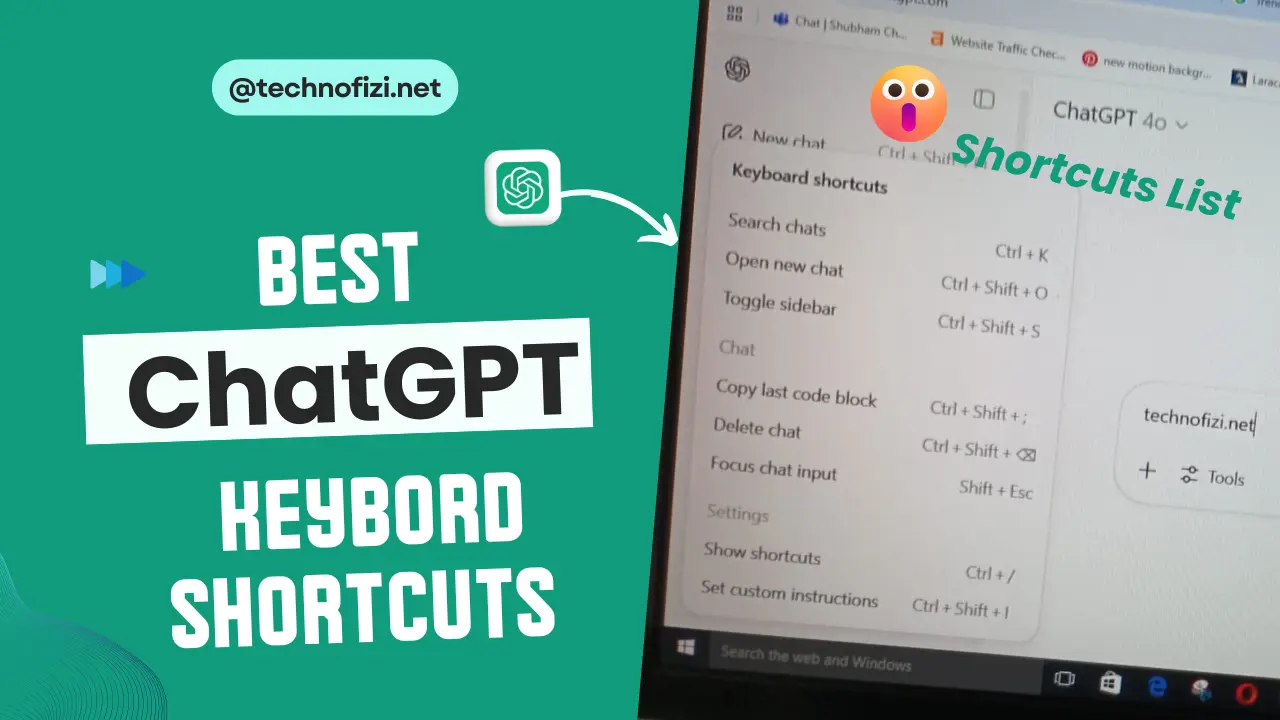
Friends, if you also use ChatGPT but always use the mouse? Then understand that you are wasting your time!
Today I am going to show you some secret keyboard shortcuts, using which you can make your work 3x faster.
See this screenshot – only pro users know about it!
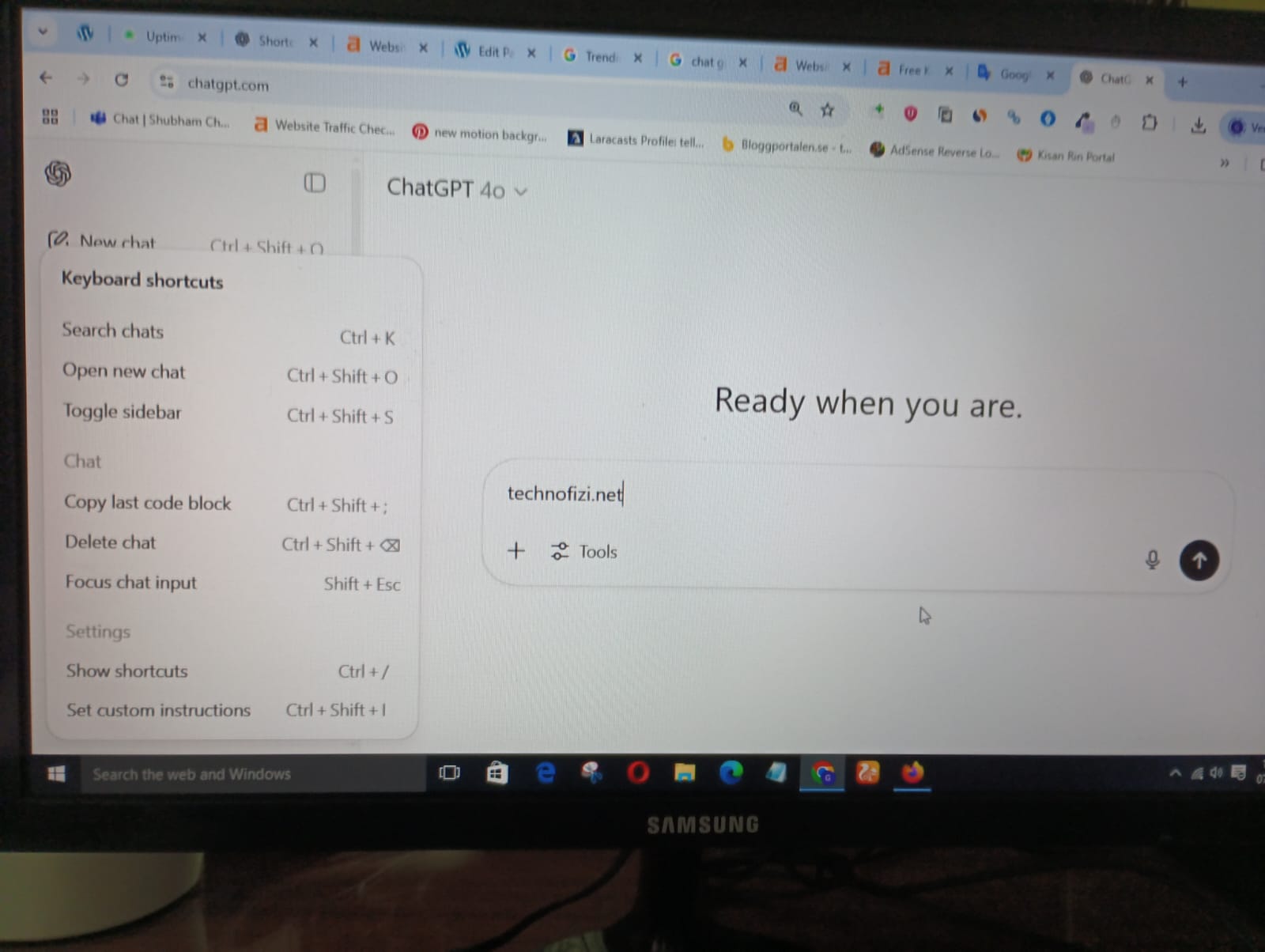
Open AI ChatGPT Keyboard Shortcuts List In 2025
Computer/MaC/Laptop Shortcut
For Search chats:
- Ctrl + K
Open new chat:
- Ctrl + Shift + O
Toggle sidebar:
- Ctrl + Shift + S
Chat Keyboard Shortcuts
Copy last code block:
- Ctrl + Shift + ;
Next message:
- Shift + ↓
Previous message:
- Shift + ↑
Delete chat:
- Ctrl + Shift + ⌘ (the last key is partially unclear but could be Delete or Backspace)
Focus chat input:
- Shift + Esc
ChatGPT Keyboard Shortcuts Windows Settings
Show shortcuts:
- Ctrl + /
Set custom instructions:
- Ctrl + Shift + I
Today ChatGPT Latest Post:-
How To Use ChatGPT Keyboard Shortcuts
Search Chats:-
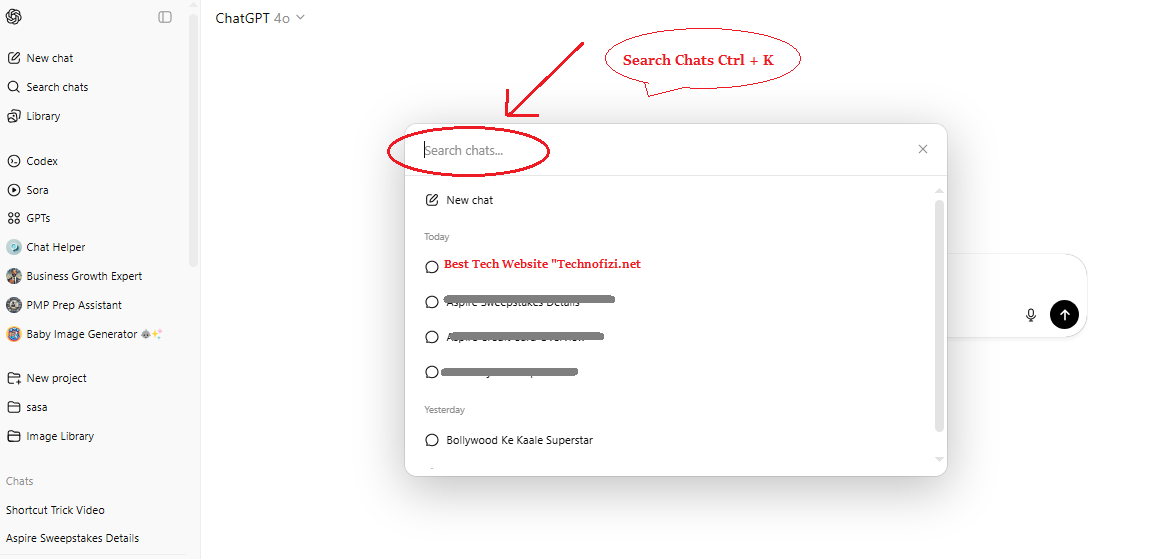
➤ Press Ctrl + K to quickly search for past conversations.
Open New Chat:-
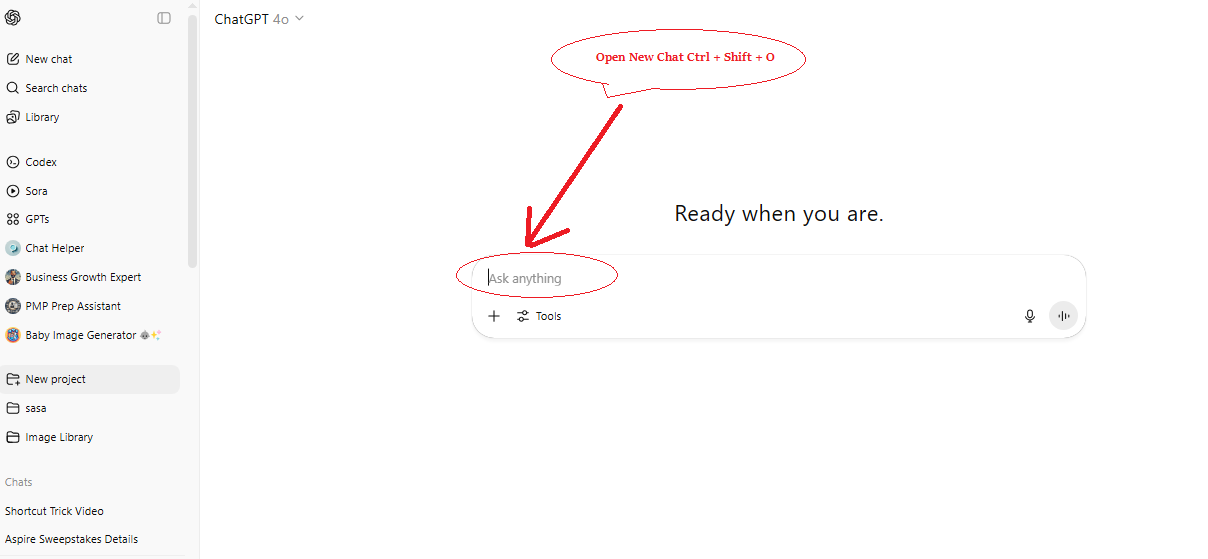
➤ Use Ctrl + Shift + O to start a new chat instantly.
Toggle Sidebar:
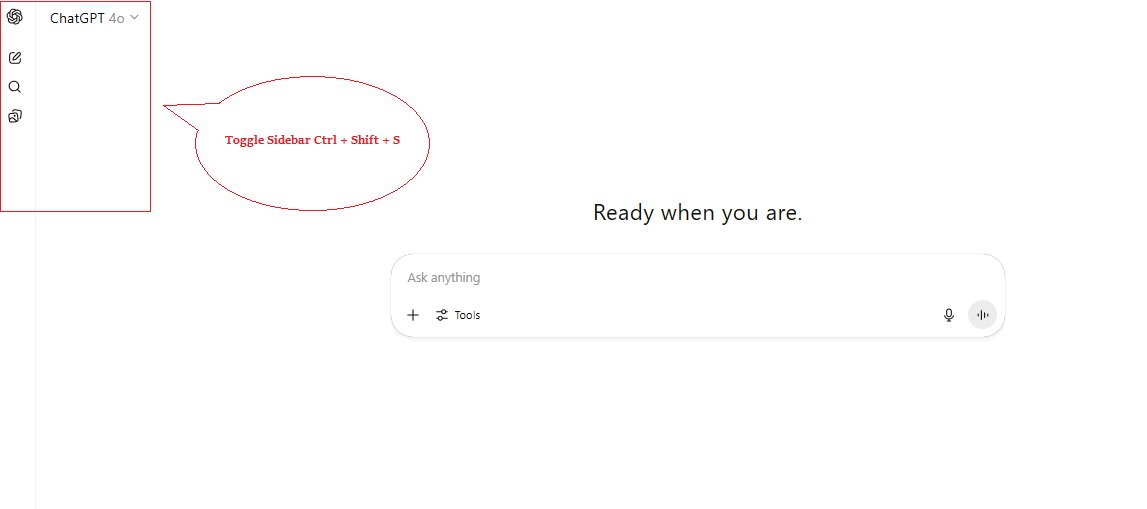
➤ Press Ctrl + Shift + S to show or hide the sidebar.
Copy Last Code Block:-
➤ Press Ctrl + Shift + ; to copy the last code block shared in chat.
Navigate Messages:-
➤ Next message: Shift + ↓
➤ Previous message: Shift + ↑
Delete a Chat:-
➤ Press Ctrl + Shift + ⌘ (and possibly Backspace/Delete) to remove a chat.
Focus on Chat Input:-
➤ Press Shift + Esc to move the cursor directly to the input box.
Show All Shortcuts:-
➤ Use Ctrl + / to display all keyboard shortcuts.
Set Custom Instructions:-
➤ Press Ctrl + Shift + I to access or update custom instructions for ChatGPT.
So friends, in this way you can do your work very easily and very fast by using these keyboard shortcuts of ChatGPT and that too without touching the mouse!