
Looking for a fast, free, and easy way to create a new styles logo? You’re in the right place! In this guide, we’ll explore the best AI logo generators that can create a stunning logo design in minutes, no design skills required.
Simply enter your brand name, and the AI will automatically create the logo. I tested 21+ tools with AI generated logos and ranked them in the top 11 in 2026.
What is an AI Logo Generator?
AI logo generators employ artificial intelligence to create logos based on text prompts or brand characteristics. You just enter your company name, select your style and colors, and the program will produce personalized logo possibilities. These logos can also be personalized with fonts, layouts, icons, and powerful AI Avatar Generator Tools.
Get genuine results with this comprehensive review of the top AI logo generators available today.
To simplify your search, here are the best 8 AI logo creators that produce outstanding designs in minutes:
- Fiverr Logo Maker
- Canva AI Logo Maker
- Wix Logo Maker
- Shopify Hatchful
- Looka
- Design.com
- BrandCrowd
- PixNova
Best AI Logo Generators – Quick Comparison
| Tool Name | Key Features | Ease of Use | Free Trial | Pricing | Best For | Personal Rating |
|---|---|---|---|---|---|---|
| Fiverr Logo Maker | AI-generated logos with customizable templates, instant download, and quick branding setup. | Very easy intuitive drag-and-drop editor. | Yes (free design preview, pay to download). | Starts at $30 (Essential Plan); Pro logos from $45+. | Small businesses and startups needing fast results. | 4.3/5 |
| Looka | AI-powered logo creation, brand kits, social templates, and website builder integration. | Easy; step by step builder with live previews. | Yes (design free, pay to download). | $20 (Basic), $65 (Premium), $96/year (Brand Kit), $129/year (With Website). | Entrepreneurs wanting full brand identity setups. | 4.6/5 |
| Design.com | AI-driven logo ideas, advanced customization, and export options. | Moderate; flexible interface but needs some design sense. | Yes. | Free generation, paid high-resolution files vary. | Freelancers and marketers looking for creative control. | 4.2/5 |
| BrandCrowd | Over 200K templates, drag-and-drop editing, brand kits for social media. | Beginner-friendly; simple customization options. | Yes (preview before purchase). | Starting at $25/month. | E-commerce owners and small online stores. | 3.9/5 |
| PixNova | Completely free AI logo generator, no signup, instant high-quality downloads. | Extremely easy; auto-generation in seconds. | Free forever. | Free. | Creators, students, and startups who want free and fast designs. | 4.4/5 |
| Canva AI Logo Maker | Drag-and-drop editor, thousands of templates, synced with Canva design tools. | Very easy; beginner-friendly and quick. | Yes (free version, Pro unlocks advanced options). | Free basic; $15/month for Pro. | Small business owners and content creators. | 4.7/5 |
| Wix Logo Maker | AI asks questions to personalize logo styles and offers free editing. | Very simple; guided process ideal for non-designers. | Completely free to create and edit. | Free generation; paid downloads for high-res files. | Personal brands and entrepreneurs with Wix websites. | 4.5/5 |
| Shopify Hatchful | Thousands of theme-based templates, no sign-up, instant SVG and PNG files. | Extremely easy; ready-to-use professional templates. | Always free. | Free. | Online entrepreneurs and Shopify store owners. | 4.6/5 |
How to Choose the Right AI Logo Generator for Your Brand
Searching for the best AI logo generator brings up tons of options, and choosing one can feel tricky especially if you’re not a designer.
Here’s what to look for:
- Easy to use interface for beginners
- Multiple file format support (PNG, SVG, JPEG, etc.)
- Fits your budget or offers a good free plan
- Customization tools for fonts, colors, and icons
Using these filters makes it simple to find the perfect AI logo design maker that matches your brand’s style and goals.
11 Best AI Logo Makers of 2025 – Ranked by Design Quality, Pricing & Custom Options
After trying a few trending branding tools, these are my favorite ones for creating professional logos.
1. Fiverr Logo Maker – Create Stunning AI Logos Fast
Fiverr Logo Maker makes it very simple to create a distinctive logo in minutes.
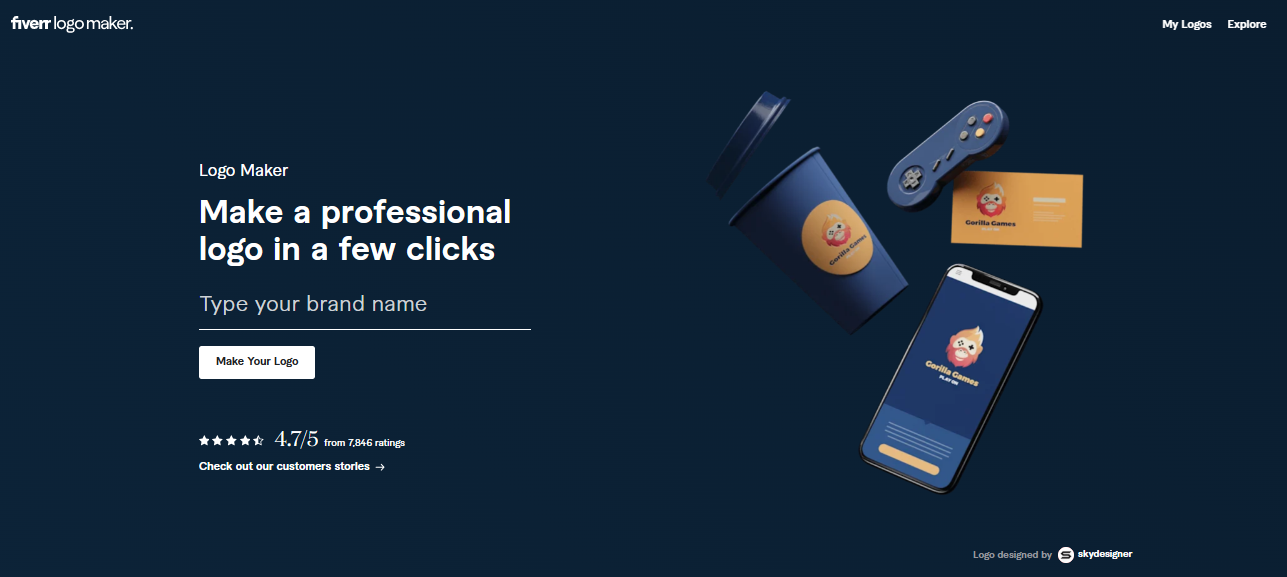
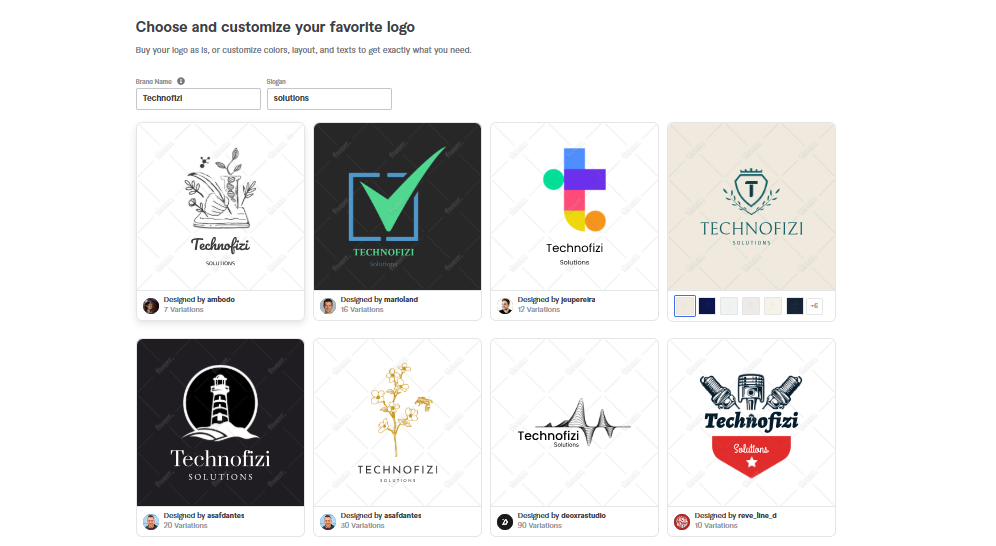
It combines artificial intelligence with genuine designer talent to create professional-looking logos that are matched to your company’s style and industry. No design abilities are required; simply answer a few questions to obtain fast answers.
Pros of Fiverr Logo Maker
- Easy to use with AI assistance
- Customizable layouts and fonts
- Combines AI with real designer inputs
- Quick turnaround and professional templates
Cons of Fiverr Logo Maker
- Limited post purchase editing
- Some designs may look similar across users
- Advanced options require higher packages
Pricing
- Essential Plan: $30
- Professional Plan: $60
- Unlimited Plan: $90
Official Link
2. Canva AI Logo Maker – Easy Free Logo Design Online
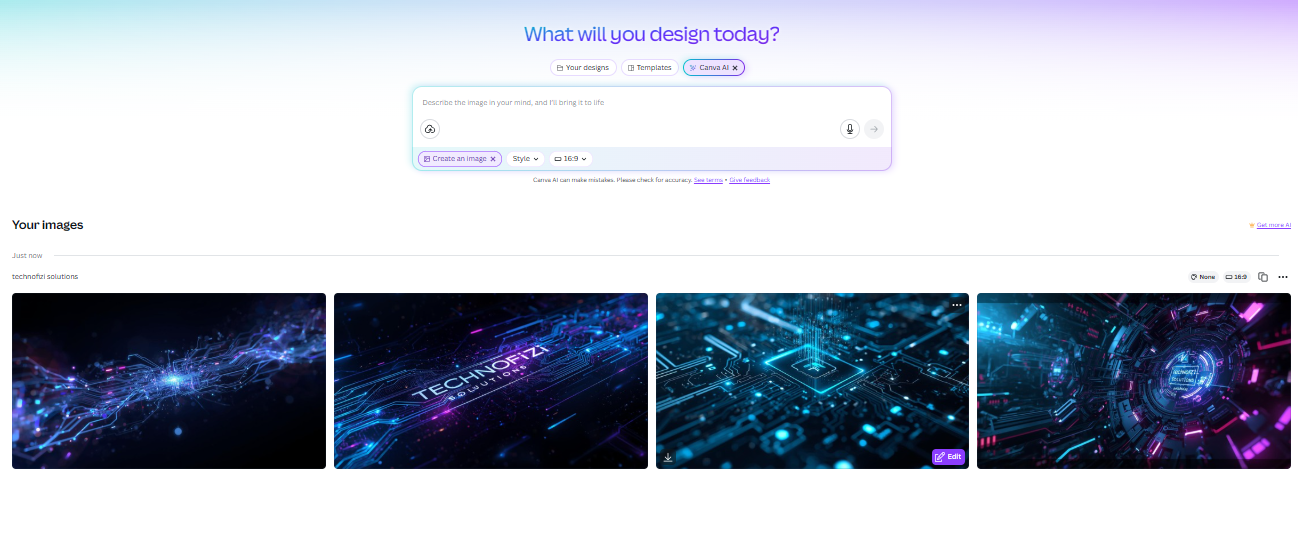
Canva AI Logo Maker is an easy to use application that allows anybody to create great logos without prior design skills.
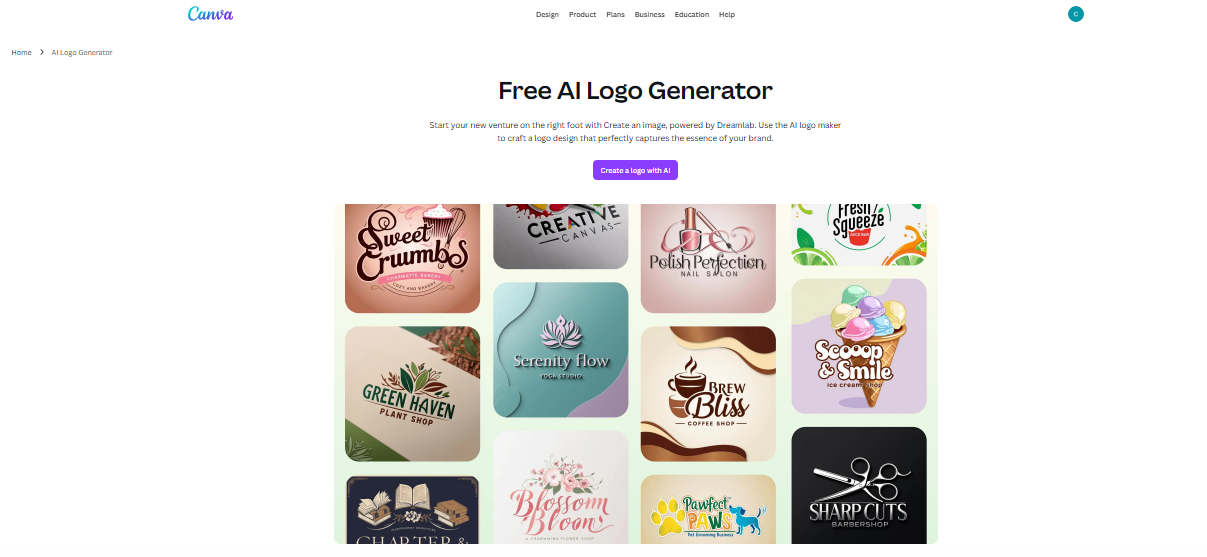
Its drag and drop designer includes millions of templates and AI powered creative capabilities to make logo creation simple and enjoyable. It provides customizable and seamless export choices for all of your branding requirements.
Pros of Canva AI Logo Maker
- Very easy to use with lots of templates
- Strong AI tools for logo and image generation
- Free to use with option to upgrade for more features
- Integrated with Canva’s full design ecosystem
Cons of Canva AI Logo Maker
- Free plan has limited premium assets
- AI design credits are limited per month
- Advanced features require paid plans
Pricing
- Free plan with basic features and 5GB storage
- Pro plan: $15/month or $120/year, unlocking premium templates, 1TB storage, and full AI credits
- Teams plan: Starts at $10/user/month for collaboration and brand controls
Official Link
3. Wix Logo Maker – AI Powered Logo Design for Your Brand
Wix Logo Maker makes use of artificial intelligence to assist you in creating a logo that reflects the personality of your company.
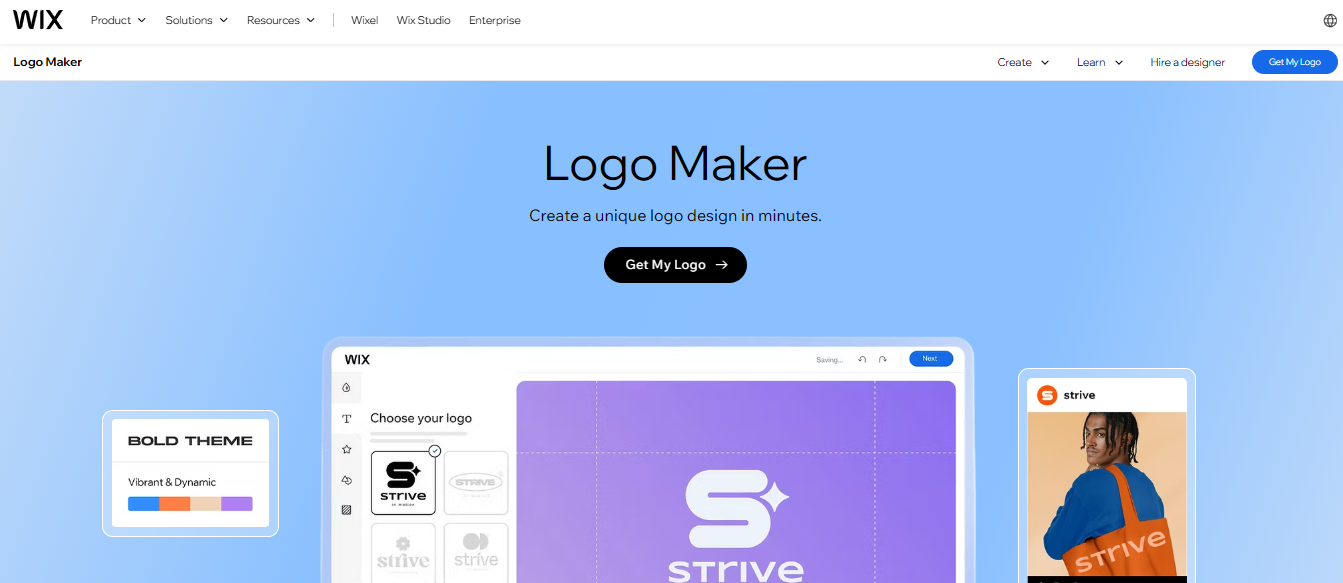
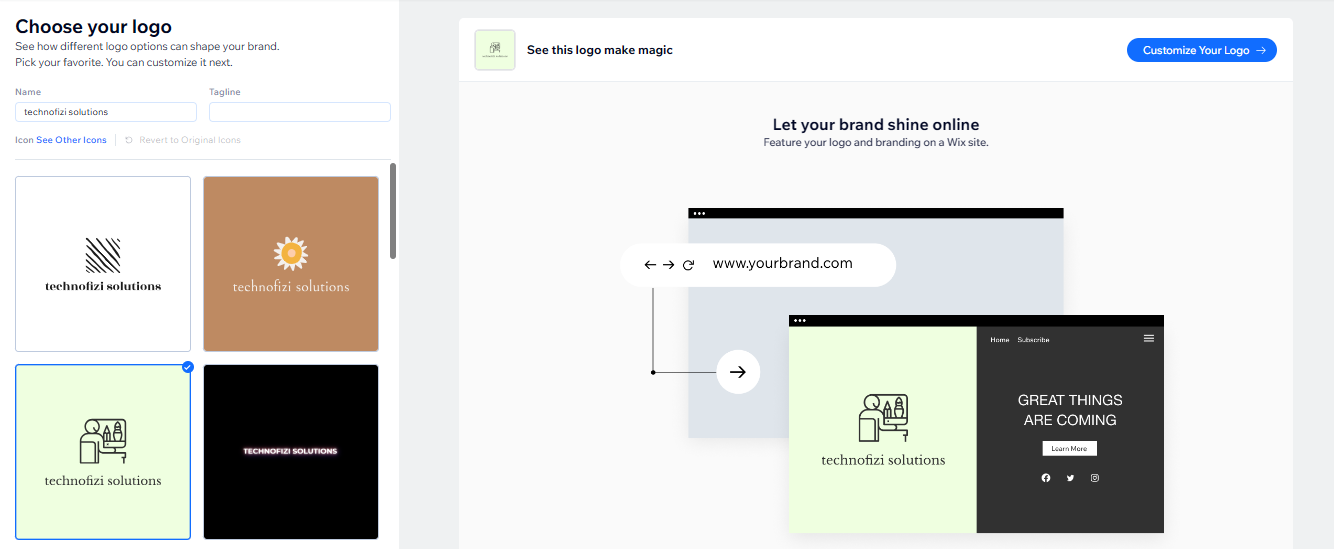
You begin by completing a few basic questions about your business and preferences. The AI creates several logo alternatives that you may easily tweak. It’s free to test, with inexpensive upgrade options for high resolution files and extras.
Pros of Wix Logo Maker
- Easy AI driven logo creation
- Free to design logos without payment
- Fully customizable logos with various file formats
- Option to bundle with website plans
Cons of Wix Logo Maker
- High res logos and full brand kits require payment
- No free post-purchase edits (must pay for revised files)
- Subscription plans auto-renew, watch renewal dates
Pricing
- Basic Plan: $49 (one-time) for high res PNGs
- Advanced Plan: $99 (one-time) adds scalable SVG and social media files
- Value Plan: $11/month (website + logo bundle)
- Professional Plan: $16/month (more assets + website)
- Deluxe Plan: $24/month with priority support
Official Link
4. Shopify Hatchful – Free AI Logo Maker for Businesses
Shopify Hatchful is a free AI powered logo builder for all types of businesses.
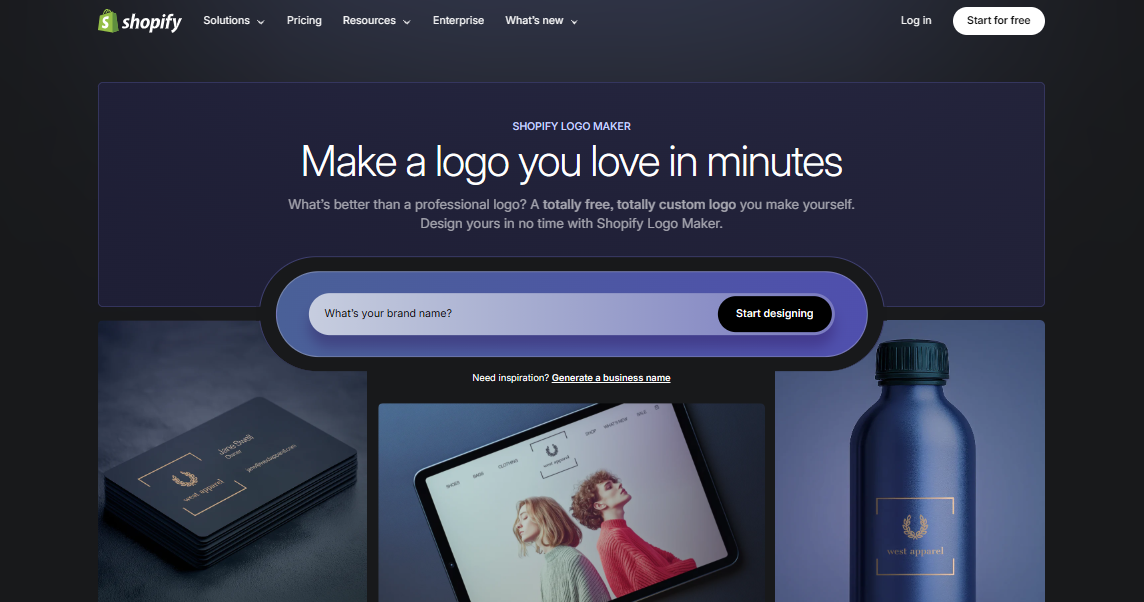
It includes hundreds of industry specific templates and allows you to easily adjust fonts, colors, and layouts. The program generates high resolution logos and social media branding kits, making it suitable for startups and small enterprises.
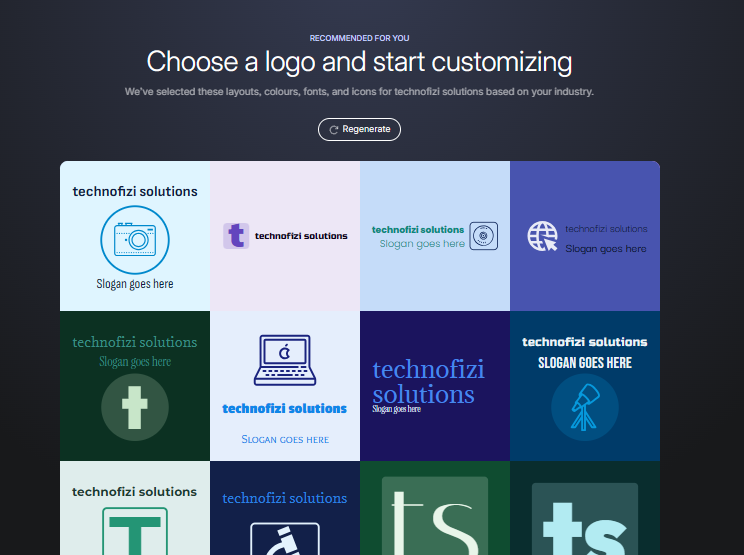
Pros of Shopify Hatchful
- Create withoui Login
- Completely free to use, no hidden fees
- Easy and intuitive with industry-targeted templates
- Provides social media branding kits
- Suitable for non-designers and starters
Cons of Shopify Hatchful
- Limited advanced customization
- No paid premium plan with extras
- Branding options are basic compared to paid tools
Pricing
- Free (no subscription or hidden costs)
- Optional paid Shopify store plans for ecommerce features (separate)
Official Link
5. Looka – Professional AI Logo Generator with Custom Options
Looka is a smart AI logo generator that enables businesses to instantly generate professional logos and brand identities.
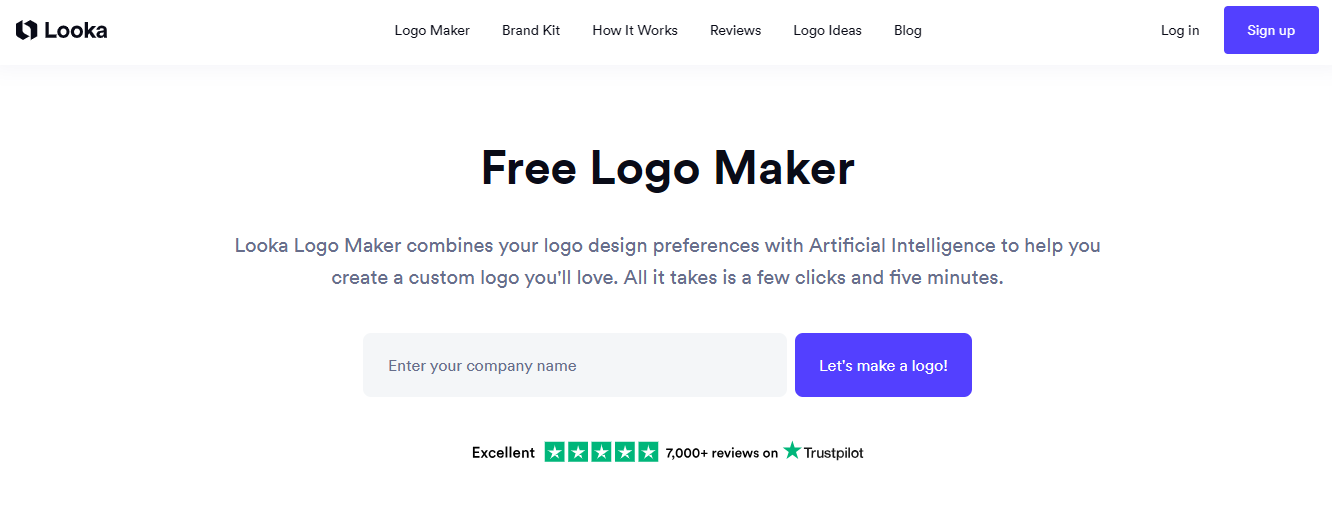
It walks customers through a simple process of selecting styles, colors, and symbols before generating several logo alternatives. Its customization options allow you to fine-tune every element for a really distinctive brand identity.
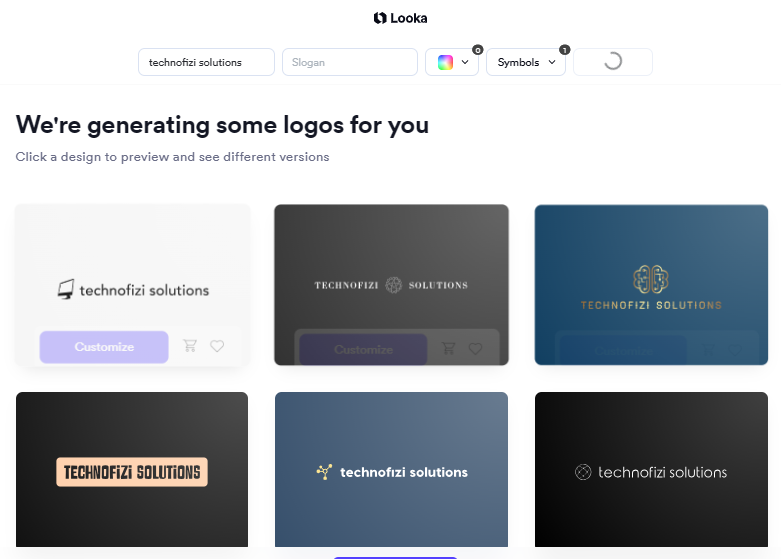
Pros of Looka
- Easy and guided logo design process
- High quality, customizable logos
- Offers brand kits and marketing assets
- Transparent pricing and free to design
Cons of Looka
- Basic logo package offers limited file types
- Need subscriptions for full branding features
- AI may produce less unique logos if input is generic
- Not avelable in india
Pricing
- Basic Logo Package: $20 (one-time, low-res PNG)
- Premium Logo Package: $65 (one-time, high-res files + ownership)
- Brand Kit Subscription: $96/year (marketing materials)
- Brand Kit + Website Subscription: $129/year (plus website builder)
Official Link
6. Design.com – Quick & Creative AI Logo Maker
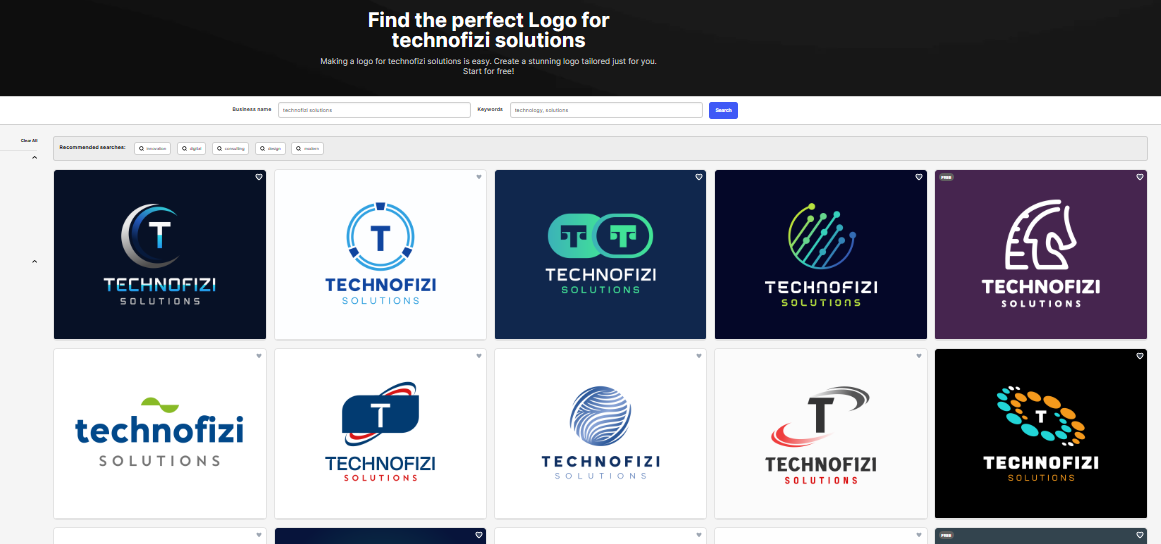
Design.com is a flexible AI powered logo builder that allows users to design great logos and branding materials rapidly.
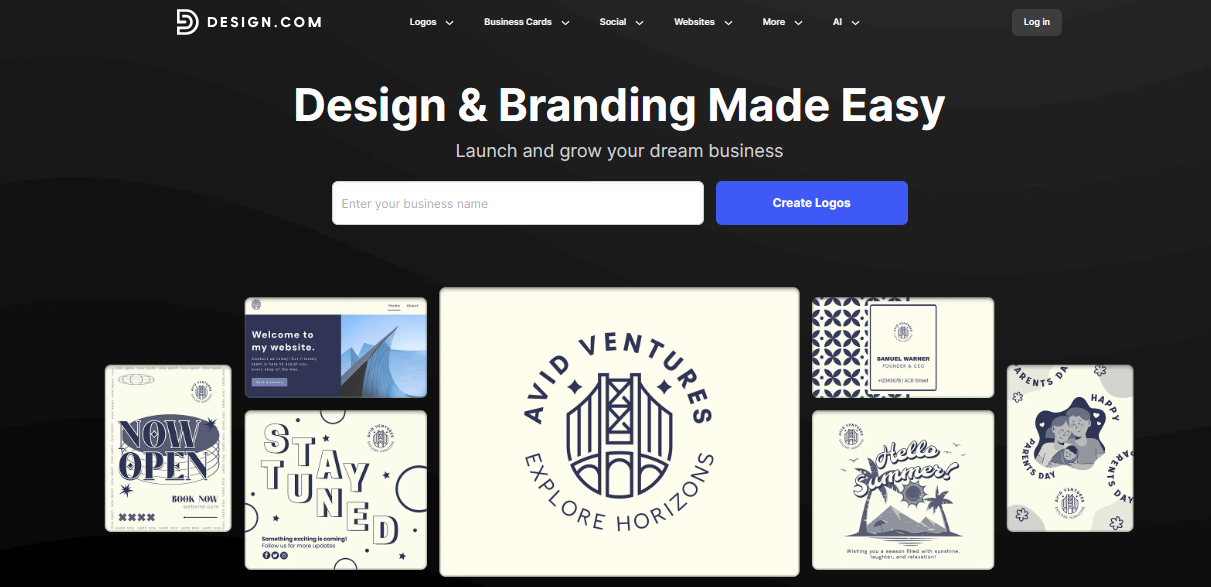
With AI, you can create professional graphics, business cards, and social media images in seconds. It offers a variety of customisable templates tailored to different sectors and ability levels.
Pros of Design.com
- Fast logo generation with AI
- Easy to use without design experience
- Includes business cards and social media visuals
- Extensive template library
Cons of Design.com
- Limited advanced customization options
- Pricing details unclear, may require subscription for premium features
Pricing
- Free to create logos
- Purchase needed for high-resolution downloads and premium features
- Subscription pricing varies; contact for details
Official Link
7. BrandCrowd – Custom AI Logos for Any Brand
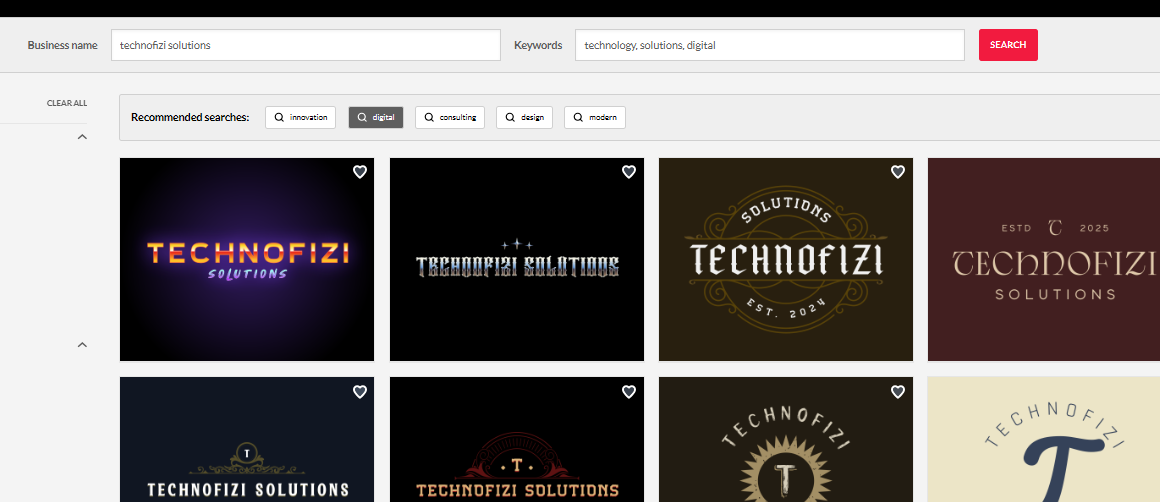
BrandCrowd is a quick and user friendly AI logo builder with thousands of templates to select from.
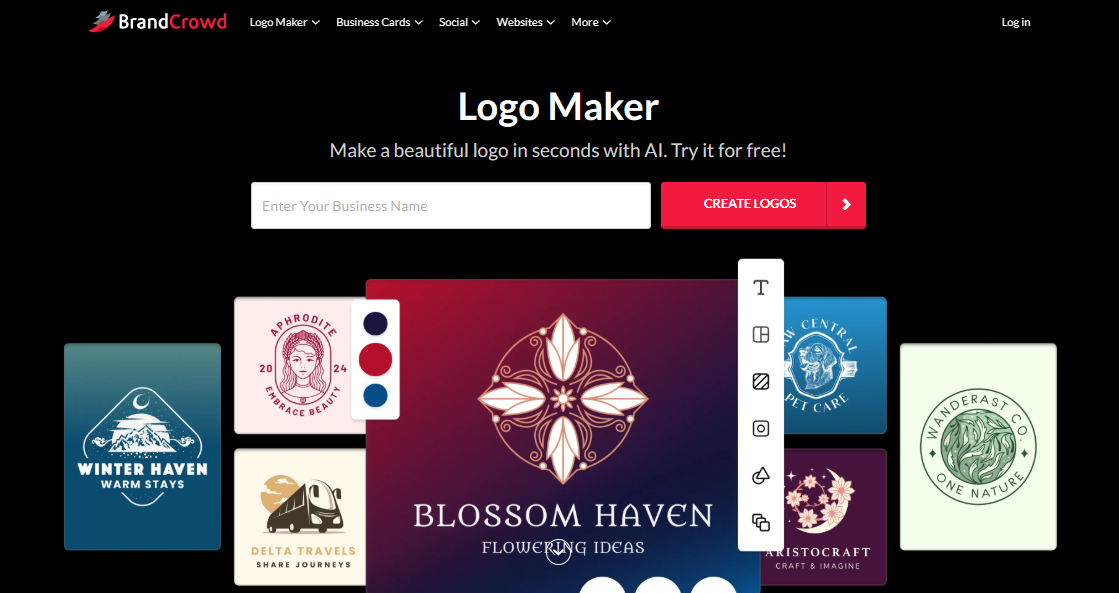
It is suitable for both novices and professionals because to its simple drag and drop editing interface. You may develop logos, business cards, and branding packages. Its online marketplace also includes pre made logos for easy selection and personalization.
Pros of BrandCrowd
- Large template library with 21,000+ options
- User-friendly customization tools
- Business card and branding kit support
- Access to premade logos marketplace
Cons of BrandCrowd
- Pricing can be costly for small budgets
- Some logos lack originality
- Subscription needed for unlimited edits and downloads
Pricing
- Free version available with limited downloads
- Premium Logo Pack: $25/month (unlimited edits, downloads, commercial use)
- Premium Logo + Website Pack: $34/month (adds landing page website)
- License options: standard, buy out, exclusive ownership
Official Link
8. PixNova – Smart AI Logo Design Tool Online
PixNova is a free and quick AI logo creation tool that creates one of a kind logos for your company. It enables for easy modification by incorporating styles and creative concepts.
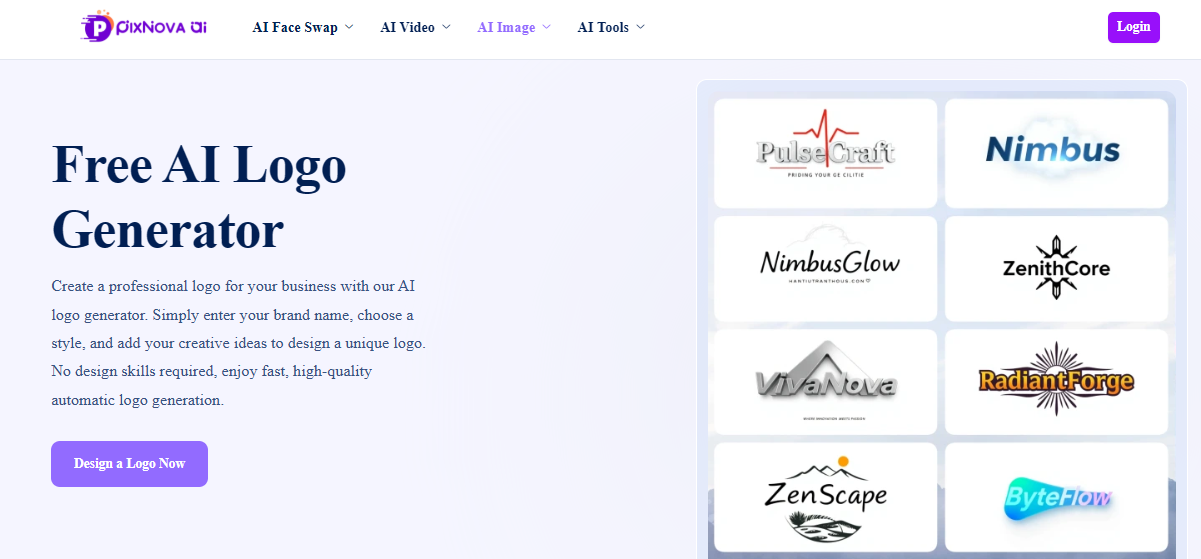
With high resolution downloads, it is ideal for firms that do not have design abilities and want to create a logo quickly.
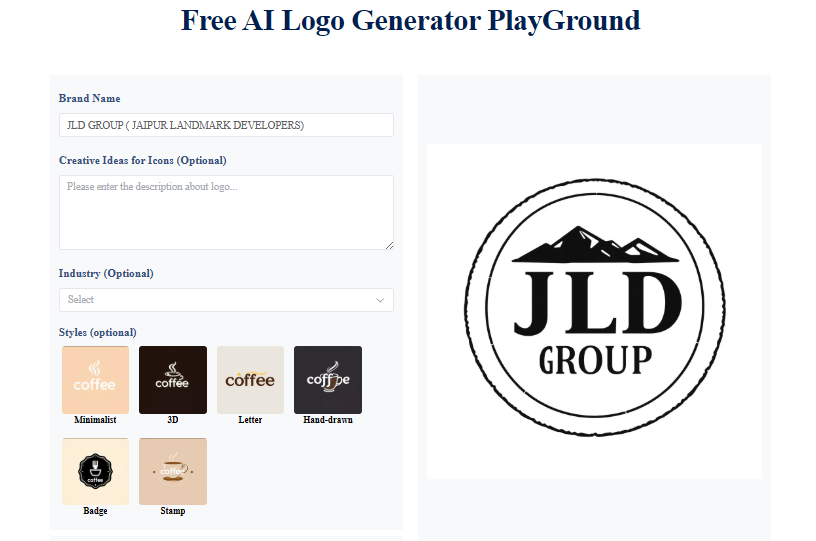
Pros of PixNova
- Completely free with no hidden costs
- Easy to use, no signup required
- High-quality logos optimized for various industries
- Option to customize styles and ideas
Cons of PixNova
- Limited advanced editing options
- May have usage limits per day
- Less suitable for highly unique or complex logos
Pricing
- Free for all basic features and logo downloads
- No subscription or premium plans currently
Official Link
9. Tailor Brands – AI Logo Maker for Unique Brand Designs
Tailor Brands is an artificial intelligence powered tool that allows entrepreneurs and businesses to easily develop distinctive logos and comprehensive brand identities.
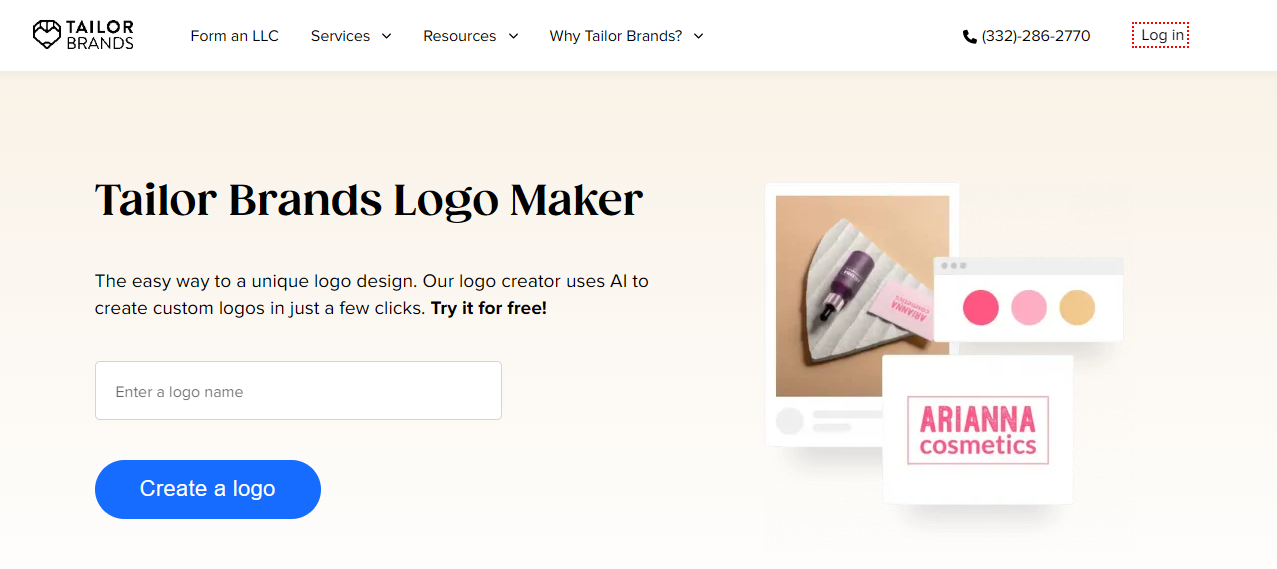
It provides extensive customization options for fonts, icons, and colors, as well as additional features like as business cards, websites, and social network content. The solution strikes a mix between AI automation and user control to enable various branding.
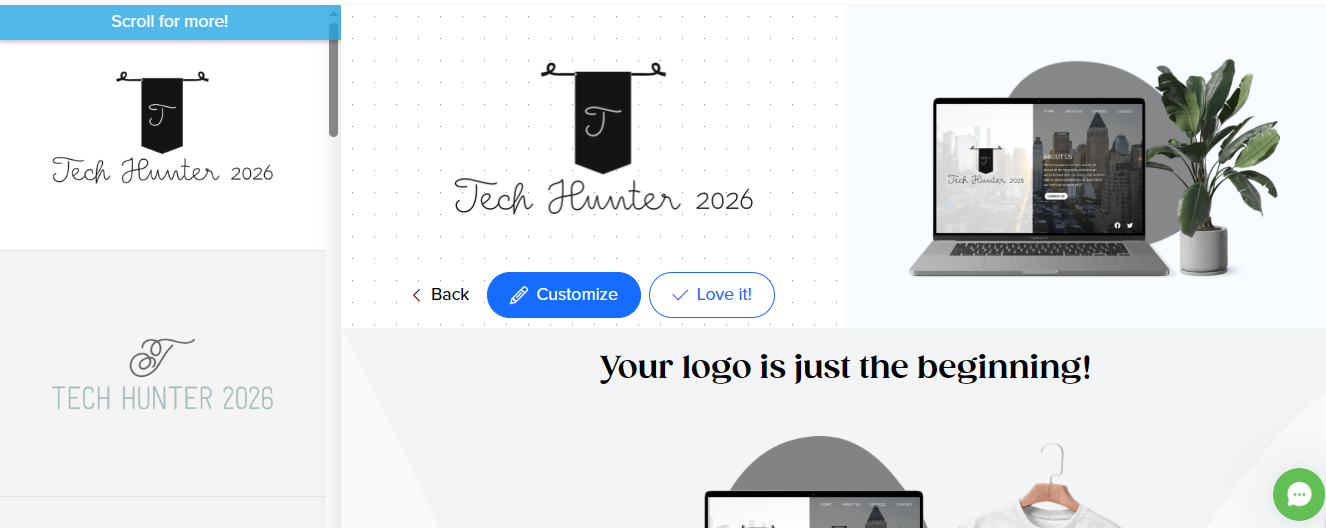
Pros of Tailor Brands
- Easy AI-driven design process
- Extensive branding tools beyond logos
- High res logo files with multiple formats
- Social media asset support included
Cons of Tailor Brands
- Subscription based pricing may feel complex
- Only one logo per subscription
- Some creative limits in editing options
Pricing
- Basic Plan: $3.99/month billed annually (logo ownership, business card, website builder)
- Standard Plan: $5.99/month (adds vector files, branded decks, blog)
- Premium Plan: $12.99/month (includes social media tools, analytics, online store)
- Monthly and multi-year options available
Official Link
10. LogoAI – Smart AI Logo Creator for Modern Businesses
LogoAI is a cutting edge AI logo generator that creates professional logos instantly. It has comprehensive editing capabilities and outputs logos in a variety of formats, including SVG, PNG, and vector files.
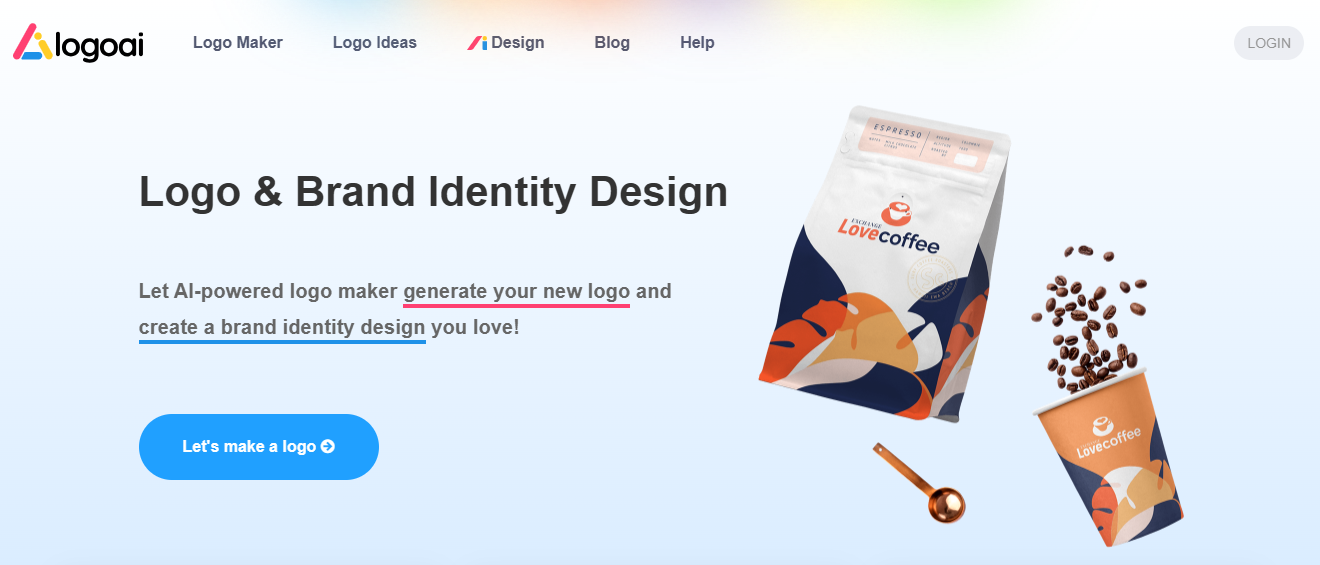
LogoAI combines automation with customisation, making it ideal for startups and agencies that want sophisticated brand designs.
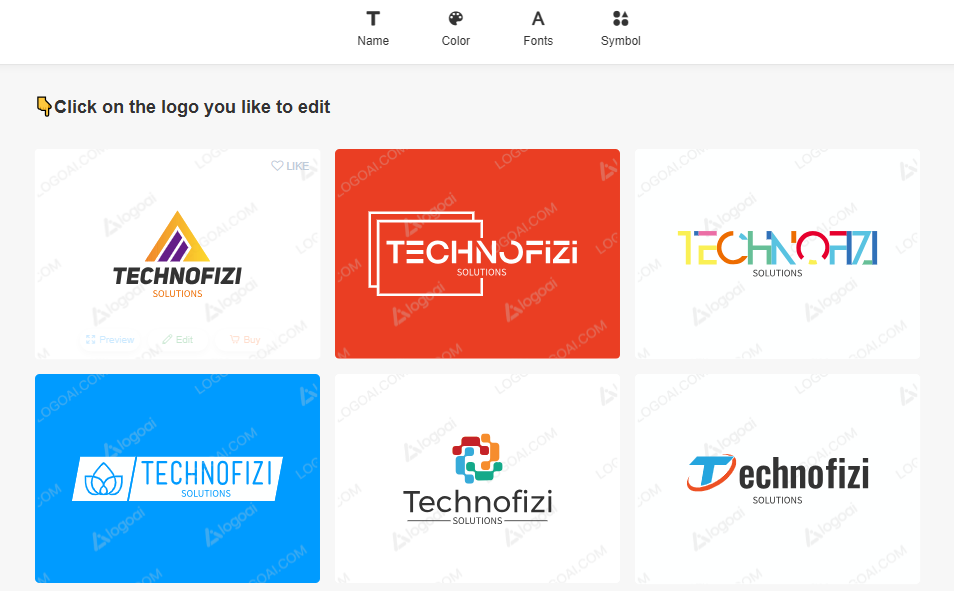
Pros of LogoAI
- Advanced AI logo generation with editing
- Multiple export formats including vectors
- Commercial use license included
- Customizable designs and rich template library
Cons of LogoAI
- No free logo download option
- Logo edits only allowed within 3 days of purchase
- Subscription required for premium features and high-res files
Pricing
- Basic Plan: $29 one-time (standard logos, PNG)
- Pro Plan: $59 one-time (high res, vector files)
- Brand Plan: $99 one-time (full brand kit, animated logos)
Official Link
11. Hatchwise – AI-Powered Logo Design Platform
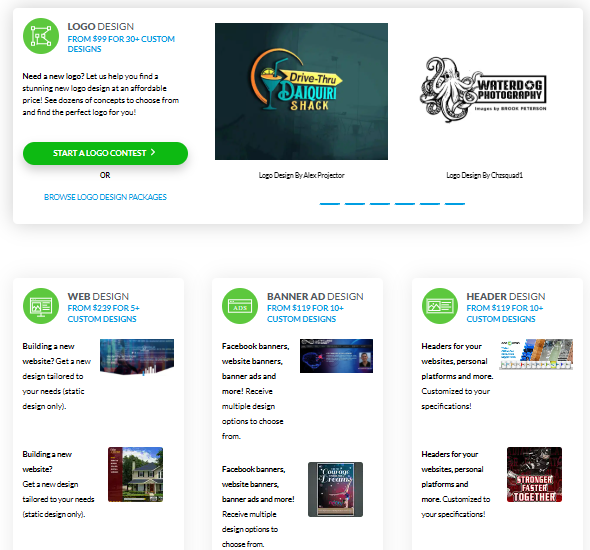
Hatchwise is a unique crowdsourced logo design service in which numerous professional designers contribute logo designs based on your requirement.
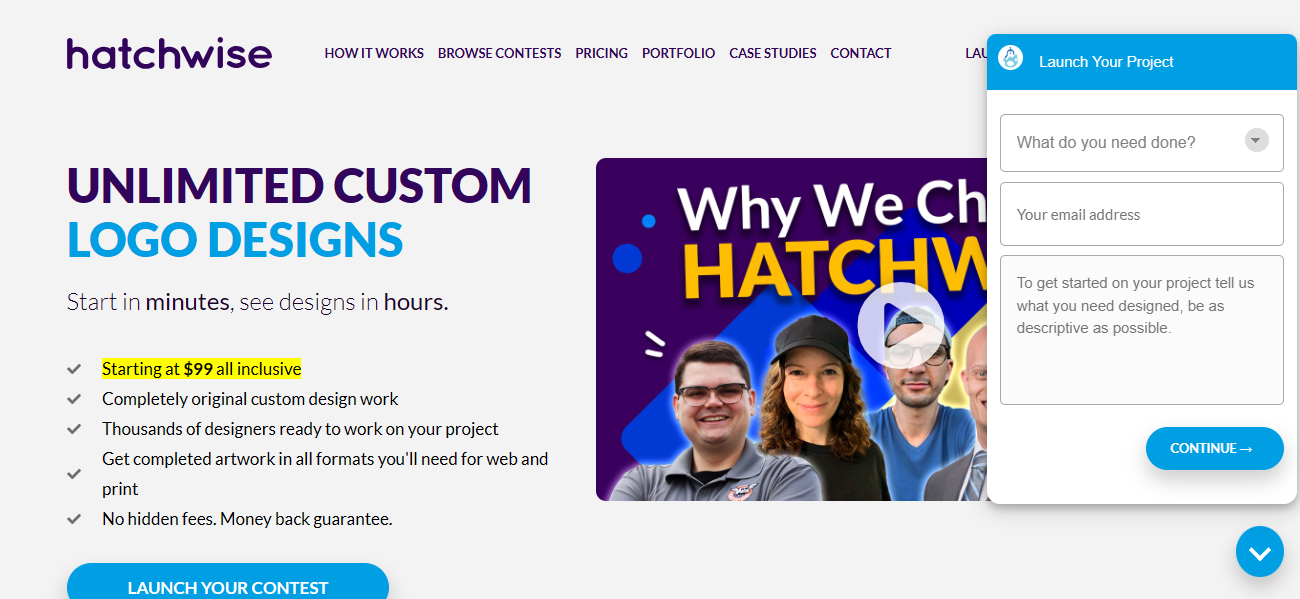
Starting at $99, you receive at least 30 original logo entries from diverse creatives, with unlimited revisions and file ownership included. Hatchwise offers a money-back guarantee to ensure your pleasure.
Pros of Hatchwise
- Multiple logo designs from various creatives
- Unlimited revisions and original artwork
- Money-back guarantee if minimum entries not met
- Dedicated support and contest upgrades available
Cons of Hatchwise
- Pricing higher compared to typical AI logo generators
- Longer waiting time due to contest nature
- Not fully automated like AI tools; depends on human designers
Pricing
- Bronze Package (minimum 30 logos): $99 + $49 listing fee
- Silver Package (70+ logos): $189 + $49 listing fee
- Gold Package (130+ logos): $279 + $49 listing fee
- Unlimited Package: $399 + $49 listing fee
- Contest upgrades like private, rush, and featured contests extra
Official Link
Clothing Brand Logo Generator AI Tool List
- Canva AI Logo Generator
- Looka Logo Maker
- LogoAI
- Brandmark.io
- Kittl
- Fotor AI Logo Generator
- Designhill AI Logo Maker
- Designs.ai Logo Maker
- Hatchful by Shopify
- Adobe Express Logo Maker
- LogoMakr
AI Logo Generator With Prompt Tool Name
- Create a fun, colorful logo for a kids learning brand named MelonStore. (Canva AI Logo Generator)
- Professional logo for a digital marketing agency with gradient blue and white colors. (Logo AI)
- Clean, minimalist logo for an organic skincare brand. (Loka)
- Modern logo for a startup focusing on AI automation tools. (Designhill)
- Logo for a vegan restaurant named GreenBite with leaf icon and earthy tones. (Brandmark.io)
- Luxury gold logo for a jewelry brand named ShineAura. (Fotor AI)
AI Logo Generator Free Video Guide
Conclusion
AI logo generators in 2025 make professional logo development quick, cheap, and easy. Tools such as Fiverr Logo Maker, Canva AI Logo Maker, Wix Logo Maker, Shopify Hatchful, Looka, Design.com, BrandCrowd, PixNova, Tailor Brands, LogoAI, and Hatchwise provide a wide range of functionality to meet any demand. Whether free or commercial, these systems enable firms to create distinctive brand identities without requiring creative expertise.
FAQs
Q6. What is the best AI logo generator in 2025?
Ans: Fiverr Logo Maker stands out for combining real designer input with AI for unique, professional logos.
Q5. Are AI logo generators free?
Ans: Some offer free trials, but downloading high quality files typically requires payment.
Q4. Is AI logo design better than hiring a human designer?
Ans: AI is faster and cheaper, suitable for many; however, Fiverr’s hybrid approach adds a human touch.
Q3. How much do AI logo generators cost?
Ans: Prices range from $11 to $129 based on features, customization, and file types.
Q2. Which AI logo maker is best for beginners?
Ans: Canva AI Logo Maker and Wix Logo Maker provide very user-friendly drag-and-drop interfaces.
Q1. Do AI tools provide full branding kits?
Ans: Yes, platforms like Looka and Tailor Brands include logos, social media assets, and brand guidelines.