
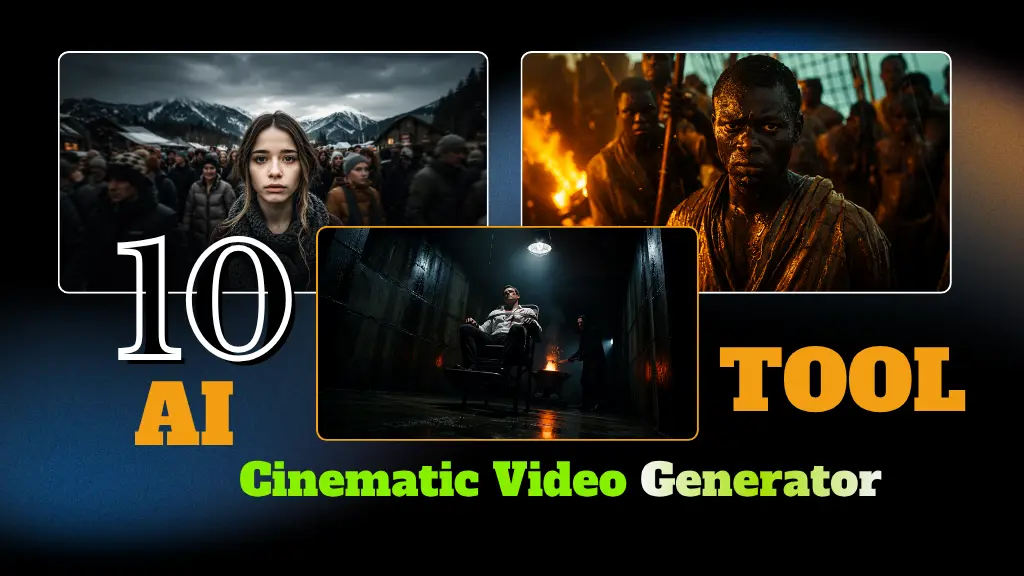
If you are searching for the best AI Cinematic Video Generator to create viral cinematic videos? Then you are at the right place. Nowadays, AI cinematic videos are trending everywhere on Instagram Reels, YouTube Shorts, and TikTok.
With just a few clicks, you can create stunning movie style videos, slow motion scenes, and aesthetic AI edits.
In this post, we will share the best 10 free AI Cinematic Video Generator tools that can help you create viral videos in 2026.
What is Cinematic Video?
A cinematic video is one that seems and feels like a film scene. It creates a stunning visual experience with professionalstyle effects like smooth camera movements, dramatic lighting, slow motion, color grading, and emotional background music.
Creators now utilize AI Cinematic Video Generator tools to effortlessly create viral cinematic movies for Instagram Reels, YouTube Shorts, TikTok, and other social media platforms without the need for expert editing skills.
Read Full Article:- Kiss & Hug Video Generator
Ai Cinematic Video Meins
| Point | Details |
|---|---|
| AI Cinematic Video | Create movie style videos using AI tools |
| Text to Video | Generate videos from simple prompts |
| Realistic Effects | Add cinematic lighting and camera motion |
| Fast Editing | Create videos in minutes without editing skills |
| Best For | Reels, Shorts, YouTube, and ads |
Top 10 Best AI Cinematic Video Generator Tools (2026) | Create 1 Minute AI Videos for Free
- www.imagine.art
- lumalabs.ai
- invideo.io
- leonardo.ai
- artlist.io
- www.veed.io
- pictory.ai
- www.revid.ai
- www.media.io
- vizard.ai
Now, let’s explore all these AI Cinematic Video Generator tools one by one, including their Features, Pros & Cons, so you can easily choose the best tool for creating viral cinematic videos.
1. www.imagine.art
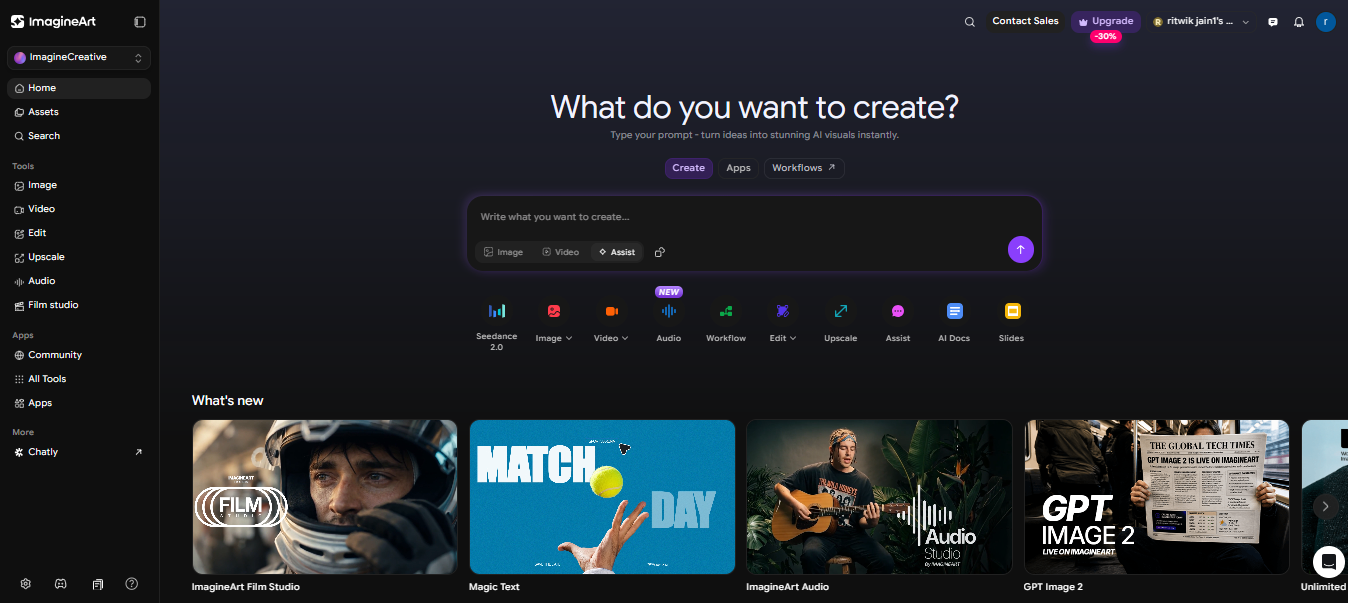
Imagine.art is an AI powered cinematic video generator that enables producers to convert text prompts into high quality videos in minutes. It provides realistic images, fluid camera motions, cinematic effects, and a variety of art styles for creating reels, advertisements, narrative, and social media material without requiring significant editing abilities.
Create Video With Text Prompt:- https://www.imagine.art/video
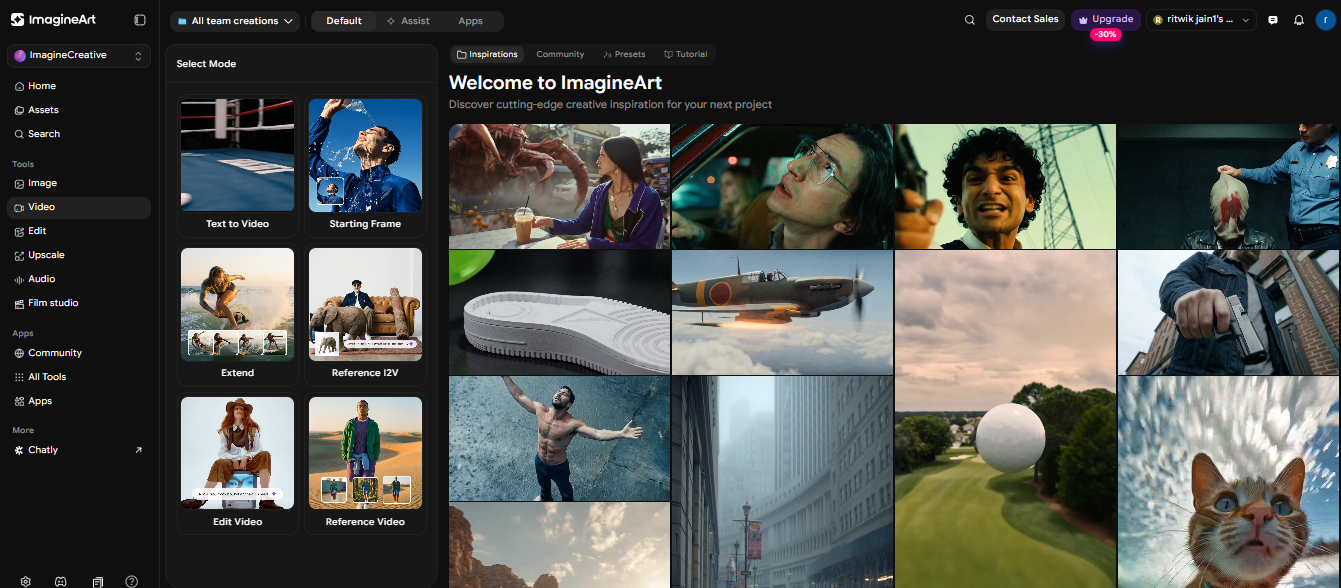
Imagine.art Tool Key Features:
- Text to cinematic video generation
- AI camera movements and transitions
- Multiple cinematic styles and presets
- Realistic AI visuals and animations
- Fast video rendering
- Supports social media video formats
- Easy prompt-based workflow
- AI image to video conversion
- High-quality HD output
- Beginner friendly interface
Imagine.art Tool Pros & Cons:
Pros:
- Simple and easy to use
- Generates cinematic quality videos quickly
- Good for YouTube Shorts and Instagram Reels
- No professional editing skills required
- Multiple creative styles available
Cons:
- Advanced features may require paid plans
- AI results can vary depending on prompts
- Rendering may take time for longer videos
- Limited manual editing controls compared to professional software
2. lumalabs.ai
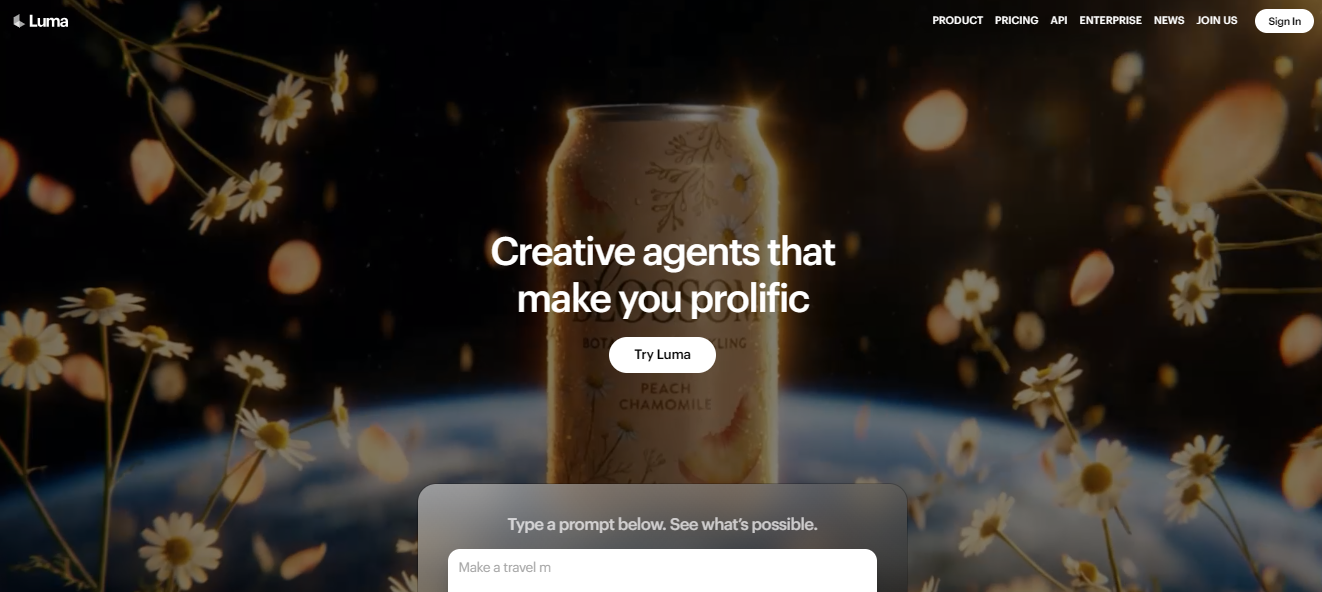
Luma AI is a advanced AI video generation platform that generates realistic cinematic films, 3D sceneries, and animations from text prompts and photos. It is famous among producers for its fluid motion, realistic lighting, rapid rendering, and professional quality images, which are utilized in cinema, narrative, advertising, and social media content production.
Create Ai Cinematic Video For Free:- https://app.lumalabs.ai/
Luma AI Tool Key Features:-
- Easy to use & text to video generation
- Image to cinematic video conversion
- Realistic camera movements
- 3D scene creation
- HD cinematic effects
- Fast rendering technology
- Realistic lighting and motion
- Multiple video styles and presets
- Supports social media content creation
Luma AI Tool Pros & Cons:-
Pros:
- Produces highly realistic cinematic videos
- Great for storytelling and creative projects
- Smooth motion and camera control
- Beginner friendly platform
- Fast AI video generation
Cons:
- Premium features require paid subscription
- Output quality depends on prompt quality
- Limited advanced manual editing options
- Rendering complex scenes may take time
3. invideo.io
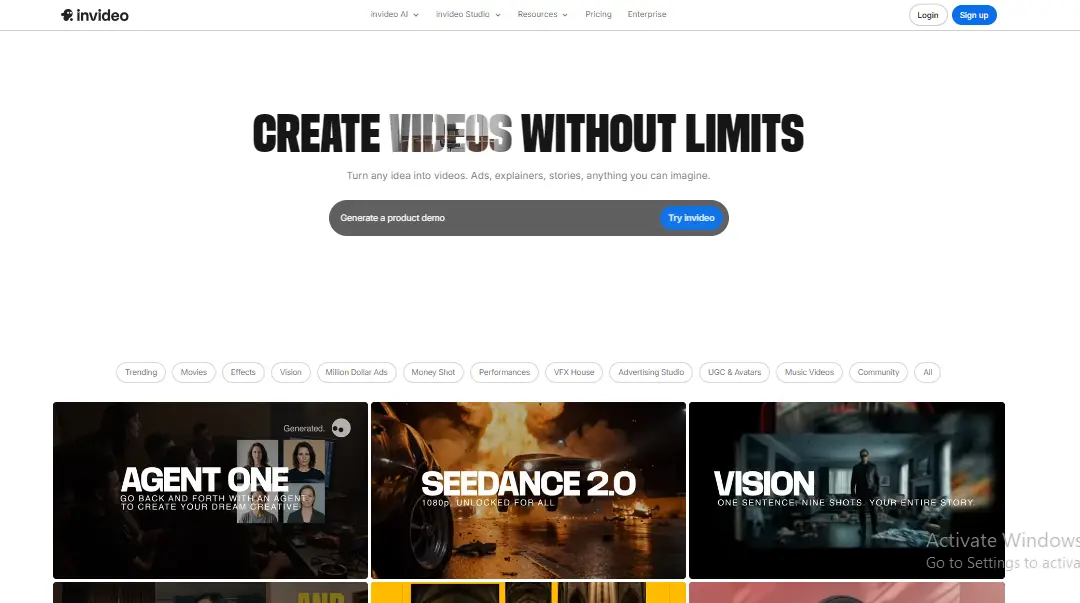
InVideo AI is an online AI movie production platform that enables users to create professional videos using text prompts, scripts, or ideas in only minutes. It provides ready-made templates, AI voiceovers, stock media, subtitles, and automated editing tools to simplify video creation for YouTube, Instagram, marketing, and business content providers.
Create Video Without Limit as Free: https://ai.invideo.io/
InVideo Io Tool Key Features:-
- Create HD Text to video with Voice
- AI script to video conversion
- Thousands of ready-made templates
- Automatic subtitles and captions
- Stock videos and music library
- Drag and drop video editor
- Social media video formats (30 to 60 fps with 4k & 8k)
- Team collaboration support
- HD video export
InVideo Io Tool Pros & Cons:-
Pros:
- Create Without Limit
- Very beginner friendly interface
- Fast video creation process
- Huge template and media library
- Great for YouTube and Instagram content
- No advanced editing skills needed
Cons:
- Free version includes watermark
- Some premium assets require paid plan
- AI generated videos may need manual editing
- Rendering speed can vary on complex projects
4. leonardo.ai
Leonardo AI is a powerful AI creative platform that can generate high-quality photos, cinematic artwork, gaming assets, and AI graphics from text prompts. It uses powerful AI models to swiftly create realistic or styled material, making it popular among designers, marketers, filmmakers, and social media professionals all around the world.
Generate now video: https://leonardo.ai/ai-video-generator
Leonardo Ai Tool Key Features:-
- AI text to image & video generation
- Cinematic artwork creation
- Multiple AI art styles and models
- This tool image enhancement and background removal and editing
- High resolution image output
- Realistic and fantasy art generation
- Prompt customization controls
Leonardo Ai Tool Pros & Cons:-
Pros:
- High quality realistic image generation
- Beginner friendly interface
- Large variety of art styles
- Great for thumbnails and social media visuals
- Fast AI rendering speed
Cons:
- Free credits are limited
- Some advanced features require subscription
- Results depend heavily on prompts
- Video generation features are limited compared to dedicated AI video tools
5. artlist.io
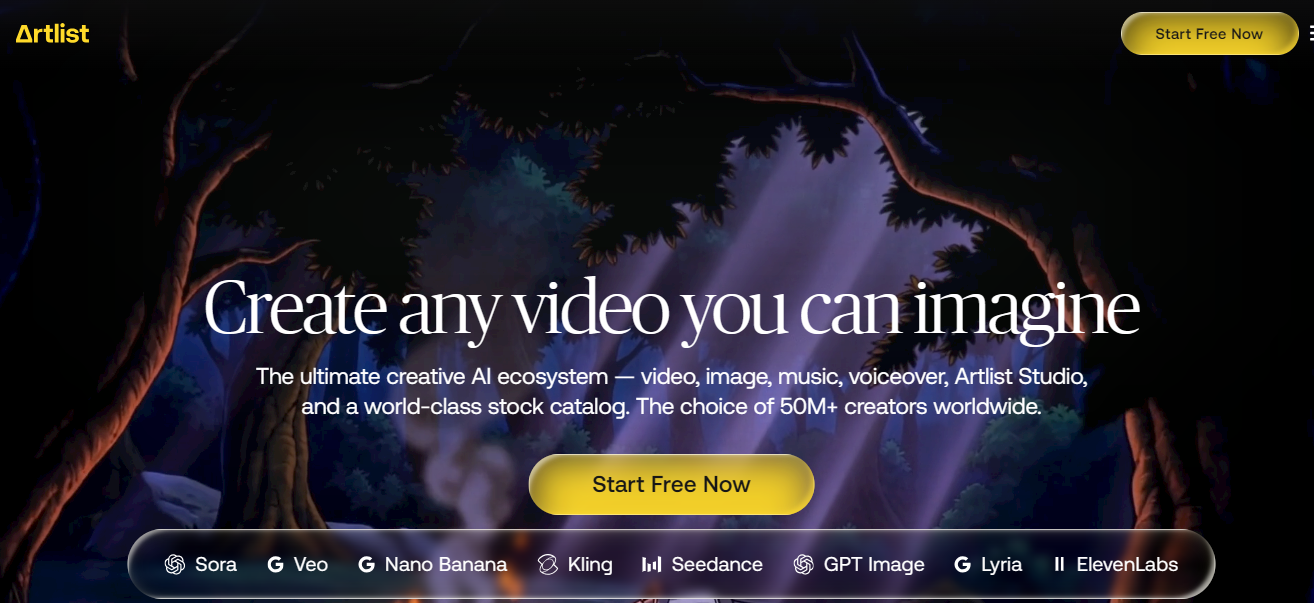
Artlist is a creative online platform that offers royalty free music, sound effects, stock movies, templates, plugins, and AI tools to video artists. It enables filmmakers, YouTubers, marketers, and social media producers to create professional cinematic content with high quality materials and easy licensing for commercial and personal projects globally.
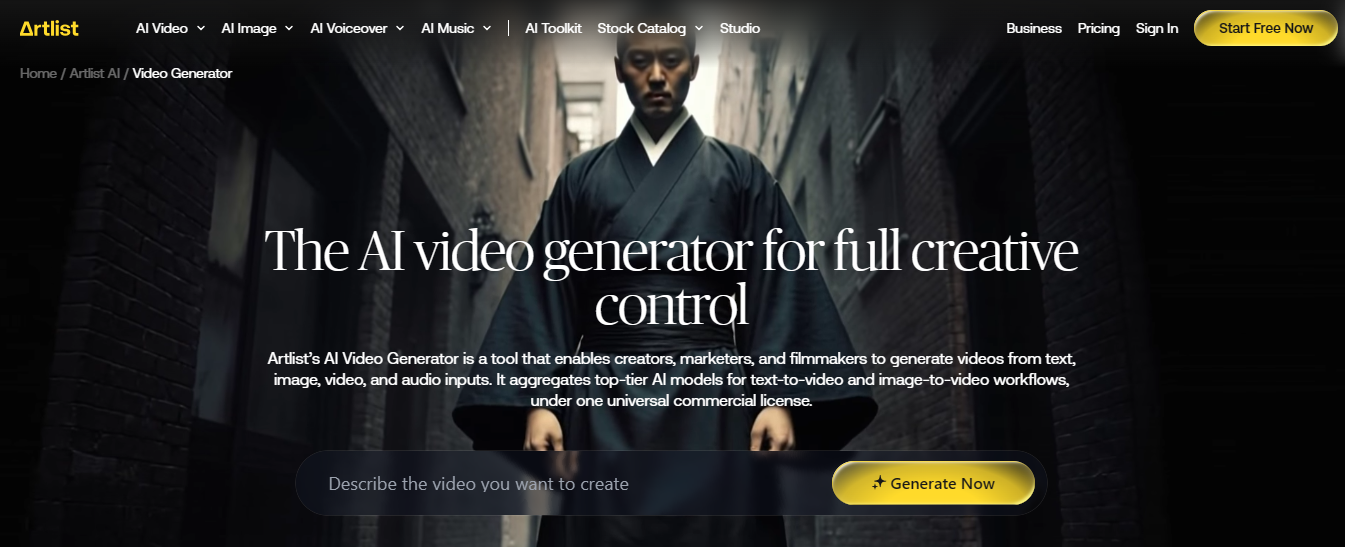
The AI video generator for full creative control: https://artlist.io/ai/video-generator
Artlist io Tool Key Features:
- Royalty-free music library
- Cinematic sound effects collection
- Stock footage and video clips
- AI voiceover tools
- Video templates and presets
- Editing plugins for creators
- High-quality cinematic assets
- Content for YouTube and social media
Artlist io Tool Pros & Cons:-
Pros:
- Huge library of premium-quality assets
- Simple and creator-friendly licensing
- Great for cinematic video production
- Useful for YouTube and marketing videos
- Regularly updated content library
Cons:
- Requires paid subscription for full access
- Limited free content availability
- AI features are fewer compared to dedicated AI generators
- Some premium assets can feel repetitive for frequent users
6. www.veed.io
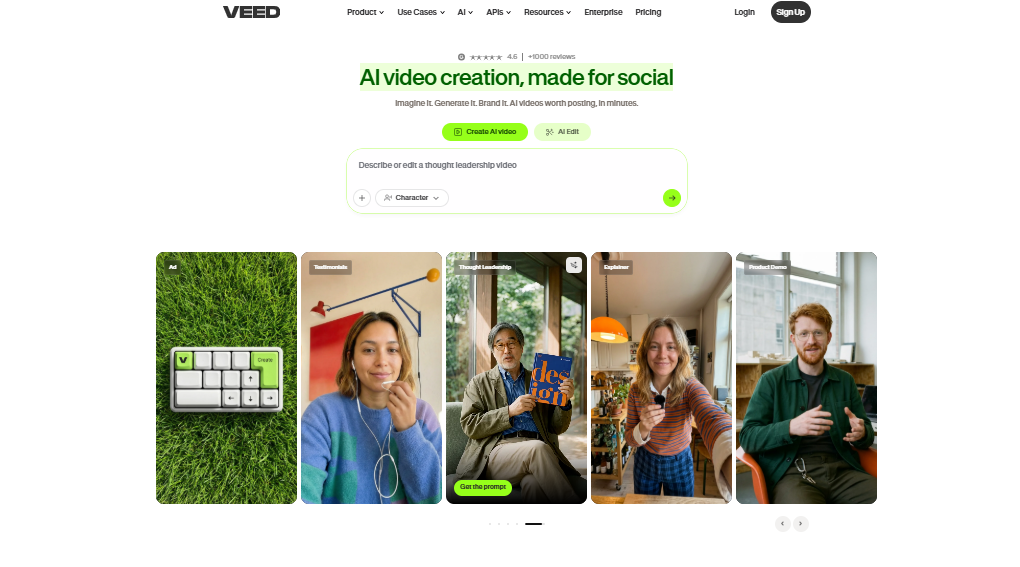
VEED.IO is an online AI powered video editing platform that allows producers to instantly make, edit, subtitle, and improve films without requiring professional editing abilities. It includes AI video production, automated captioning, voiceovers, screen recording, and social media optimization features, making it suitable for producing YouTube, Instagram, marketing, business, and instructional material.
AI video creation, made for social generate now: https://www.veed.io/
VEED.IO Tool Key Features:
- AI text to video generation (Prompt)
- Automatic subtitles and captions
- AI voiceover and dubbing tools
- Drag and drop video editor
- Screen and webcam recording
- AI filler word remover
- Background noise removal
- AI avatars and voice cloning
- Social media video resizing
- Stock videos, music, and templates
- Export up to HD and 4K quality
VEED.IO Tool Pros & Cons:
Pros:
- Beginner friendly interface
- Fast AI powered editing workflow
- Great for YouTube Shorts and Reels
- Automatic subtitle generation saves time
- Works directly in browser without software download
- Multiple AI tools in one platform
Cons:
- Free version includes watermark
- Some advanced AI tools require premium plan
- Rendering can slow on large projects
- Limited advanced controls for professional editors
- AI generated outputs may need manual adjustments
7. pictory.ai
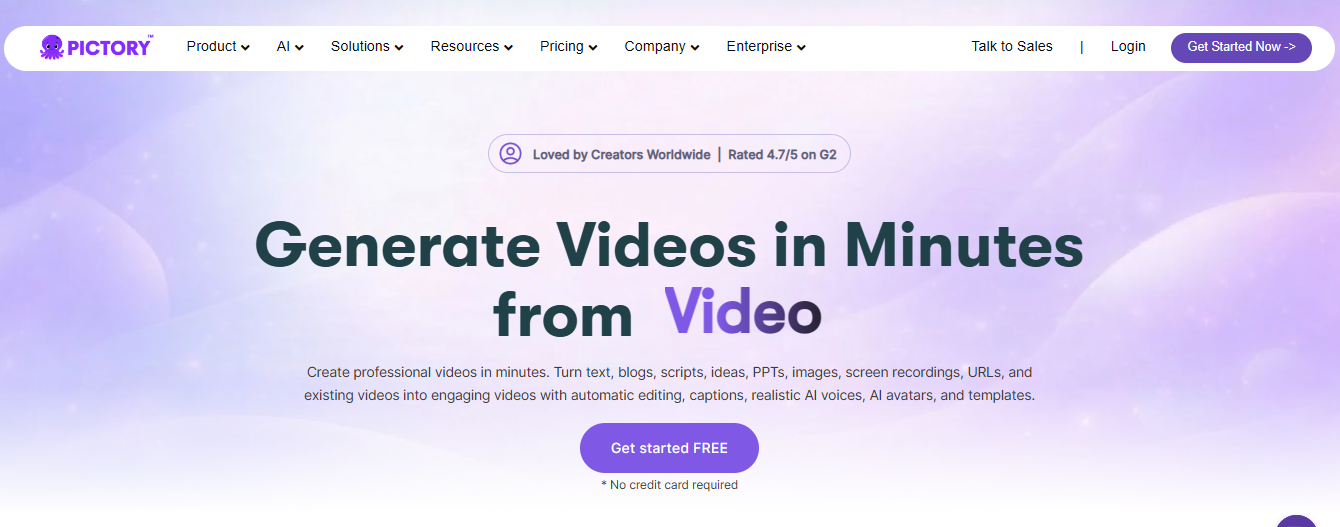
Pictory AI is an online video generating tool driven by artificial intelligence that automatically turns text, blog posts, scripts, and extended films into entertaining short-form content. It assists artists, marketers, and companies in producing quality videos for YouTube, Instagram, courses, and promotional content by providing AI voiceovers, subtitles, stock footage, and automated editing tools.
Generate realistic text to video From: https://pictory.ai/text-to-video-generator
Pictory AI Tool Key Features:
- Text to video generation
- Paste the blog link to video converter
- AI voiceover support
- Automatic subtitles and captions
- Long HD video to short clips conversion
- Stock footage and music library
- AI-powered video summarization
- Social media all video formats
Pictory AI Tool Pros & Cons:-
Pros:
- Very easy for beginners
- Saves time with automated editing
- Great for YouTube Shorts and Reels
- Automatic caption generation
- No advanced editing skills needed
Cons:
- Free version has limitations
- Premium plans can be expensive
- Limited advanced editing controls
- AI visuals may sometimes feel repetitive
8. www.revid.ai
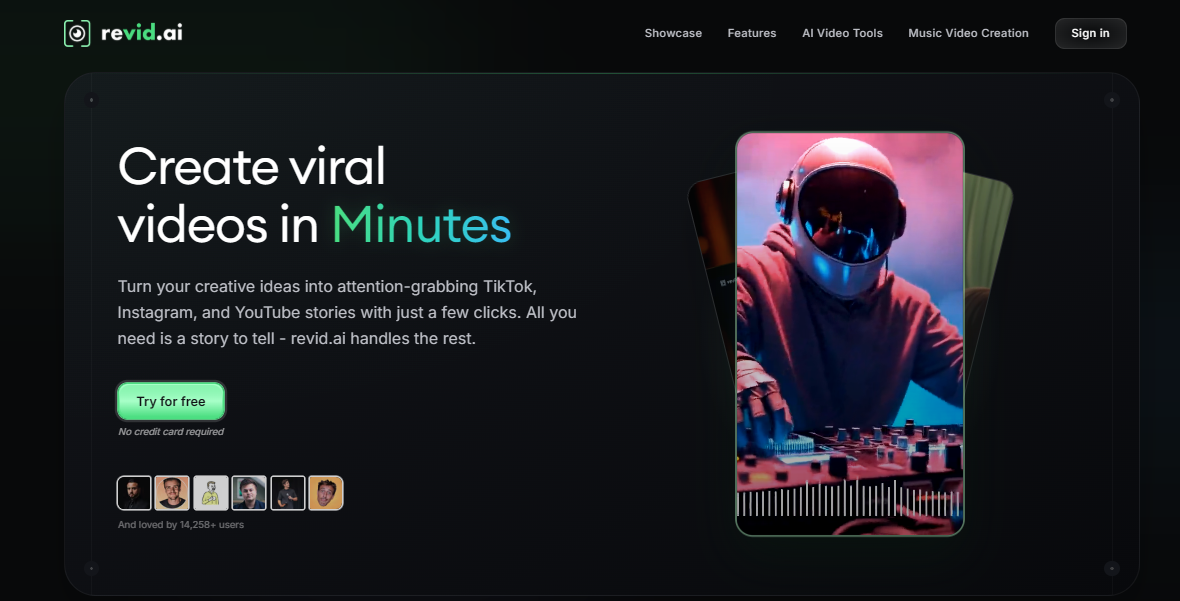
Revid AI is an AI powered video production platform that produces viral short-form content for TikTok, Instagram Reels, and YouTube Shorts. It enables creators to convert ideas, text prompts, Reddit tales, tweets, and screenplays into compelling videos using AI voiceovers, subtitles, images, and automatic editing capabilities to speed up content production.
Create viral videos in Minutes Just Click: https://www.revid.ai/
Revid Ai Tool Key Features:
- AI short video generation
- Text to video conversion
- Reddit story video creator
- AI voiceover support
- Automatic captions and subtitles
- Viral video templates
- Social media optimized formats
- AI generated visuals and clips
- Fast automated editing
- Supports YouTube Shorts and Reels
Revid Ai Tool Pros & Cons:
Pros:
- Great for short form content creators
- Very beginner-friendly platform
- Fast content generation process
- Automatic captions save editing time
- Useful for faceless content channels
Cons:
- Limited advanced editing controls
- Premium plan needed for full features
- AI generated videos may look repetitive
- Less suitable for professional cinematic filmmaking
9. www.media.io
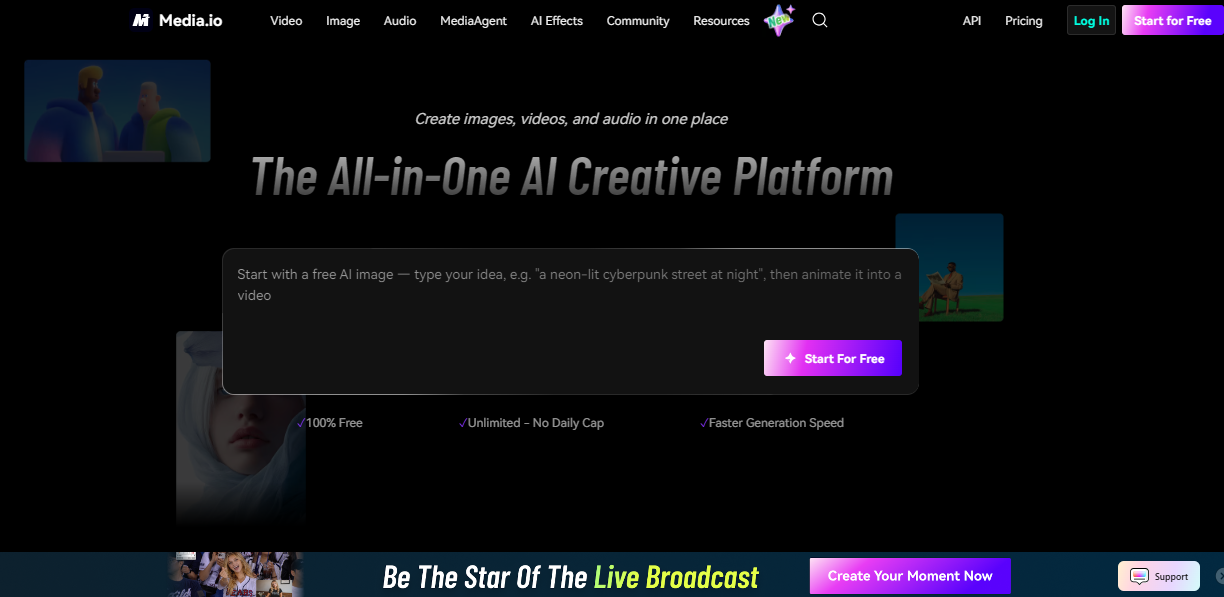
Media.io is an AI powered online media editing platform that includes video production, audio editing, subtitle creation, voice change, and image enhancement features. It enables artists, marketers, and companies to swiftly edit and improve multimedia material straight from their browsers, without having sophisticated technical or professional video editing abilities for social media and content development.
Generate Trending Video This Tool: https://www.media.io/index-v.html
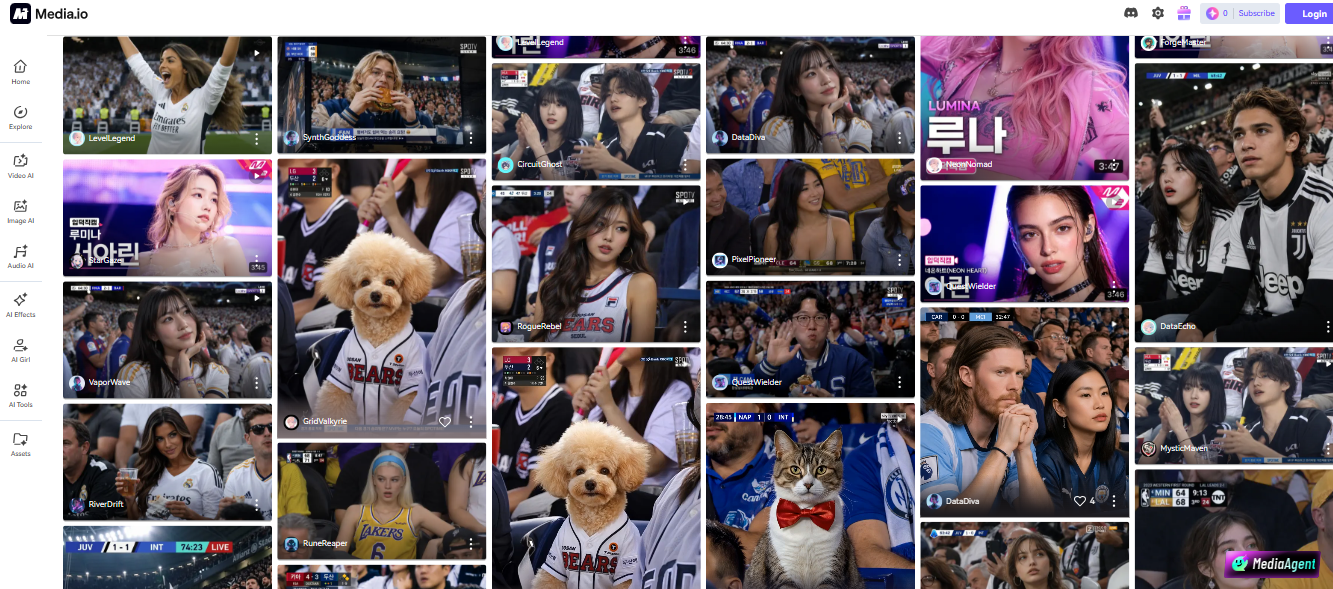
Media.io Took Key Features:
- AI video generator
- Online video editor
- AI subtitle generator
- Voice changer and AI voice tools
- Audio editing and noise removal
- AI image enhancement
- Video compressor and converter
- Text to speech support
- Background remover tools
- Browser based editing platform
Media.io Took Pros & Cons:-
Pros:
- Easy and beginner-friendly interface
- Multiple AI tools in one platform
- No software installation needed
- Good for quick social media editing
- Supports video, audio, and image editing
Cons:
- Free version has limitations and watermark
- Advanced features require paid subscription
- Internet connection required for editing
- Limited professional-level editing controls
10. vizard.ai
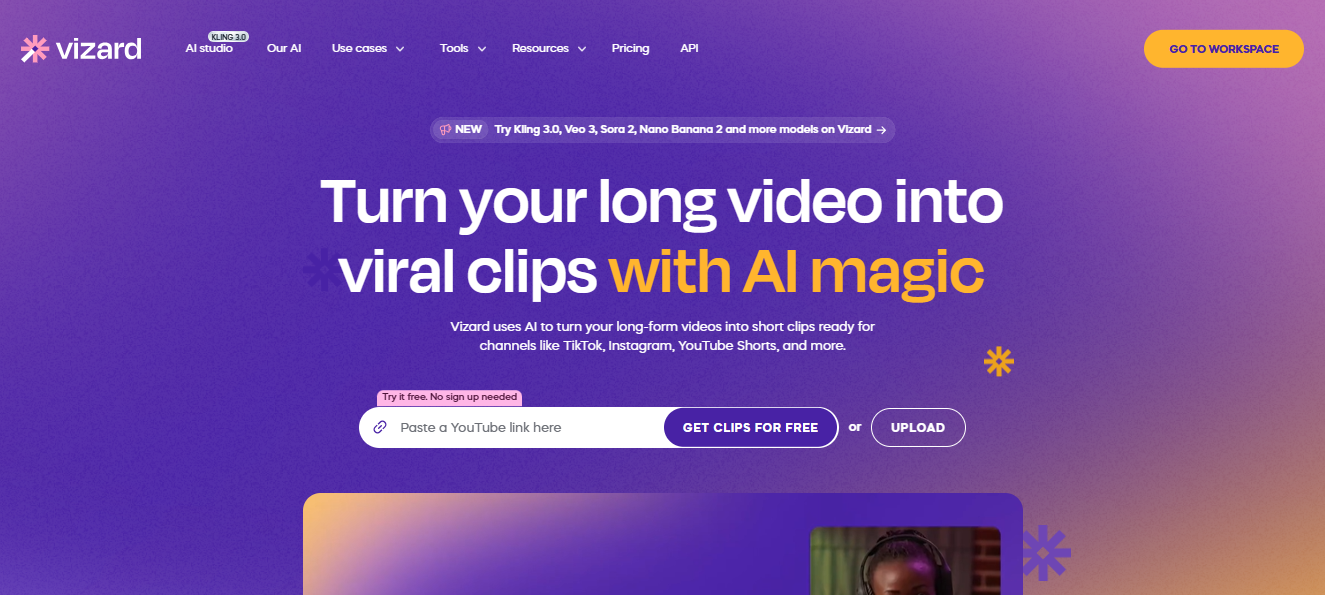
Vizard AI is an AI powered video editing and repurposing software that converts large recordings into small viral snippets automatically. It enables artists, podcasters, coaches, and marketers to create social media-ready material for YouTube Shorts, Instagram Reels, TikTok, and podcast promotion by providing AI captions, speaker recognition, auto-highlights, and smart editing capabilities.
Turn your long video into viral clips with AI magic:- https://vizard.ai/
Vizard Ai Tool Key Features:-
- Long video to short clips conversion
- AI auto highlight detection
- Automatic subtitles and captions
- Speaker-focused video editing
- Social media video resizing
- AI clip generation for Reels and Shorts
- Text-based video editing
- HD video export
Vizard AI Tool Pros & Cons:-
Pros:
- Saves huge editing time
- Great for podcasts and long-form creators
- Beginner-friendly interface
- Fast AI clip generation
- Excellent for YouTube Shorts and Instagram Reels
Cons:
- Advanced features require paid plans
- AI clip selection may need manual adjustments
- Limited cinematic editing controls
- Internet connection required for cloud editing
My Final Thoughts
So, these were the 10 best AI Cinematic Video Generator tools that can help you create amazing and viral cinematic videos easily. Whether you want movie-style edits, slow-motion scenes, AI animations, or aesthetic reels, these tools can make your work much easier in 2026.
Now it’s your turn! Which AI cinematic video generator tool did you like the most? Let us know in the comments below.
FAQs
Q1. What is the best cinematic AI video generator?
Ans: The best cinematic AI video generator helps creators make professional movie-style videos with AI effects, smooth camera motion, and realistic visuals in minutes.
Q2. Is there any 1 minute AI video generator free tool available?
Ans: Yes, many platforms offer a 1 minute AI video generator free option for creating short cinematic videos, reels, and social media content.
Q3. Can I use a free unlimited AI video generator online?
Ans: Some AI tools provide limited free access, while a few platforms offer free unlimited AI video generator features with basic editing and export options.
Q4. How can I convert normal video to cinematic AI style?
Ans: You can convert normal video to cinematic AI style using AI tools that add color grading, motion effects, cinematic filters, and professional transitions automatically.
Q5. Which is the best AI video generator for creators?
Ans: The best AI video generator depends on your needs, but tools with text-to-video, cinematic effects, AI voiceovers, and social media support are most popular among creators.