Blog Page 7

How to Calculate Your Total Repayment Amount Using an EMI Calculator

0

A successful loan repayment strategy starts with understanding how much interest is charged in addition to the principal amount. A Personal Loan EMI Calculator is a handy tool that helps you estimate the total EMIs (Equated Monthly Instalments) and the overall repayment amount for your loan.

What Is a Personal Loan EMI Calculator?

In simple terms, a Personal Loan EMI Calculator is an online tool that calculates the EMI you need to pay for a personal loan. All you need to do is input a few key details, and the calculator does the complex calculations in just seconds. Wondering how much you will repay over the life of your loan? This tool gives you a precise answer.

This tool is especially useful for budgeting and planning your finances. If you’re exploring loan options, using an EMI calculator Personal Loan can simplify the decision-making process by giving you a clear picture of your repayment commitments.

How to Calculate Total Personal Loan Repayment Using an EMI Calculator

  • Choose a Reliable EMI Calculator

Begin by selecting an EMI calculator from a trusted source, such as a bank’s official website or a reputable financial platform. A reliable tool ensures accurate results and may also provide additional insights, like repayment schedules or interest breakdowns.

  • Enter the Loan Details

  • Loan Amount: Input the amount you intend to borrow.
  • Interest Rate: Enter the applicable annual interest rate.
  • Loan Tenure: Specify the duration of the loan, typically in months or years.

Some calculators allow you to adjust these inputs dynamically, helping you experiment with different scenarios to find the most suitable terms for your budget.

  • Calculate Total Repayment

Once the EMI is calculated, multiply the monthly amount by the total number of payments (tenure in months) to determine the total repayment amount. To calculate the total interest payable, subtract the principal amount from the total repayment amount.

This breakdown gives you a clear understanding of how much interest you’ll pay over the life of the loan, enabling better financial planning.

Reasons to Use an EMI Calculator for Total Repayment Calculation

  • Effective Financial Planning: The EMI calculator provides a clear picture of your repayment obligations, allowing you to structure your monthly budget and prioritise expenses accordingly. This helps prevent over-commitment and ensures you have sufficient funds for other financial goals.
  • Informed Decision-Making: With the ability to compare loan offerings from multiple lenders, you can identify the most favourable terms. An EMI calculator helps you weigh options like interest rates, tenures, and loan amounts, ensuring you make the best choice for your needs.
  • Customisation: Adjusting variables such as the loan amount, interest rate, or tenure allows you to tailor the loan to your budget. For example, you might opt for a shorter tenure to minimise overall interest or a longer tenure to reduce monthly payments.
  • Time Efficiency: Eliminate manual calculations and save time by using an automated tool that delivers results instantly.
  • Accuracy: Ensure precise calculations, reducing the risk of errors that can arise from manual computation.

Conclusion

A Personal Loan EMI Calculator is a powerful tool that simplifies loan planning by providing a clear picture of your EMIs and total repayment obligations. With this information at hand, you can manage your finances effectively and avoid missing any repayments. Take advantage of this tool to make your borrowing experience smooth, informed, and stress-free.

The Role of Current Accounts in Business Tax Management

0

Tax management is one of the most complex and challenging tasks for business owners. Keeping track of deadlines, payments, and the necessary paperwork can feel overwhelming. However, using a current account for all business transactions can significantly simplify the process, ensuring greater accuracy and efficiency in tax management. Here are four ways in which a current account aids in managing business taxes:

1. Clear Distinction Between Personal and Business Transactions

One of the primary advantages of a current account is the ability to separate business and personal finances. This clear distinction makes tax computations easier, reducing the chances of errors and streamlining the process. Business income and expenditure can be tracked more easily, ensuring that financial records are organised and available when needed. Opening a current account online makes this separation simple and efficient, preventing any confusion during tax time.

2. Electronic Tax Payments

Current accounts allow businesses to pay taxes electronically. Gone are the days of visiting revenue offices or bank branches. With just a few clicks on a computer or smartphone, business owners can file returns and make payments, ensuring deadlines are met without hassle.

Additionally, businesses can enrol in autopay services for taxes like GST, TDS, and other liabilities, guaranteeing timely payments without the risk of late fees.

3. Simplified Accounting and Record-Keeping

Keeping accurate records of business transactions is essential for both accounting and tax purposes. A current account helps streamline this process by automatically documenting every transaction in a clear and organised way. These statements provide a comprehensive record of all business activities, reducing the complexity of accounting procedures.

This, in turn, ensures that tax filing is more straightforward and less prone to errors, saving you time and reducing the risk of mistakes. With organised statements, businesses can easily retrieve information during audits and avoid unnecessary delays.

4. Avoiding Delayed Tax Payments

One of the key features of a current account is the overdraft facility, which can be particularly useful in managing tax payments when cash flow is tight. If tax liabilities need to be settled but the balance in the account is insufficient, the overdraft can provide the necessary funds to meet payment deadlines.

Additionally, some banks offer Zero-Balance Current Accounts, where no minimum balance is required, making it easier to manage tax payments without the risk of late penalties. This added flexibility ensures businesses can stay compliant and avoid costly fines.

5. Enhanced Financial Transparency

Current accounts provide businesses with greater transparency into their financial status. Regular statements and real-time transaction updates allow business owners to track cash flow, monitor tax obligations, and ensure all business expenses are accurately accounted for. This level of transparency makes it easier to make informed financial decisions, particularly when preparing for tax season. It also provides a clear audit trail that can be invaluable during tax audits or financial reviews.

Conclusion

A current account not only simplifies the management of business transactions but also plays a critical role in tax management. By separating business and personal finances, enabling electronic tax payments, facilitating efficient record-keeping, and providing overdraft or zero-balance options, it ensures that your business remains on top of its tax obligations.

The enhanced financial transparency and flexibility that come with a current account also allow for better planning and improved cash flow management. Setting up a current account online can streamline your financial processes and help you manage taxes effortlessly, giving you more time to focus on growing your business. With these tools at your disposal, managing your business finances and taxes will become much more straightforward and stress-free. Create a current account online today to streamline business transactions and simplify tax management effortlessly.

Krea AI: Realtime Instant AI Image, Video Generator Free 2025

0

Krea AI, a new platform that combines superior generative AI technology to easily produce and improve photos and movies. Krea AI user friendly interface and strong features make it ideal for graphic design and digital marketing professionals, streamlining creative processes and increasing productivity.

What is Krea AI?

Krea AI is a platform that rapidly creates and improves photos and videos using powerful artificial intelligence. It’s ideal for designers, video producers, and marketers since it makes editing material fast and simple.

Krea AI

Krea AI provides a variety of tools and programs to meet diverse goals and budgets. It also has a community component that allows artists and AI enthusiasts to exchange ideas and collaborate. This makes it a great tool in a variety of industries, including art, education, and advertising, since it promotes creativity and efficiency.

Website-krea ai Overview 2024

Name Krea AI
Website https://www.krea.ai/
Free / Paid Some Time Free
KREA Plans Monthly & Yearly
Apps Mini & Legacy
Generate AI Image, Video

Features of Krea AI Free

The free edition of Krea AI includes the following essential features:

  • Real-Time Image Generation: Quickly create pictures from textual prompts.
  • Simple Video Enhancements: Use simple editing tools to improve the quality of your videos.
  • Community Access: Join a community of artists to collaborate and share ideas.
  • Standard Resolution Output: Create photos and videos with standard resolutions appropriate for general usage.
  • Limited Daily use: Access to the platform’s capabilities with a daily use limit to control resource allocation.

Use Cases of Krea AI Free

  • Design professionals: Use AI to streamline your creative process, accelerate design chores, and improve creativity.
  • Brands & Marketers:Brands and marketers can quickly create eye catching marketing images ranging from logos to sophisticated designs, increasing brand appeal.
  • Content Creators: Create interesting, high quality images and animations that will captivate your audience with minimum effort.
  • Educators & Researchers: Educators and researchers may use Krea AI for educational reasons or to improve research into AI applications in the design area.

Krea AI Generator Tool Benefits

Highlighting the advantages of the Krea AI Generator Tool:

  • High quality picture creation
  • Video creation skills
  • Image improvement and upscaling
  • User friendly interface
  • Versatile uses throughout industries
  • Time saving for creative professions
  • Accessible to both beginners and professionals
  • Customizable output styles
  • Inspiration for Artists and Designers
  • Rapid content development for marketing
  • Educational tool for visual learning
  • Cost effective alternative to classic design
  • Consistent brand visual creation
  • Real time picture generation
  • Collaborative features for group projects
  • AI Clothes Changer Online

Krea Open Beta 2024

Krea AI is presently accessible in an open beta form, giving people an early chance to test its potential. This phase lets users to test and offer input on a variety of capabilities, including real time picture production and video editing tools.

Krea Open Beta 2024

Open beta access is especially beneficial for developers, designers, and digital marketers, who may experiment with AI technologies and impact the final product with their feedback. Users who participate may help enhance the platform, ensuring that it efficiently fulfills a wide range of creative demands.

It’s free for everyone.

Try at https://krea.ai

Krea Ai Login / Login to Use KREA

To log in to Krea AI, follow these simple steps:

  • Visit the Website: Go to the Krea AI official website at krea.ai.

krea ai login


  • Access Login Page: Click on the ‘Login’ button usually found at the top right corner of the homepage.

krea ai login


  • Enter Credentials: Type in your registered email address and password in the respective fields.
  • Submit: Click on the ‘Sign In’ or ‘Login’ button to access your account.

If you’re new to Krea AI, you may need to sign up first by selecting ‘Sign Up’ and going through the registration procedure to establish a new account.

Applications of Krea AI Best Creations

Digital Art Creation:

  • Artists make one of a kind works, experiment with different styles, and develop concept art for media ventures.

Branding and marketing:

  • Businesses create logos, promotional graphics, social media material, and advertising images.

Education and Training:

  • Educators use interactive, graphically rich tools to improve their lectures and courses.

Entertainment:

  • Creators create thumbnails, streaming overlays, concept art, and video effects.

How to use Krea AI?

Krea AI automates the production and improvement of digital media with powerful AI technology. Krea AI makes it easier to create original artwork and enhance video footage.

Step by Step Guide on How to Use Krea AI:

  • Register/Log In: Begin by creating or accessing your Krea AI account on the website.
  • Choose a Tool: Select from tools designed for picture creation or video improvement.
  • Provide Inputs: Enter information such as text prompts for photos or videos to improve.

Krea AI Use

  • Generate/Enhance: Let Krea AI process your inputs to create or enhance your media.
  • Download/Modify: You may either download the final product or use Krea AI’s editing capabilities to make changes.
  • Explore More: For more creative tasks, use extra capabilities like as mood boards and style research.

Krea Ai Price Or Krea Ai Plan 2024

KREA Monthly Plans

Krea Ai Price

Free Plan:

  1. $0/month
  2. Limited free generations
  3. Limited access to KREA tools

Basic Plan:

  1. $10/month
  2. Generates approx. 36,000 real time images, 120 enhanced images, and 200 videos monthly
  3. Full access to KREA tools

Pro Plan:

  • $35/month
  • Generates approx. 180,000 real time images, 600 enhanced images, and 1,000 videos monthly
  • Full access to KREA tools
  • Private mode (coming soon)

Max Plan:

  • $60/month
  • Generates approx. 540,000 real time images, 1,800 enhanced images, and 3,000 videos monthly
  • Full access to KREA tools
  • Private mode and early access to new features are coming shortly.

KREA Yearly Plans

KREA Yearly Plans

Free Plan:

  1. Cost: $0/month
  2. Includes limited free generations
  3. Limited access to KREA tools

Basic Plan:

  1. Cost: $10/month or $8/month if billed yearly
  2. Approx. 36,000 real time images, 120 enhanced images, and 200 videos per month
  3. Full access to KREA tools

Pro Plan:

  • Cost: $35/month or $28/month if billed yearly
  • Approx. 180,000 real time images, 600 enhanced images, and 1,000 videos per month
  • Full access to KREA tools
  • Private mode (coming soon)

Max Plan:

  • Cost: $60/month or $48/month if billed yearly
  • Approx. 540,000 real time images, 1,800 enhanced images, and 3,000 videos per month
  • Full access to KREA tools
  • Contains private mode and early access to additional features (coming soon).

Krea Ai Photo Enhancer

Krea AI Photo Enhancer is a simple tool that employs smart technology to improve photo quality. It sharpens fuzzy photographs, changes lighting and color, and improves photo clarity. It’s ideal for anybody looking to improve their images fast and efficiently, such as photographers or marketers. With its simple interface, you can enhance your photos with only a few clicks.

Krea AI Logo Illusions

Krea AI’s “Logo Illusions” function artistically converts standard logos into dynamic visual illusions, increasing brand differentiation. This application enables users to add distinctive, creative flourishes to their logos, increasing brand appeal and engagement by garnering more visual attention.

Krea AI Logo Illusions

  • Enhanced Branding: Adds creative flare to logos, making the company stand out.
  • Creative Flexibility: Enables experimenting with different styles and effects.
  • Increased Engagement: Eye catching logos boost brand identification and attract new consumers.

Krea AI Generator Video

Krea AI’s video generator uses AI to effectively produce high quality films, simplifying the content development process. Professionals may select style and length, add content, and let AI do the rest. The program allows you to watch and modify your films before they are finalized, making it great for swiftly creating interesting material.

Krea AI Generator Video 

Guide For Krea AI can generate videos :

  • Log in: Sign in to your Krea AI account.
  • Select the Video Tool: Select the video creation option from the dashboard.
  • Input Parameters: Enter your personal preferences, such as style, resolution, and duration.
  • Upload content, if required: Upload any initial clips or pictures you wish to include in your film.
  • Generate: Click the Generate button to begin the AI powered video production process.
  • Examine and Edit: Once the video has been created, examine it and make any required changes.
  • Download: Save the final version of your video for usage.

KREA Apps

KREA Apps are a set of tools from KREA AI that allow users to effortlessly generate digital media such as photographs and films using AI. These programs contain content generation, enhancement, and editing functions, as well as specific tools for creating distinctive designs including logo effects and animations. Each app is designed to fulfill distinct creative demands, allowing users to create more imaginative and efficient content.

Krea AI Download [App & Apk]:

  1. Visit the Krea AI website for a safe download.
  2. Find and choose the ‘Download’ or ‘Get the App‘ option.
  3. Choose the right version for your device (Android, iOS, or Windows).
  4. For Android APKs, enable “Install from Unknown Sources” in the Settings menu.
  5. Open the downloaded file and follow the installation instructions.
  6. To begin using the app, open it and either log in or create a new account.

Krea Ai Invite Code

Krea AI invite codes provide early access to beta features and promotions, boosting the platform experience by enabling the usage of new tools and capabilities.

  1. Invite codes: Sent via marketing, collaborations, and special events.
  2. Advantages: Unlock additional features such as early tool access and increased use limitations.
  3. Value: Ideal for consumers who want to take full use of Krea AI’s capabilities right now.
  4. Usage: To activate your account’s advantages, enter the code during registration.

Is Krea ai free?

Yes, Krea AI provides a free version of their platform. The free plan often provides restricted access to specific services and capabilities, such as a daily restriction on picture or video creation.

Conclusion: A Tool for Now and Tomorrow

Krea AI is a big step forward in the field of generative AI, providing tools that are not only strong and adaptable, but also simple to use and accessible to a diverse variety of users. Whether you are a professional trying to improve your workflow or a hobbyist eager to discover the possibilities of AI in creativity, Krea AI has the materials and community to help you succeed.

FAQs

Q1. Is Krea AI free to use?

Ans: Yes, Krea AI provides a free subscription with restricted access to capabilities, letting users to produce a certain amount of photographs and videos daily.

Q2. Can I utilize Krea AI without prior design experience?

Ans: Yes, Krea AI is meant to be user friendly, allowing anyone with little design skills to simply produce high quality digital media.

Q3. How can I upgrade to Krea AI’s Pro plan?

Ans: To upgrade to a Pro plan, log into your Krea AI account, go to the subscription area, and choose the Pro plan for more features and capabilities.

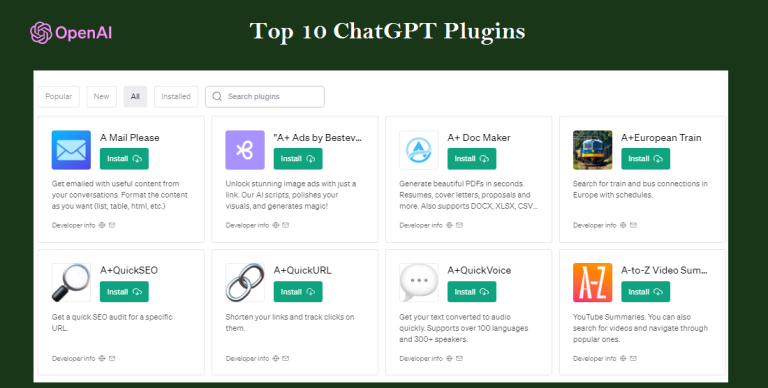
Top 10 ChatGPT Plugins to Elevate Your AI Experience in 2025

0

In the world of AI, which is always changing, ChatGPT has become a leader, especially with the introduction of its plugins. These plugins enhance the capabilities of ChatGPT, making it more versatile and user-friendly. Here’s a look at the top 10 ChatGPT plugins that you should consider using this year.

1. Prompt Perfect

Prompt Perfect

Perfect Your Prompts: Struggling to frame the right questions for ChatGPT? Prompt Perfect is here to help. This plugin assists users in crafting the ideal prompts for the AI chatbot, ensuring more accurate and detailed responses.

2. OpenTable

OpenTable

OpenTable plugin offers a quick and effortless way to make restaurant reservations. Just provide the basic details, and the plugin will find the best dining spots for you, complete with pre filled reservation details.

3. Wolfram

Wolfram

Advanced Computation at Your Fingertips: Wolfram is not just another math tool. It empowers ChatGPT with advanced computational abilities, allowing users to tackle complex math problems, create genealogical trees, and even generate real-time data.

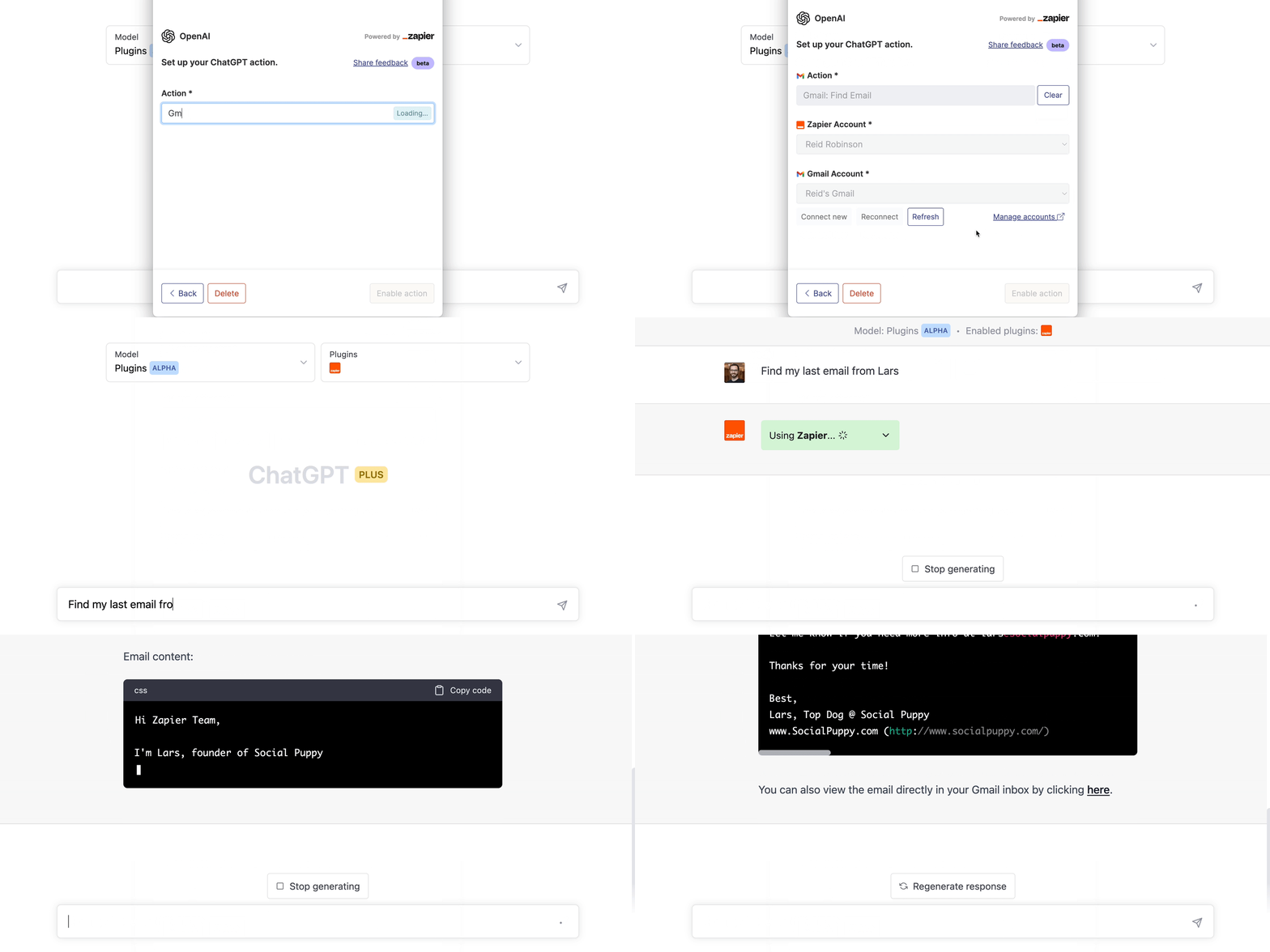
4. Zapier

WebPilotStreamline Your Workflows: Zapier integrates with over 5,000 work apps, eliminating the need for repetitive tasks. From drafting emails to sending Slack messages, this plugin makes professional tasks a breeze.

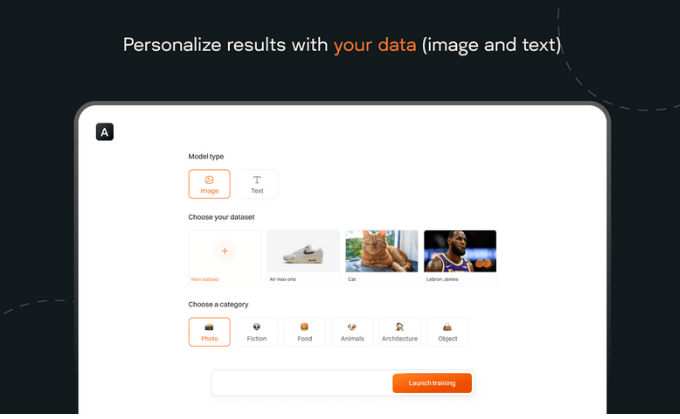
5. Argil AI

Argil AI

Visualize Your Thoughts: With Argil AI, you can generate images directly within ChatGPT. Describe the image you have in mind, and the plugin will craft it for you, opening up a world of visual creativity.

6. Kayak

Travel Planning Made Easy: Kayak is the ultimate travel companion. Whether you’re booking flights or looking for hotel recommendations, this plugin has got you covered.

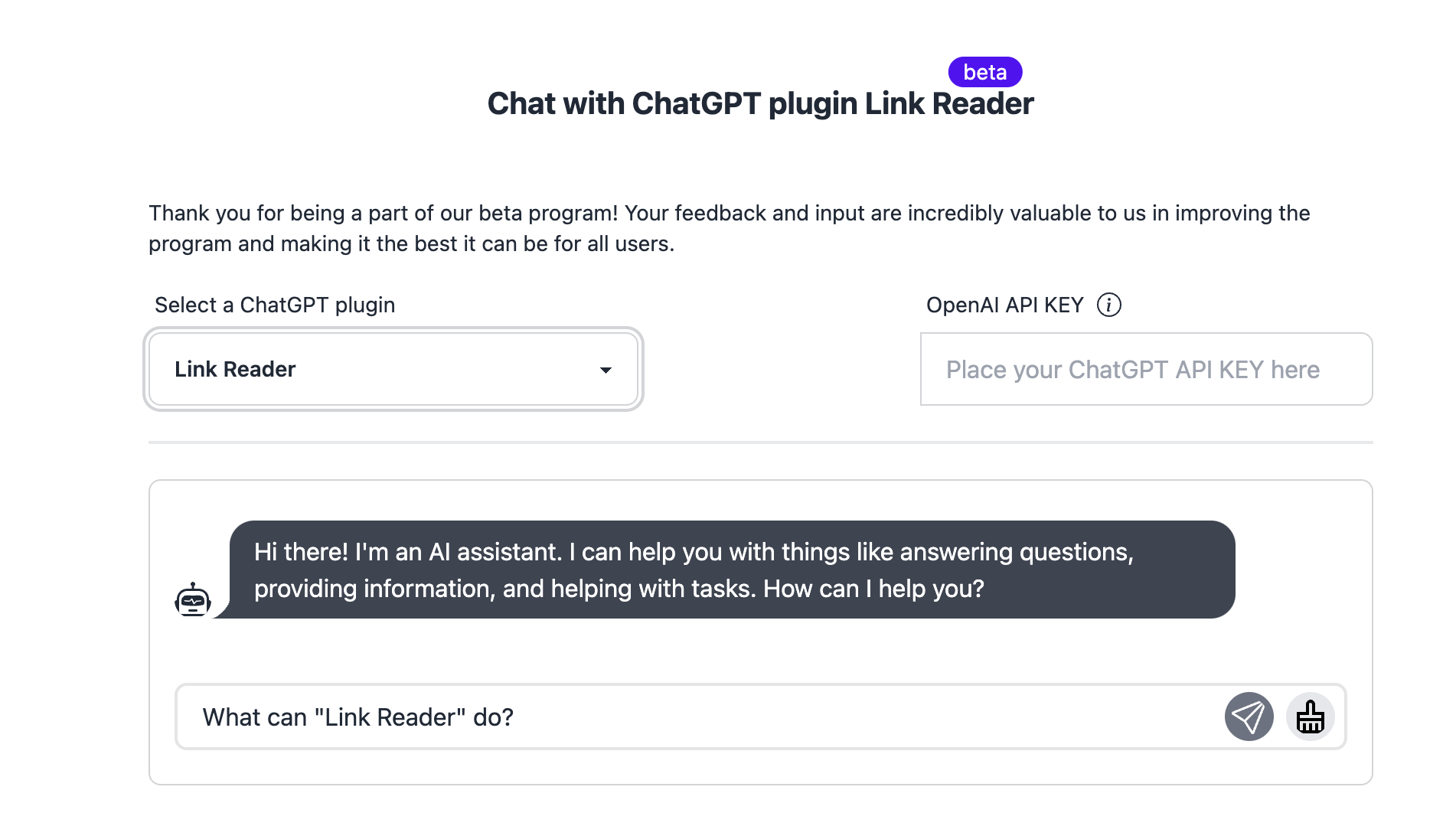
7. Link Reader

Link Reader

Content at a Glance: Don’t want to open multiple tabs? Link Reader can fetch content from various links, be it webpages, PDFs, or images, providing a concise summary right within ChatGPT.

8. Stories

Unleash Your Creativity: Craft your own stories with the Stories plugin. Provide a prompt, and watch as the plugin spins a tale, complete with AI-generated images and a vintage-style book layout. (Official link not found)

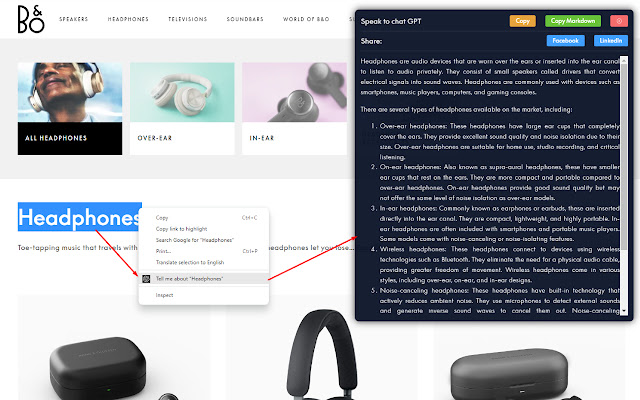
9. Speak

Speak

Language Learning Simplified: Whether you’re looking to translate a sentence or understand nuanced grammar, Speak is your go-to language tutor, making language learning more interactive and fun. (Official link not found) or please check the chrome Extensions.

10. VoxScript

VoxScript

Broaden Your AI’s Horizons: VoxScript is a powerful and versatile plugin designed to enhance the capabilities of ChatGPT. It provides real-time access to a wide range of data sources, enabling users to retrieve information beyond the AI’s knowledge cutoff in September 2021. Whether you’re looking to pull real-time web search results, get news about a specific ticker, or even fetch YouTube video data, VoxScript has got you covered.

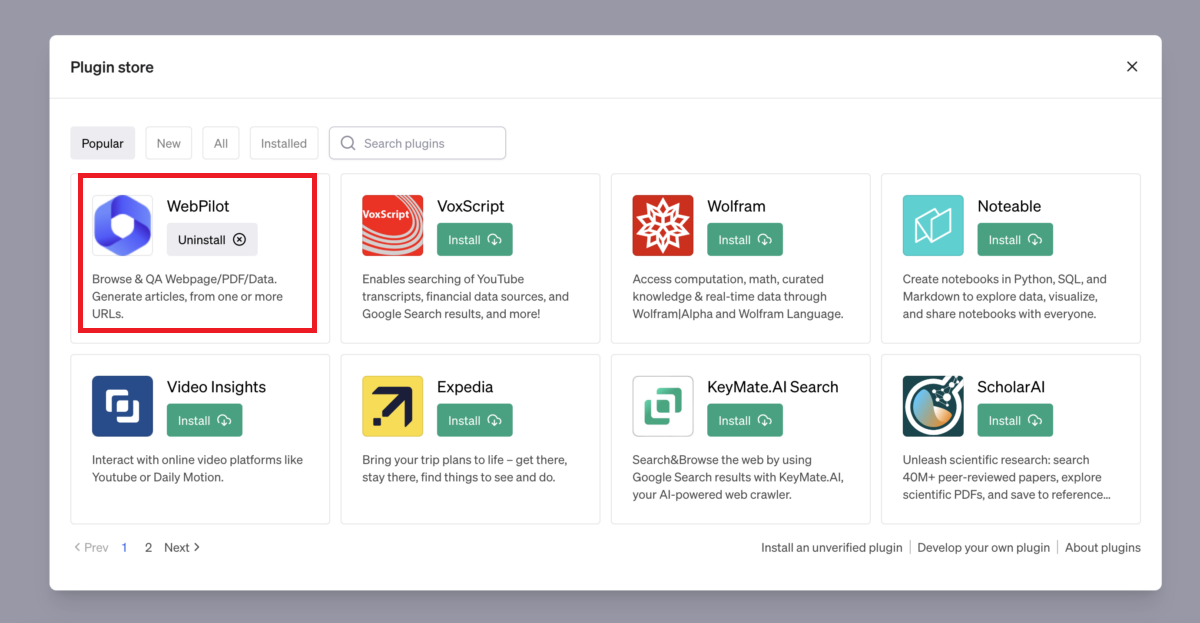
11. WebPilot

WebPilot

Interact with the Web Seamlessly: WebPilot offers a unique browsing experience, allowing users to have free-form conversations with web pages. It eliminates the need to constantly switch between pages or copy and paste information, streamlining your online interactions.

12. Visla

AI-Powered Video Creation: Visla’s ChatGPT plugin revolutionizes video content creation. Simply prompt ChatGPT with the subject of the video you wish to create, and Visla’s AI-powered video generator crafts a visual masterpiece based on your input. From previews to customization, Visla offers a comprehensive video creation suite.

Today Update:- Chatgpt Keyboard Shortcuts


Conclusion

The world of ChatGPT plugins is vast and varied, offering tools for almost every need. Whether you’re a professional looking to streamline tasks or a creative soul seeking new avenues to explore, there’s a ChatGPT plugin just for you. Dive in and discover the endless possibilities!

The Best AI Tools For Content Writing in 2025: AI writing Tools for Content Writers

0

There are various tools that you can use to make the content writing experience more efficient, using these AI Content Writing Tools frees up your time for more important tasks.

With software like Grammarly and Jasper, you can edit a document’s grammar and write in a different style without having to type on a keyboard. With AI-powered tools like MailChimp, you don’t have to manually create an email newsletter every month – it can be done automatically. Read on to learn about AI content writing tools!

What are the 8 best AI tools for Content Writing?

There are a number of different AI tools that can be used for content writing. Some of the most popular AI tools are Jasper, Grammarly, and Copy.ai.

  1. SearchAtlas

SearchAtlas is an all-in-one AI SEO Tool that has quickly become a go-to alternative to Google Keyword Planner for both beginners and SEO professionals. The tool provides in-depth keyword research with accurate search volume data, keyword difficulty scores, and competitive analysis — all from a single, easy to use dashboard. Users can discover high-performing keywords, analyze what competitors are ranking for, and uncover long-tail keyword opportunities that are often missed by other tools. What sets SearchAtlas apart is its AI-powered content optimization features which not only help you find the right keywords but also guide you in creating content that is structured to rank. The tool also offers site auditing, backlink analysis, and SERP tracking, making it a comprehensive solution for anyone looking to improve their search engine visibility. Whether you are a blogger trying to boost organic traffic or a marketing agency managing multiple clients, SearchAtlas delivers the data and insights you need to build a solid keyword strategy without relying solely on Google’s Keyword Planner.

2. Jasper

Jasper

  1. Free Trial / Free Plan: 5 Days Free Trial
  2. Pricing: $29 /Month

Jasper is a content writing tool that helps writers become better with their work. It offers practical advice, templates, and articles to help you write more effectively. Jasper Content Writing Tool provides writers with all the tools they need at the moment they need them most- whether it be starting out as a beginner or becoming an expert.

Created by a team passionate about building an informative platform, Jasper AI was designed to help companies increase their website traffic, generate leads for sales, engage their audience, and expand into organic search.

Specialized Features Include:

  • The an unlimited number of articles, including videos, graphics, and photos.
  • Search Engine Optimization (SEO).
  • Research tools such as citation sources, and file uploaders.
  • Synchronization with Google Drive for easy access across devices
  • Market Tracking & Stats.

3. Grammarly

Grammarly

  1. Free Trial / Free Plan: Free Plan Available
  2. Pricing: $12 /Month

Grammarly is an intelligent proofreading app available on desktop and mobile designed to save writers from embarrassing errors and avoid the hassle of rewriting or redoing content.

Grammarly can work in two ways: through the cloud or through your computer’s internet browser. It provides spellcheck, grammar check, plagiarism check, vocabulary enhancement, and other features to enhance writing quality.

Grammarly Content Writing Tool Features:

  • Boost your Writing.
  • Saved your work from Everywhere.
  • Improve article or Essay Quality.
  • Quickly generates reply Messages for Email.
4. Copy.ai

https://www.copy.ai/

  1. Free Trial / Free Plan: 7 Days Free trial
  2. Pricing: $35 /Month

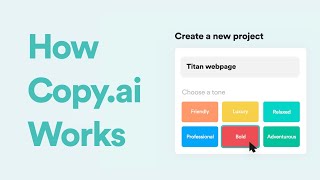
Copy.ai is a content writing tool that helps marketers, businesses, and organizations create better, more consistent content. Our AI engine provides an easy way to produce high-quality content with our drag-and-drop interface!

The tool is completely customizable. This means that you get to choose from a vast selection of text templates ranging from short articles to full-length books. The AI will make sure that each of your creations is perfect in every way.

These are the features of Copy.ai:

  • Automatic Plagiarism Checker
  • Strategy Builder
  • Advanced Editing Tools
  • API Integration

5. ProWritingAid

ProWritingAid

  1. Free Trial / Free Plan: 7 Days Free trial
  2. Pricing: $15 /Month

ProWritingAid AI Content Writing Tool is an advanced artificial intelligence content writing tool that can generate content for you.

You simply need to provide it with inputs, and the tool will automatically create a unique human-readable article or blog post with its own keyword-rich title, leading paragraph, body copy, and list of sources.

ProWritingAid Features are such as:

  • 24/7 customer support
  • Revisions with instant feedback.
  • A personal account and customizable writing marketplace.

6. Copymatic

Copymatic

  1. Free Trial / Free Plan: 7 Days Free trial
  2. Pricing: $29 /Month

Copymatic AI Content Writing Tool is used by professionals to transform a list of key phrases and topics into content that’ll get people more views, click rates, and conversions.

Copymatic AI Content Writing is an innovative new way of producing content in an automated way.

With this tool, marketers can now create content where your impact is measurable. We are committed to providing the best experience for business owners who are utilizing our AI writing platform to create copy that generates results.

The top 5 features that we offer are:

  • Instant Content Creation & Distribution.
  • Get a Writer on the Job Now.
  • Fully Customizable Templates – We do all the work!
  • Unlimited Results with no limits on topics or sources.

7. Rytr

Rytr

  1. Free Trial / Free Plan: 7 Days Free trial
  2. Pricing: $29 /Month

Rytr AI is a content marketing automation tool for businesses. It helps you generate great content and achieve your goals by delivering consistent messages to your customers, social media followers, journalists, bloggers, and influencers.

We use machine learning technology to stimulate organic growth over time. Rytr AI has sold to more than 50 companies that are making thousands of dollars each month.

Rytr AI Content Writing Tool Features:

  • Text Automation
  • Essay Scoring and Feedback
  • Customizable, professional essay templates
  • Automatic Submission to major news and media outlets, including Harvard Business Review, Forbes, US News & World Report, Reuters, CNN Business, and more.

8. AI-Writer

AI-Writer

  1. Free Trial / Free Plan: 7 Days Free trial
  2. Pricing: $29.99 /Month

AI-Writer is a website that helps companies create engaging content to increase website traffic. Content writing tool helps small businesses and start-ups write and publish stunning websites, blogs, and marketing materials.

With an easy-to-use interface, our software helps you get your content written fast without compromising on quality.

Take a look at what we offer:

  • Lightning-quick response times.
  • A wide variety of professional quality articles
  • 24/7 customer support

9. Wordtune

Wordtune

  1. Free Trial / Free Plan: 7 Days Free trial
  2. Pricing: $9.99 /Month

Wordtune AI Content Writing Tool is a new product that allows users to write content for websites, blogs, and online magazines.

The system learns how users write and generates writing on its own, which makes the process of writing and editing easy.

Wordtune AI Content Writing Tool is available to professionals who would like to generate content without having their skills diluted by other people.

Features of Wordtune Tool: 

  • Synchronization feature – Upload text files in any language into the Wordtune server, then have your translator translate them into any other language. It can be used in multiple languages!
  • Translation memory – Study thousands of translations from different translators to get the best translation for a certain phrase or sentence.
  • Reference library – hundreds of articles on subjects like vocabulary, grammar, culture, style, etc.

What is the Best AI Writing Software?

There are many AI writing tools on the market, but which one is the best for content writers? In this article, we will take a look at some of the best AI writing software available and help you choose the perfect tool for your needs.

First, let’s take a look at what AI writing software can do for you. Some of the most popular features include:

  1. Automatic grammar and spelling checker.
  2. Ability to track your progress over time.
  3. Integrated plagiarism detection.
  4. Word count and sentence count.
  5. Fully customizable interface.

Now that you know what AI writing software can do for you, it’s time to decide which one is right for you. Here are a few of the most popular AI writing tools:

1. Microsoft Word: One of the most popular AI writing tools on the market, Microsoft Word can be used to create content of all shapes and sizes. With its wide range of features and compatibility with a wide range of platforms, Microsoft Word is ideal for both novice and experienced content writers.

2. Google Docs: Another popular AI writing tool, Google Docs is perfect for creating simple or complex content. With its easy-to-use

How to get started with AI Writing?

Finding the right tools to help with your content writing can be overwhelming. But don’t worry- we’re here to help! In this post, we’ll outline the best AI tools for content writing and give you a starting point for using them. Whether you need a tool to help track your progress or just need some inspiration, we’ve got you covered.

Keep reading for more information on each tool, and remember that there is no one-size-fits-all approach when it comes to content writing. So try out different tools and see what works best for you!

How to use the Top AI Writing Tools for Content Writers?

When it comes to writing content, there are a number of tools that can be used to assist the process.

However, which ones should you use? In this article, we’re going to discuss some of the best AI writing tools for content writers and give you a few tips on how to use them.

Google Docs: One of the most popular AI writing tools is Google Docs. This software can be used to create and edit text files, spreadsheets, and presentations. It’s also free to use, so there’s no need to worry about costs.

Microsoft Word: Another popular AI writing tool is Microsoft Word. This software can be used to create and edit text files as well as documents that contain graphics and images. It also has a variety of features that make it easier for content writers to work with.

Another popular AI writing tool is Microsoft Word. This software can be used to create and edit text files

How to import my content into these AI writing software programs?

There are a few different AI writing software programs available, so it can be difficult to determine which one is best for importing your content. If you’re using a word processing program like Microsoft Word, Adobe Acrobat, or Apple Pages, you can simply drag and drop your text files into the program and start editing. However, if you’re using an AI writing software program like Google Docs or Office 365, you’ll need to use the import feature.

To import your content into Google Docs, for example, open the file in Google Docs and click on the File menu. From the menu bar at the top of the screen, select Import. In the Import dialog box that appears, select Text Files (.txt) and click on theBrowse button. Navigate to the location where you want to import your content and click on the Open button.

Once your content is imported, you can start editing it as usual. To import your content into Office 365, open your document in Office 365 and click on theFile menu. From the menu bar at the top of the screen, select Import. In the Import dialog box that appears, select XML (or Other). In the Select Source Location dialog box

Conclusion

In today’s digital age, content is king. Whether you are a small business or an ecommerce site, generating high-quality content that engages and inspires your readers is essential for success.

Fortunately, there are a number of tools available to help you generate quality content without much effort on your part. In this article, we have highlighted some of the best AI tools for content writing and provided tips on how to use them effectively.

So whether you are looking to automate the process of finding interesting topics or to create custom articles based on your specific needs, these tools can help make the process easier and more productive.


 

Recurring Deposit vs SIP: Making the Right Choice

0

Two common investing alternatives in the world of personal finance that are often mentioned are Recurring Deposits (RDs) and Systematic investing Plans (SIPs). Both of these options provide a route to reaching financial objectives and promote disciplined saving practices. This blog explores the main distinctions between Recurring Deposits vs. SIP, providing you with the knowledge and resources to choose the investment that most closely matches your goals for your money.

Recurring Deposits

Banks and other financial institutions offer Recurring Deposits (RDs) as a fixed-income, low-risk investment option. Similar to a piggy bank, you commit to depositing a specific amount of money regularly, usually monthly, over a set period. The guaranteed returns on RDs are what make them particularly attractive.

Benefits of Recurring Deposits

  • Guaranteed Returns: RDs provide a fixed interest rate, protecting you from market swings, in contrast to market-linked investment ventures. You are fully aware of the growth potential of your investment upon maturity.
  • Low Risk: Among the safest investment choices are RDs. The bank’s assurance protects them, lowering the possibility that you may lose your principal.
  • Liquidity: The majority of RDs give some level of liquidity, while some have early withdrawal penalties. When unanticipated circumstances arise and you might need to access your money prior to the maturity date, this can be helpful.

Systematic Investment Plans

One of the more popular ways to invest in mutual funds is through Systematic Investment Plans (SIPs). You agree to put a certain amount of money into a selected mutual fund scheme on a weekly, monthly, or quarterly schedule. SIPs are market-linked, as opposed to RDs, which means that the overall performance of the mutual fund’s actual assets determines the returns.

Benefits of Systematic Investment Plans

  • Greater Growth Potential: Especially in the long run, SIPs have the potential to yield larger returns than RDs. A diverse portfolio of stocks, bonds, and other assets is invested in by mutual funds, which may result in large capital growth.
  • Compounding: SIPs provide you access to the compounding potential. The fund generates gains on your returns over time when your returns are invested again, which accelerates appreciation.
  • Flexibility: The majority of SIPs allow for flexibility with regard to investment duration, quantity, and even stopping and starting again. This enables you to modify your investing plan in response to shifting financial requirements.

Recurring Deposits vs. SIP: Key Differences

Here’s a table summarising the difference between Recurring Deposits vs. SIP:

Criteria

SIP

RD

Risk Factor

SIPs have variable returns based on market conditions and fund type. Long-term investing can reduce risks.

RDs are very low risk and considered one of the safest investments, ideal for conservative investors.

Returns

SIP returns have ranged between 12% and 22% over the past 5 to 10 years, but they are not guaranteed.

RDs offer fixed returns, usually between 5% and 8%. Senior citizens can enjoy special rates.

Liquidity

SIPs are more liquid, allowing withdrawals anytime, but early withdrawals may incur fees.

RDs are liquid but withdrawing funds early incurs penalties.

Taxation

SIP returns are taxed based on the holding period and income slab, under Short-Term and Long-Term Capital Gains.

RD interest is taxed according to your income tax slab.

Investment Type

SIPs allow regular investments in equity or debt funds, offering flexibility and diversification.

RDs require fixed monthly deposits, making them simple savings options.

Scheme Flexibility

SIPs cater to both conservative and aggressive investors, offering a range of risk levels through mutual funds.

RDs are best for conservative investors seeking stable returns and capital preservation.

Tenure

SIPs have no fixed tenure; you can invest for as long as you like.

RDs have a fixed maturity period from 6 months to 10 years.

Instalment Frequency

SIPs offer flexible instalment options: daily, weekly, monthly, or quarterly.

RDs usually involve monthly instalments, promoting regular savings.

Investment Goal

SIPs can meet various investment goals, both short-term and long-term.

RDs are suitable for short-term savings goals, focusing on capital preservation.


Recurring Deposits vs. SIP: Conclusion

To sum up, both RDs and SIPs are excellent additions to your financial toolkit.

  • SIPs offer the potential for higher returns over the long term, making them a good choice if you aim for substantial wealth growth. They allow for regular investments in equity or debt funds, which can grow significantly with time, though they come with higher risk due to market fluctuations.
  • RDs provide security and predictable returns, making them ideal for short-term financial goals. They involve regular, fixed deposits and are considered very low-risk investments, ensuring your capital is preserved with guaranteed interest.

By understanding your risk tolerance, how long you plan to invest, and what financial objectives you have, you can select the option that aligns best with your needs. If you seek growth and can handle some risks, SIPs might be suitable. If you prefer safety and stability, RDs are likely the better choice.

Building Thought Leadership Through Cybersecurity Content

0

You’ve probably noticed how individual thought leaders on social media seem to go viral with every post—racking up likes, shares, and meaningful conversations.

Now, imagine converting that kind of exposure and engagement to your brand. It can lead to increased market share, more customer acquisitions, stronger loyalty, and trust.

Unfortunately, building thought leadership at the brand level is tough, especially in tech niches like cybersecurity. Big brands already dominate the space, making it harder for smaller companies with fewer resources to compete.

That’s where cybersecurity marketing comes in. It helps your brand establish authority by sharing valuable insights to educate your audience. It’s the bridge to building trust and standing out in a competitive field.

How to Build Thought Leadership Using Cybersecurity Content

Below are 4 ways to build cybersecurity thought leadership through content marketing.

Review Existing Thought Leadership

Before starting your cybersecurity thought leadership journey, research what the market recognizes as thought leadership content.

Start by analyzing established individual and brand thought leaders. Look at the topics they cover, the formats they use, and the audiences they attract.

You also need to explore various communication channels in your industry like:

  • Online forums and communities
  • News resources (online and offline)
  • Trade publications and journals (online and offline)
  • Social media platforms like LinkedIn
  • Company blogs
  • Webinars and seminars
  • Conferences (online and in-person)

This research will help you understand current trends, key issues in your industry, and the primary thought leaders shaping cybersecurity conversations.

Don’t forget your competitors. Study their content to see their approaches, the stances they take, and how they deliver their message. Use these insights to refine your cybersecurity content marketing strategy without directly copying their tactics.

Look internally as well. Your company might already have thought leadership content—blog posts, ebooks, whitepapers, or even social media posts. Review this material to understand your company’s past positions on key topics. This ensures consistency and prevents alienating existing customers with views that contradict your previous messaging.

Carrying out thorough research sets a solid foundation for creating informed and impactful thought leadership content.

Focus on knowledge gaps.

If your cybersecurity thought leadership strategy is built only on existing content trends, you’ll end up repeating what others have already said.

To stand out, focus on knowledge gaps—areas your audience wants clarity on but aren’t well-covered yet.

Here’s how to identify them:

  • Attend events your target audience frequents, such as industry conferences or seminars. Network, listen closely to the attendees, and note the topics speakers cover, and the questions audience members ask. These insights reveal recurring concerns and underexplored themes.
  • Use SEO tools like Ahrefs or Semrush to identify which of your competitors’ resources perform best. This shows what resonates with the audience and hints at areas where more depth is needed. Similarly, monitor their social media pages to find posts with the most engagement and look for patterns in popular topics.
  • Follow emerging developments in cybersecurity, such as new malware, regulations, or technologies. These topics often lack detailed analysis early on. Act quickly to create insightful content before the space gets crowded.
  • Dive into existing cybersecurity research, surveys, or case studies. Identify missing details or perspectives that aren’t being addressed. Use these as starting points for your unique content.
  • Speak with cybersecurity experts to understand their challenges, insights, and predictions. Their firsthand experiences can inspire fresh, relevant content ideas.
  • Use surveys, polls, or interviews to directly ask your audience what topics they’d like covered. Analyzing responses can reveal emerging trends or untapped areas worth exploring.

By focusing on these methods, you can uncover knowledge gaps and create content that resonates deeply with your audience, ensuring your thought leadership content is unique.

Identify Your Organization’s Thought Leaders

You can build trust in cybersecurity without the input of actual thought leaders. Now these thought leaders could either be internal or external. Internal thought leaders might include your CEO, senior managers, or employees with specialized cybersecurity expertise, like those in IT security, compliance, or risk management. External thought leaders could be consultants or subject matter experts from outside your organization.

When selecting thought leaders, consider these factors:

  • Professionals with recognized cybersecurity credentials like CISSP, CISM, or CEH, which establish authority and expertise.
  • Team members who have published articles, spoken at conferences, or participated in industry panels.
  • Those who lead discussions or solve complex cybersecurity issues within the company.
  • Employees active on professional platforms like LinkedIn, sharing knowledge or engaging in cybersecurity discussions, are often excellent candidates.
  • Ask teams or departments to recommend colleagues with standout expertise and communication skills.
  • Individuals who aren’t afraid to challenge norms and bring fresh perspectives to cybersecurity topics.

To maintain a steady stream of content, a mix of internal and external thought leaders is ideal. However, these experts are often too busy to create content themselves. In such cases, freelance or in-house writers can assist. Thought leaders can record voice notes or participate in interviews to provide raw material for writers to develop.

Avoid allowing writers to craft thought leadership content independently without input from experts. Writers without hands-on cybersecurity experience may produce generic content that lacks the depth and originality required for true thought leadership. Writing from a specific point of view is key to reaching your audience successfully.

Create Your Thought Leadership Content

To build cybersecurity thought leadership, explore various content formats. Start with articles—they’re easier to produce and help establish your voice. Once you’ve mastered this, branch out into videos, webinars, podcasts, ebooks, or whitepapers to diversify your approach.

Regardless of the format, your content needs a unique angle. Share experiences from thought leaders, offer bold opinions that challenge industry norms, or use proprietary data and statistics to provide insights others can’t. Include industry research, expert perspectives, or personal stories to add depth and make your content relatable.

Remember, consistency is key. Create a content calendar to ensure regular publication and maintain your audience’s trust. Well-researched, high-quality, and engaging content doesn’t just inform—it also positions your organization as a trusted authority in cybersecurity.

Conclusion

Creating high-quality thought leadership content is only half the battle; getting it to your audience is just as important. Without proper distribution, your efforts will be wasted. To distribute and promote your cybersecurity thought leadership content, focus on organic or paid channels.

For organic promotion, optimize your articles for search engines so they’re easier to discover. Repurpose and atomize content for social media and encourage employees and thought leaders to share it on their profiles. For paid promotion, consider running Google and social media ads using your ebooks and whitepapers as lead magnets.

You can also pitch your content ideas to journalists, industry publications, and influencers. Writing guest articles for these platforms not only broadens your reach but can also earn valuable backlinks.

Red Tiger Gaming: innovation meets entertainment in 1win online casino

0

Red Tiger Gaming has cemented its place as a leader in the online casino industry by delivering games that blend cutting-edge technology, stunning visuals, and captivating gameplay. Known for their innovative features and creative themes, Red Tiger slots offer a gaming experience that keeps players engaged and entertained. With a reputation for reliability and fairness, the company has gained the trust of millions of players worldwide, making its games a must-try for slot enthusiasts.

On the 1win platform, Red Tiger Gaming’s portfolio reaches new heights, offering players an unparalleled gaming environment. With seamless integration and a user-friendly interface, 1win ensures that accessing your favorite Red Tiger slots is effortless and enjoyable. Combined with exclusive bonuses and top-tier security, 1win provides the perfect space to explore the thrilling world of Red Tiger Gaming while enjoying unmatched convenience and rewards.

Why choosing 1win for Red Tiger Gaming slots guarantees a premium gaming experience

1win stands out as the ideal platform for enjoying Red Tiger Gaming slots due to its seamless user experience and player-centric approach. The platform boasts a modern and intuitive design, making it easy for players to navigate through the vast array of Red Tiger Gaming titles. From the moment you access the site, you’re greeted with smooth functionality, ensuring that you can dive into your favorite games without delays or technical challenges. This level of convenience makes 1win a top choice for seasoned gamers and newcomers alike.

In addition to its user-friendly interface, 1win offers exclusive promotions tailored specifically for fans of Red Tiger Gaming. Players can take advantage of generous bonuses, free spins, and periodic tournaments that not only enhance the thrill of gaming but also increase their chances of winning big. By choosing 1win, users gain access to these exciting opportunities, amplifying the excitement that Red Tiger Gaming slots are known for.

Safety and reliability are key factors that set 1win apart. The platform prioritizes secure transactions, protecting player data with advanced encryption technology. Its dedicated customer support team is available around the clock to assist with any issues, ensuring a hassle-free experience. These elements make 1win not just a gaming platform, but a trustworthy partner for exploring the innovative and engaging world of Red Tiger Gaming slots.

Key features and advantages of Red Tiger Gaming slots on the 1win official platform

Red Tiger Gaming has earned its reputation as one of the premier providers of online casino games, thanks to its innovative approach and commitment to excellence. On the 1win platform, Red Tiger Gaming slots shine brighter than ever, offering players a seamless blend of excitement, creativity, and rewards. Below, we explore the standout features and advantages of these games on 1win in a structured and concise manner.

Feature Description Advantage for Players
Innovative game design Red Tiger Gaming integrates unique themes, high-quality visuals, and immersive audio effects into every slot. Captivates players and enhances entertainment value.
Daily drop jackpots Exclusive progressive jackpots that reset daily, providing players with frequent chances to win big. Ensures excitement with consistent jackpot opportunities.
Wide range of themes Slots range from mythology and adventure to futuristic and minimalist themes, catering to diverse tastes. Offers something for every player preference.
Optimized for mobile Games are fully compatible with mobile devices without losing quality or functionality. Enables gaming on-the-go with a smooth mobile experience.
RTP transparency Red Tiger Gaming provides clear RTP (Return to Player) percentages for all games. Builds player trust and confidence in fairness.
Bonus features Includes features like free spins, cascading reels, and multipliers to boost winnings. Enhances gameplay excitement and potential payouts.

By showcasing these exceptional features on the 1win platform, Red Tiger Gaming not only delivers an exhilarating gaming experience but also ensures that players have access to a safe and rewarding environment. The collaboration between 1win and Red Tiger Gaming elevates the gaming landscape, offering a space where innovation meets reliability. Whether you’re a casual player or a high-stakes enthusiast, the advantages of exploring Red Tiger Gaming slots on 1win are simply unmatched.

A diverse range of Red Tiger Gaming slots available on the 1win platform

Red Tiger Gaming has crafted a portfolio of games that captivate players with engaging themes, stunning visuals, and rewarding features. On the 1win platform, this exceptional lineup is presented in a way that ensures players have access to some of the most innovative and exciting slot games in the industry. Below is a curated list of popular Red Tiger Gaming slots available on 1win, showcasing their unique features and appeal.

  • Dragon’s Luck: explores an ancient Chinese theme with mystical symbols and massive payout potential.
  • Pirates’ Plenty: takes you on a high-seas adventure filled with treasures, wild multipliers, and free spins.
  • Gonzo’s Quest Megaways: combines cascading reels and the Megaways mechanic for thrilling gameplay and big wins.
  • Mystery Reels: brings classic slot vibes with a modern twist, featuring mystery symbols and bonus rounds.
  • Vault of Anubis: immerses you in an Egyptian temple where cluster pays and multipliers lead to significant rewards.
  • Dynamite Riches: lights up the reels with mining-themed visuals and special features like TNT wild explosions.
  • Lucky Fridays: celebrates the end of the week with a party atmosphere and bonus spins to kickstart your weekend.
  • Rainbow Jackpots: charms players with its Irish theme and features like free spins and symbol swaps for extra prizes.
  • Reel King Mega: merges traditional fruit slot elements with modern bonuses and jackpot potential.
  • 10,001 Nights: transports players to an Arabian wonderland filled with lavish visuals and captivating bonus rounds.

This diverse collection of games caters to all kinds of players, whether they prefer classic themes or more adventurous narratives. Each game is designed to ensure excitement, fairness, and opportunities for substantial rewards.

Last words: unlock endless excitement with Red Tiger Gaming on 1win website

Red Tiger Gaming continues to set the standard in online gaming with its innovative slots that captivate players through unique features, vibrant themes, and rewarding gameplay. Whether you’re chasing progressive jackpots, enjoying bonus-packed adventures, or exploring visually stunning game worlds, Red Tiger slots offer an experience tailored to players of all preferences. With a commitment to quality and fairness, the provider ensures every spin delivers excitement and opportunities.

Choosing 1win as your platform for Red Tiger Gaming takes your experience to the next level. With a user-friendly interface, secure transactions, and exclusive promotional offers, 1win creates an environment where players can enjoy these games to the fullest. Whether you’re a seasoned player or new to the world of online slots, 1win ensures that your journey with Red Tiger Gaming is as smooth and rewarding as possible. Dive in today and discover the endless entertainment that awaits!

5 Best No-Code App Builder

0

Are you worry of getting left behind because you lack coding skills? If so, you have come to the correct place. If you have an app concept but aren’t sure where to start? There’s no reason to worry! The world of no code app builders is coming to make a significant and easy shift in the way you develop applications.

In this post, we’ll look at the top 5 no code app builders, which will allow you to bring your ideas to life without writing a single line of code. Prepare to unleash your creativity and create stunning applications that will surprise your friends, coworkers, and prospective investors!

What is No-Code App Builder?

A no code app builder is a software program that allows you to construct mobile and web apps without having to write any computer code. It often includes a drag and drop interface that allows you to graphically arrange components to create your app. This makes app creation accessible to everyone, not just coders.

5 Free No Code App List

  1. Bubble.io
  2. Glide
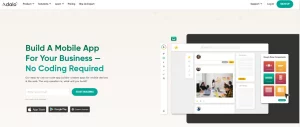
  3. Adalo
  4. FlutterFlow
  5. Draftbit

Above! Let’s learn about these no  code app builders given below:

1. Bubble.io

Bubble.io is a dynamic no code platform that allows users to easily create, prototype, and deploy sophisticated online apps. It is designed for entrepreneurs and enterprises who want to create dynamic, multi user applications without having extensive programming experience.

Bubble


Features:

  • Drag and drop builder
  • Customizable UI components
  • Marketplace for plugins

Plan or price:

  • Starting price: $29/month

Pros & Cons:

  • Pros: Powerful functionality, extensive integrations, robust community support, scalable solutions.
  • Cons: Steep learning curve, higher cost on advanced features, limited native mobile support, dependency on third party plugins.

2. Glide:

Glide enables users to easily construct applications using Google Sheets, making it suitable for projects that need speedy development while focusing on data driven content.

Glide


Features:

  • Google Sheets integration
  • Pre built templates
  • Real time data sync

Plan or price:

  • Starting price Free; premium plans start at $25/month.

Pros & Cons:

  • Pros: Simple to use, simple set up, no coding necessary, and real  time updates.
  • Cons: Data constraints on the free edition, limited customization choices, especially for basic applications, and speed concerns with huge datasets.

3. Adalo:

Adalo is meant to create unique applications using a drag and drop interface, making app creation accessible to both creatives and professionals who do not know how to code.

Adalo


Features:

  • Drag and drop builder
  • Customizable UI components
  • Marketplace for plugins

Plan or price:

  • Starting price: $45/month

Pros and Cons:

  • Pros: Include an intuitive design interface, extensive template selection, support for both mobile and web applications, and direct app store publishing.
  • Cons: Higher price levels, less free features, sluggish performance, and a lack of integration opportunities.

4. FlutterFlow:

FlutterFlow blends the simplicity of no code with the power of the Flutter framework, providing a versatile environment for developing unique mobile and web apps.

FlutterFlow


Features:

  • Drag and drop interface
  • Firebase integration
  • Exportable source code

Plan or price:

  • Starting price: Free; paid plans start at $30/month

Pros & Cons:

Pros: Supports complicated functions, cross latform development, code level customization, and an active user community.

Cons: Some Flutter expertise is required, there are just a few templates, premium features are pricey, and novices will have a longer learning curve.

5. Draftbit:

Draftbit provides a unique mix of no code simplicity and low code versatility, allowing both developers and non developers to construct completely working mobile applications utilizing the React Native framework.

Draftbit


Features:

  • React Native framework
  • External APIs and data integration
  • Collaborative environment

Plan or price:

  • Starting price: $29/month

Pros and Cons:

  • Pros: Access to React Native’s features, real time preview, code exportability, and significant customisation.
  • Cons: Suitable for people with some technical knowledge, more sophisticated than pure no code solutions, restricted web app development, steeper learning curve.

No Code App Builder Open Source

Open source no code app builders such as AppGyver and Budibase provide the ability to customize without the need for coding. These platforms provide community driven upgrades and transparency, enabling users to customize and expand the program to meet their individual requirements. Ideal for developers and businesses who value control over their tools and data security.

No code App Builder Reddit

On Reddit, conversations concerning no code app builders often center on comparing platforms such as Bubble.io, Glide, and Adalo. Users contribute their insights, tips, and techniques for making the most of these technologies. Reddit may be an excellent source of real world feedback and community assistance, particularly for those new to no code creation. Subreddits such as r/nocode are common places for these discussions.

Conclusion

Each of these no code app builders has distinct advantages and may be the best fit for your particular requirements, such as the app’s complexity, financial limits, and amount of customisation. When selecting a platform, consider the sort of app you want to create, any integrations you may want, and the amount of growth you expect for your app.

FAQs

Q1. Are there no code app builders?

Ans: Yes, no code app builders such as Bubble.io, Glide, and Adalo enable users to develop applications without conventional coding.

Q2. Can I create an app without coding?

Ans: Yes, you can build an app without coding using no code platforms like Glide or Adalo, which provide drag and drop interfaces.

Q3. Is FlutterFlow no code?

Ans: Yes, FlutterFlow is a no code platform with low code capabilities for individuals who want to do bespoke coding.

Q4. What is the no code tool to create apps?

Ans: Bubble.io is a popular no code solution that enables users to create full, scalable online apps without coding.

Top Free AI Content Detector Tools

0

It is very important that you have the right tools to identify the AI-generated content. In this article we will discuss about the best AI content detection tools. So that you can make sure your content is original and not AI plagrised.

Why it is Important to detect AI generated content ?

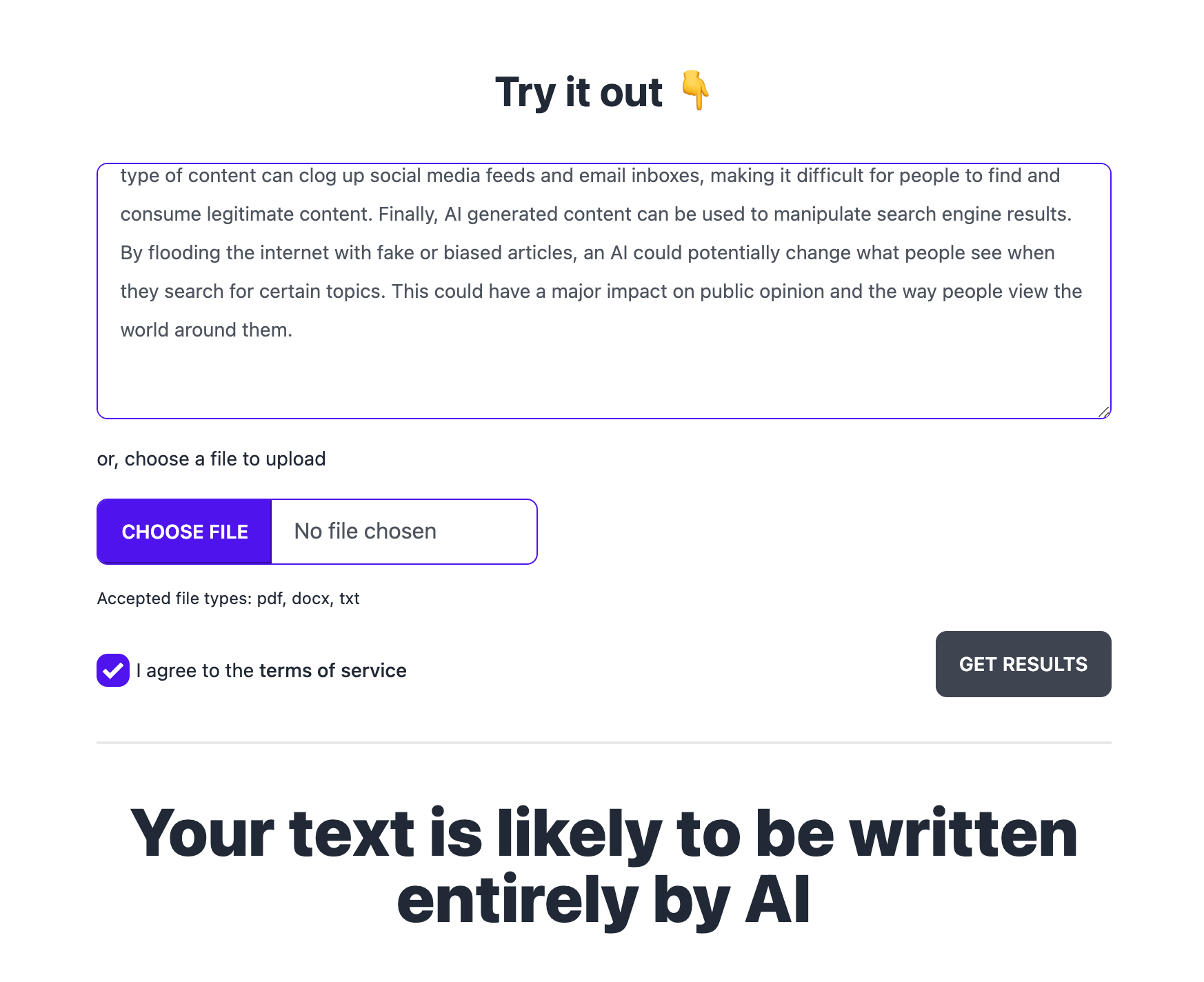
It is very important to identify AI generated content for a lots of reasons. False or wrong information can be spread by AI generated content. If a news article created by AI looks like it is from a trusted news source, people can get fooled into believing this false information.

Artificially generated content can also be used to spam or create fraudulent content. This type of content can fill up social media feeds and email accounts, making it difficult to differentiate legitimate original content & fake content.

Top 5 Free AI Content Detector Tools

We have tested some of the available tools and listed here for you convenience. By these tools you can easily check whether a piece of content is generated by machine or human written.

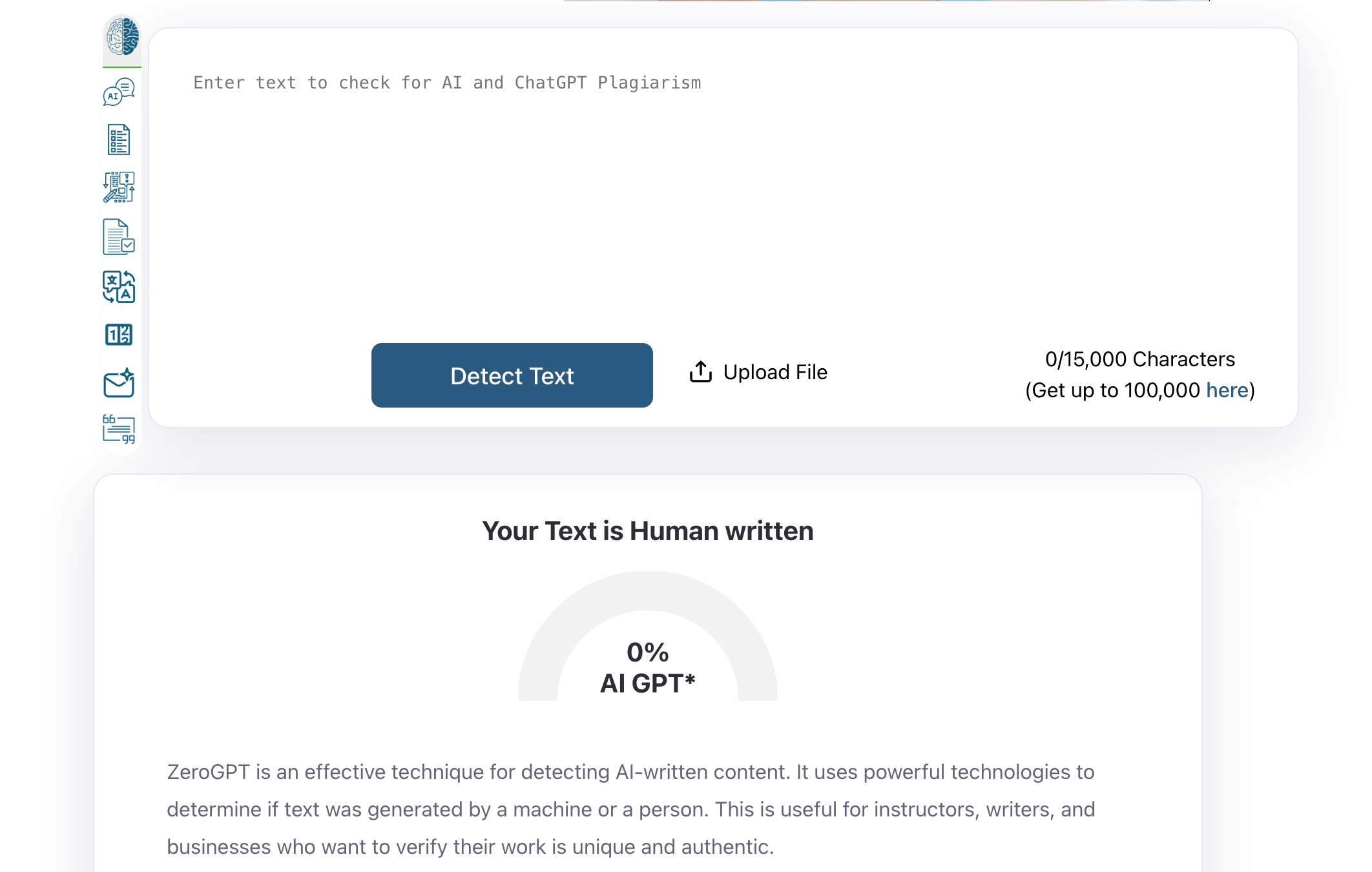
1. ZeroGPT.com

One useful tool that finds AI written material is ZeroGPT. It employs cutting-edge technology to determine if a human or a machine generated text. Teachers, authors, and companies who have to guarantee their material is original and legitimate will find this helpful.

ZeroGPT preserves written work originality and helps stop plagiarism with its simple interface. ZeroGPT provides a consistent approach to find AI generated text whether you are reviewing academic papers or internet articles, therefore fostering trust and openness in digital content.

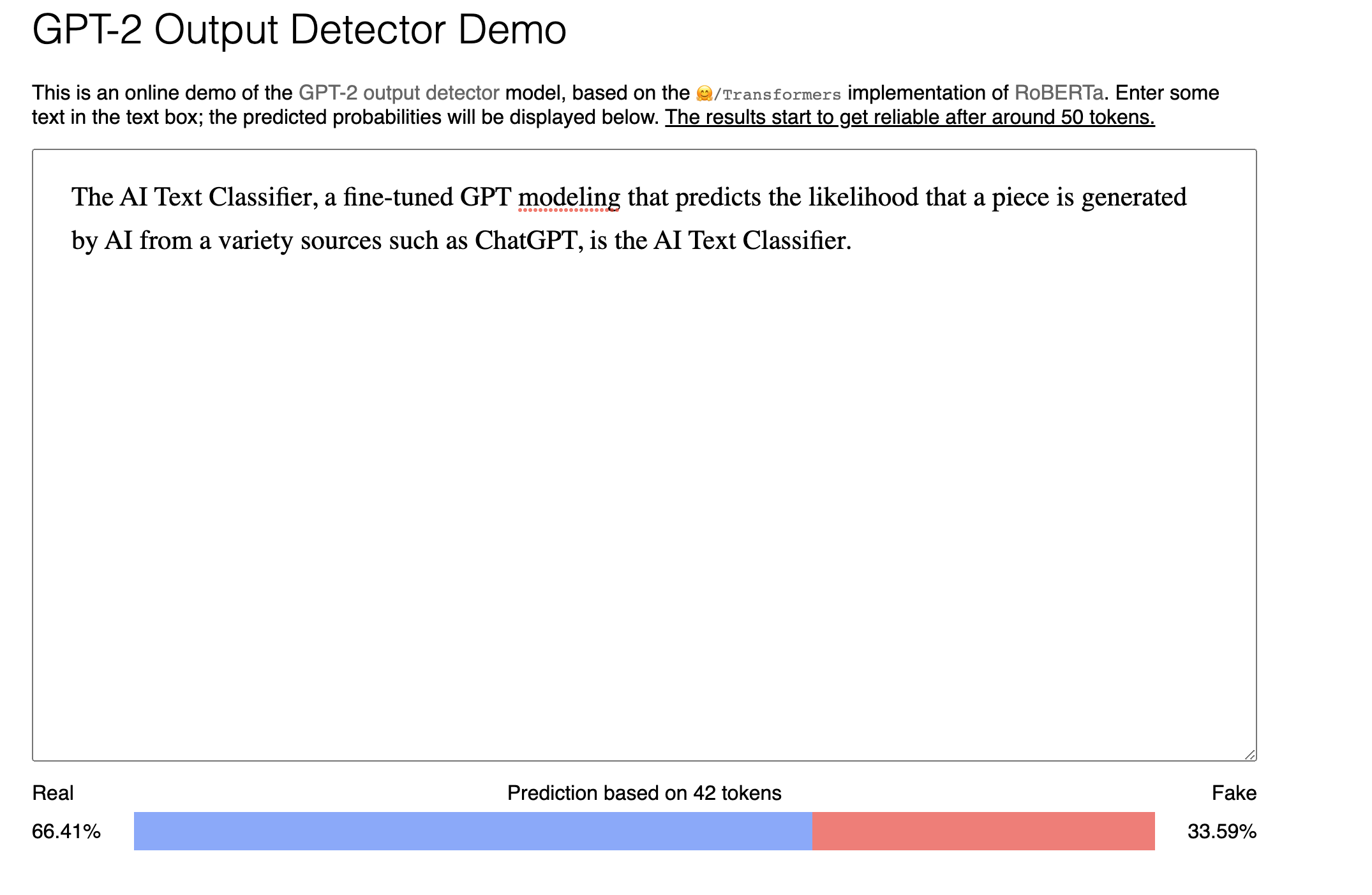
2. GPT-2 Output Detector Demo

GPT-2 Output Detector Demo

This is another free tool to detect AI plagiarised content. Basically this is GPT 2 based output detector demo fined tuned on RoBerta model. This tool may not be that accurate as it is based on old model and many new advanced model are released that can fool this tool.

The best part of this tool is it is very fast, you just need to put your content and it will predict whether it is fake or real within seconds.

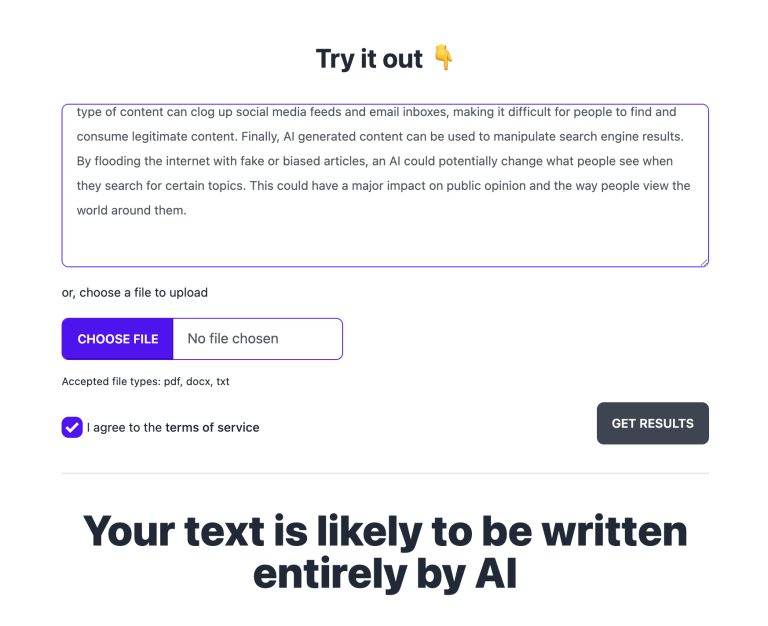
3. GPTZero

GPTzero recently released their AI content detector. It’s a free tool and you can get the results instantly.

We tested the tool with the both AI generated content and human content and it gave almost accurate results.

This tool also give you option to upload pdf, docs or txt file to check the content.

4. Sapling AI Content Detector

This Ai content detector tool by Sapling predicts the real or fake content with their probability. You just need to put your text in the box and boom it will show you the results.

Minimum 50 words are required to detect the content.

They are planning to release a most demanding feature for AI detector. It will highlight the plagiarised content in red. So one can check which part is AI generated and which one human written.

5. Content at Scale 

This is another free tool but it lacks accuracy and it is slow as compared to other tool. We tested multiple content and it is more likely to tell you that it is not human generated.


Conclusion

We have listed top 5 tools to detect the AI generated content so you can easily identify the fake and real content. As most of the tool needs upgrade and accuracy. If you have any other AI content detector tool in mind, let us know in comment.

5 AI Video Generator (Text to Video)

0

Looking for some tool that automatically convert your script to a presentable video ?

Yes, now it’s possible with the AI, many AI video generator have released this text to video or script to video feature.

You just need to put your script and it will automatically analyse your text and find stock videos related to it and create a video. I am sure you will be surprised with the result.

Some of these tools have AI avatars feature with text to voice options. Now you have a virtual human presenter in a video, you don’t need to show your face.

Let’s now talk about some of the best text to video AI tools :

Best (Text to video) AI Video Generator Tools

We have tested around 12 AI video editor and text to video generator tools and finalise this list for you.

1. Designs.ai

designs.ai

Designs.ai is a powerful AI video creator tool with lots of other features for creators. It is all in one online designing tool with logo designing, speech maker & online designing tool options.

It let’s you create video from pre built templates,  text to video or you can upload own video to edit.

It accurately suggest video content as per your text using AI. It has largest library of stock video & images.

You can easily edit and resize video for any platform or screen size.

It’s basic plan starts from $29/month and recommended plan is pro plan with $69/month.

Synthesia.io


It is one of the best AI video creation platform with option of video generation in 120 languages.

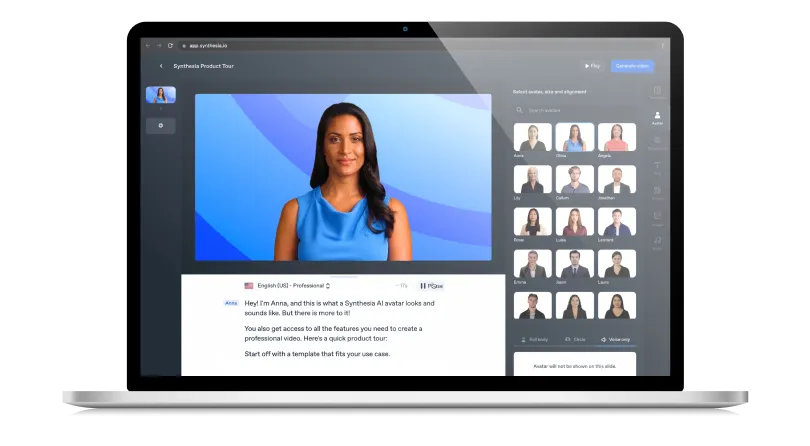
One can create any type of video like marketing video, how to or training video with this.

The best part of this tool is they give you option of 85+ avatars or virtual humans, with your text turn into voiceover in human accent & 120 language.

You can also choose from inbuilt templates to customise your video and can also do screen recording with it.

You can also create your custom AI avatar and can use it in video.

Their personal plan starts from $30/month.

Pictory.ai

pictory ai

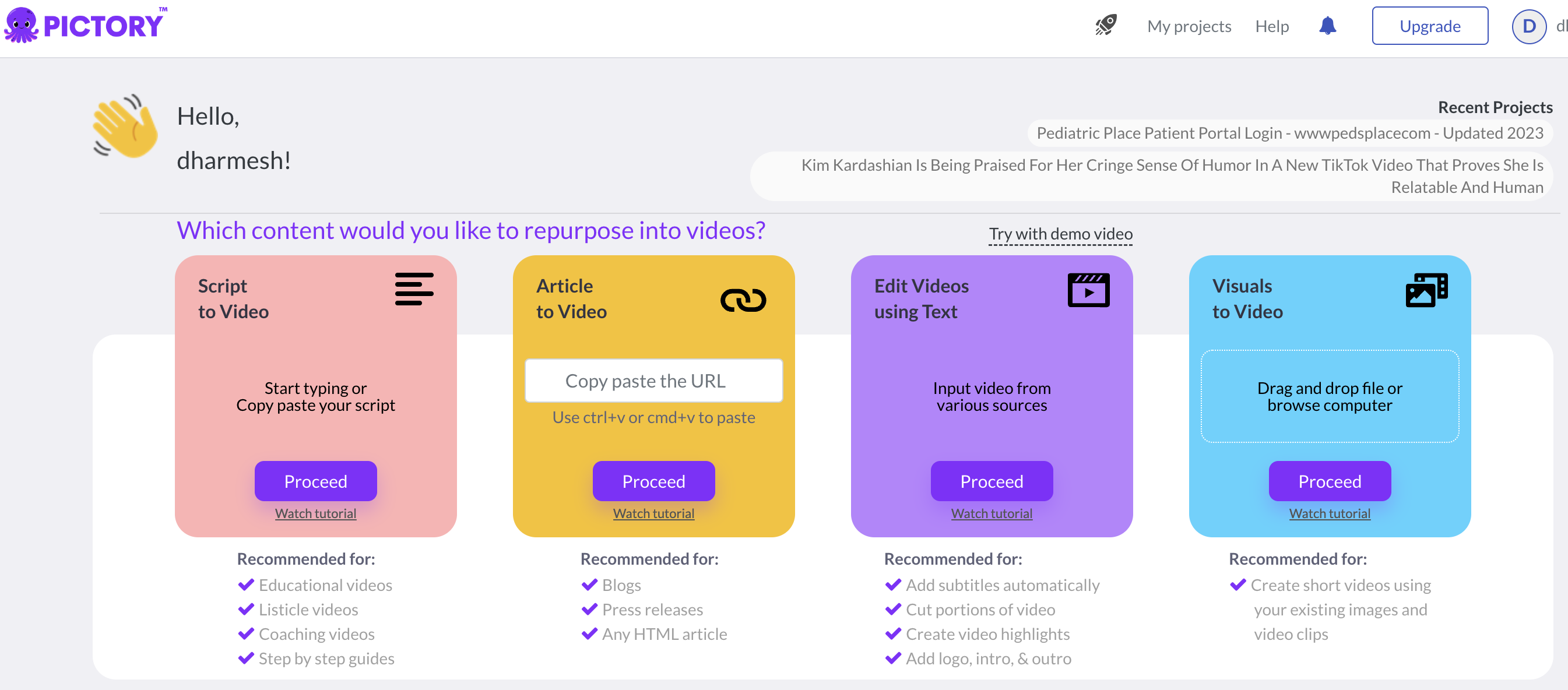
Pictory.ai is one of the fastest text to video generator tool with options to convert your script to video and article to video via URL.

You can simply provide your script or provide blog article to generate video. Their AI system will analyse your text and get the suitable clips from their 3 million plus video clips.

The results are really good, you can use AI voice or can add your own audio to video.

The other feature include video editing via text and visuals to video to quickly edit your videos.

Lumen5

If you want to convert your blog post or article into video to engage your audience, this is one of the best tool that generate video our of blog post.
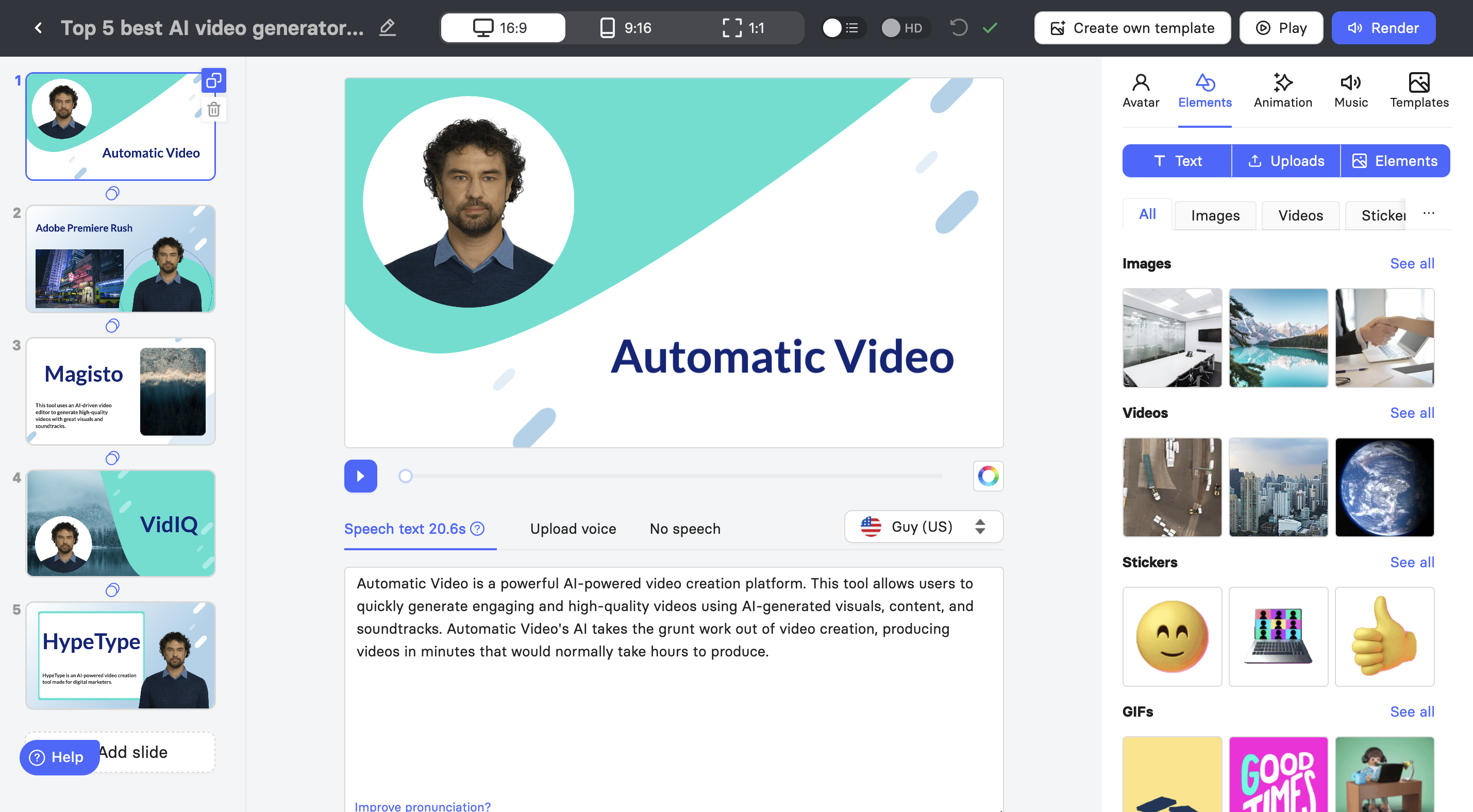


You just need to provide your link and it will take our content, image from it. Then it will summarise your content and create a unique explanation video with relevant stock clips.

I tried to generate the video and it really position the clips as per the text and it really looks a real story video. Once produced there are multiple options to edit.

Recently they released a new feature, where you can enhance your talking video with callouts and cutaways.

You can use this tool for free and if you are producing for company or brand their plan starts from $19/month.

elai.io

elai

Elai.io is an all in one video creation tool with lots of features.

You can create video from their pre made template or can create your own template. It can also produce video from a URL by converting blog post or article into video.

They recently added a option to create video from your topic using Chat GPT. It will automatically create the script using AI and generate a video.

You can also create e-com product video and can also generate video from PPT.

Conclusion

There are plenty of tools that will do your text to video task and many research paper are already released by big companies like google, which will enhance your text to video generation.

Try out the above listed text to video AI tools and let us know about your experience in comments.


10 Best School Management Software or School ERP System

0

Days are gone where you have to manage tons of papers as a School Head management. As the internet is flourishing at its best, so is the mind-set of people in making their work more compact and easy to handle. The Internet has made work very easy, more manageable to handle large work very easily, and most important of it is that the information store saves and secure. If you are looking to handle your school management more economically and safely you have come to the right place. Here we will discuss all the software that you can use for your School management.

What is School Management Software?

School management software is an application or a program that helps to handle all related administration work of the school without the need for paper and pen. It brings in the functionality of all departments like Library, Accounts, staff, and others to work together in accord without affecting others. Each department has its own access which will prevent it from accessing other functions which are not meant for them.

What is expected from School Management Software?

As said above, school management software is the overall management work at one place. It handles everything from different records, accounts, to the staff and it is working. Here we list some of the features that are expected in all school management software.

  • Student Management: This system keeps track of all the details of the student information, their registration, and their background information

  • Staff management:  Just like student management this holds the record of all the working staff from teachers to accounts their names, what work they do. If there is any level of promotion like Professor and others are all recorded and managed here.

  • Academic management:  This holds the performance record of all the students that are present in the school. Records could be hold class wise or by year wise. It keeps tracks how the student is performing and its progress. It can also have a module attached to it to generate reports of each student on his performing for a particular year.

  • Fees and Account Management:  All money transaction is recorded here. This includes the fee paid by each student to the monthly salary to be paid to the staff and teacher.

  • Inventory Management:  This controls all the stationery needed and keeps them up to the required stock. These include papers for examination. Books and copies for the students if the school supplies them.

  • Library management:  This manages all aspect of the library. It holds the records of what books are present in the library. Which books have been borrowed by which person and the duration of it.

  • Attendance management:  This module has two parts, one the attendance of the staff and other is the attendance of the students. Each of student attendance is divided among their class he or she is in and per year wise.

There are other features like online fee payment where you can pay any students to feel sitting at home, time table of each year stating all the important dates of events and their notification alerts to name a few.

Now that we know what to look for let’s get into some of the best software that is present for you to use them.

Best School Management Software:

Each school management software has its own advantage and disadvantage. Some software you get with few specialized modules while others which cover more general. It all comes down to how you are willing to use, how much money you want to invest into these software and how significant data will it handle.

Below we will list some of the software that is available for free and some which you need to pay for to use all its features.

Best Free School Management Software

First, we will talk about free available school management software that you can avail. Note that as it is free, it may not be that good as it has some features that you can access. The rest are locked which you can access if you pay for it. However, it’s nice to go and try out the free version and familiar it before investing any money.

1. OpenSIS CE

OpenSIS has both free and paid version. The free version is called OpenSIS CE, the community version, which can be used for small or medium sized school or institute. This version was made for those school which faced difficulty in handling student’s administrative software and data analytics.

Features:

  • You can create a student customized demographic information and keep track of all its records
  • Manage attendance of the students per period or per day and get a detail report on the student attendance
  • Create goals and see the progress made by the students
  • Upload unlimited documents for student study reference, assessment, and homework
  • Internal messaging and emailing among the users of the software that is all student and teachers that are enrolled
  • Create a time table and schedule of what to do throughout the day
  • Manage the marks and progress made by the students and generate an academic report based on that.
  • It also has a parental portal which the parents can login to view their children demographic information, attendance, their academic performance, their discipline and much more.
  • Control who can view which information by making user permission.
  • Can view and make a year performance of the school and view them. No need for any third-party software, this software generated it based on that year performance and data
Pros
  • Free version has substantial features to support any small or medium educational Institute
  • Have parent portal for the parents to keep track of their children
  • It has integrated Moodle LMS which you can add to it by paying a small amount, which helps in managing information about student, teacher, and staff quite easily.
Cons
  • The free version does not come with financial management. You need the paid version for that
  • Some feature like class portal is missing from free version
  • To manage free version, you need IT professional to maintain it.

– – – – – – – – – – – – – – – – – – – – – – – – – – – – – – – – – – – – – – – – – – – – – –

2. FeKara

Fekara is a school management software which provides all the management as well as academic work for any school or any educational institute. It gets inspiration from the University of Al-Karauine in Fes, Morocco, which has been spreading knowledge for more than two century. Its main motto is spread learning every without differentiating based on gender, class or the condition from where the students are from.

Features:

  • It is web based application, so can be accessed from anywhere and from any device provided it has an active Internet connection
  • It has internal messaging system, which can be sent to the users who are using the system
  • It has only admin and teacher login page for the Basic version.
  • It has modules to manage incomes and expenditure. Fee management is not provided for the free version.
  • Student related information like student admission, attendance and his performance throughout the period is all recorded and tracked.
  • All information is divided based on coursed and batch. The student’s information comes from the course and batch they are admitted to.
  • The free version has a basic time table which holds all the important dates of the event.
Pros
  • Free pro version for non-profit institutes
  • Free initial installation
  • Takes a minimum of 5 minutes to start using.
  • Very simple to use and operate
Cons
  • Free is available for those institute with almost 50 students and 5teachers
  • You get 1GB of cloud storage space
  • 10 GB of Bandwidth per month to use the software
  • You get a basic version only; some features are not available.

– – – – – – – – – – – – – – – – – – – – – – – – – – – – – – – – – – – – – – – – – – – – – –

3. Gibbon

Gibbon is completely free, open source school management system. It is created by different people and teacher who has offered for free of cost. It not only deals with school management system but also provides services and tools for teacher and students.
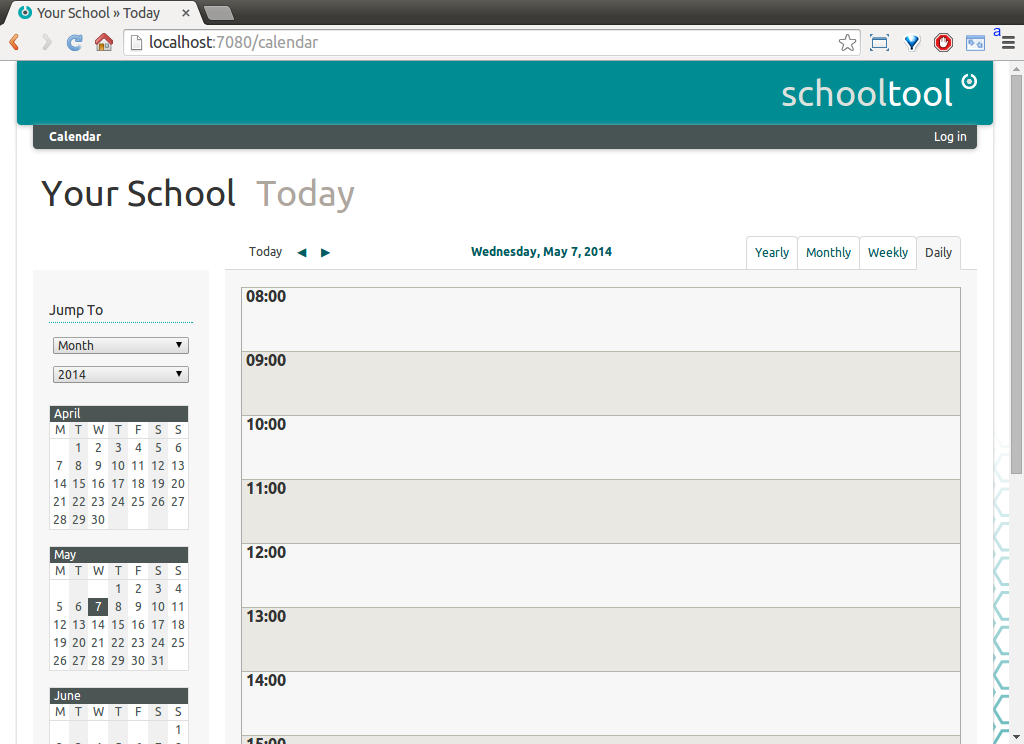
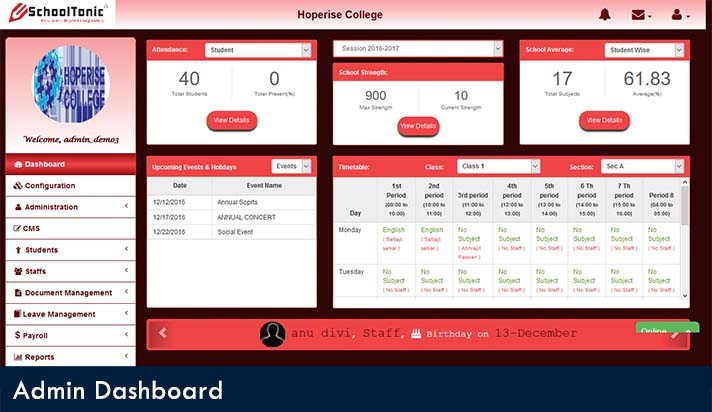
Features:

  • Create a planner with a topic to discuss, create homework and assessment and share it with students and parents online.
  • Create yourown timetable and link it with the school time table to see where you need to be and what is happing in the school
  • Create individual study plan for specific students who need special care for on a particular topic.
  • Access details based on the details so that related people could view and share the information
  • Library management, control the inventory which lists all the book available, who has borrowed it and the date of borrow.
  • Track the assessment and performance of each student individually, their performance, and the attendance
  • Detail information about every student, teachers, and staffs.
  • Create groups to chat, message and share study materials
  • Manage financial conditions by tracking all the income and expenditure. Track all the fees made by students
  • Different admin to look and control the software like system admin, school admin to name a few.

Pros
  • Clean user interface
  • It is flexible, extensible and flexible
  • Covers all the features of school management system from academic to the management
  • Provides for teaching tools and assessment for teacher, students, and parents.
Cons
  • There is no support system.
  • You need to have your own server to store and maintain it.

– – – – – – – – – – – – – – – – – – – – – – – – – – – – – – – – – – – – – – – – – – – – – –

4. SchoolTool

Another cloud based open source school management system that you can use. It has strong support for translation, localization and automated development and updates via Ubuntu Linux installer and package management system.

Features:

  • You can customize the fields of demographics and other data for student, teachers and other management staffs.
  • Store information about student, teacher and other staffs
  • Create excel style sheet for every class and departments having information about students’ performance, their attendance. You can download them and also use them to track the performance of each student
  • Have tools to help teacher make assessment, plans to teach on the topics and make graphical reports based on student performance
  • Create time table for teachers and student. You can also create personal calendars which are kept private to the individual only.
  • Create goals and track the progress of every student based on that goals.

Pros
  • Completely free and open source
  • Tools to help teachers deliver their topic better
  • Track students’ performance
  • Generate graphical reports on student performance and attendance.
Cons
  • You need to have hardware or virtual server to handle Ubuntu
  • It’s more of a tool made to help student and teacher. There is no provision to Human resource and financial management which you have to depend on another source to use it
  • They have limited or no support system.

– – – – – – – – – – – – – – – – – – – – – – – – – – – – – – – – – – – – – – – – – – – – – –

The Best Paid School Management Software

Now that we looked at some of the free software, let’s look at some of the best paid School Management Softwares. Since you are paying for the so be sure to check all the alternatives and choose the best which suits your need. Also, use the demo or the trial version before paying for the software.

5. SchoolTonicOpenSIS

It has both free and paid version. The free version is called OpenSIS CE, the community version, which can be used for small or medium sized school or institute. This version was made for those school which faced difficulty in handling student’s administrative software and data analytics.


This is a web based school management software, thus making it software independent. It also has a mobile app for both IOS and Android to make it accessible. It is perfect for small start-up schools which have very few students and staff. It is made based on the idea of entire paperless administration all are managed online where data are stored in cloud server and can be accessed from everywhere provided you have the right credentials to access it.

Features:

  • It has an SMS alert, which can send a notification to students, teachers, and staffs. You can send SMS to any individual or multiple people. You can use provided template or custom template of the SMS to be sent.
  • It has admin facility where you can access any information about anyone. You can update, delete or modify any of those data provided you have admin privileges.
  • For regular users like students, teachers, and staffs you will be able to access only those portion which you have access to.
  • It has daily attendance by which attendance of the students and teachers could be taken. Later it is converted into tables depicting attendants per month.
  • Fee Allocation and collection can also be done through this software. You can pay either through the web or use their mobile app. It supports payment as SAAS and can use online wallet depending on the customization.
  • Other academic features like storing students’ performance and generating report cards based on it.
Pros
  • Provides all the features for free of cost
  • No Hardware dependent as it is web application
  • Mobile support for both iOS and Android
  • Suitable for Start-up or small institution
Cons
  • Free support is provided for 30 students and 5 staff, cannot be used for large Institute
  • Does not provide any storage, you have to take care of it.
  • For the free version, you are not provided with any customization.

– – – – – – – – – – – – – – – – – – – – – – – – – – – – – – – – – – – – – – – – – – – – – –

6. SchoolPro

The all in one paid software. It comes to an application which you can download it on your machine and use it. You can store it on your own server and use it on Desktop and also as a mobile app. You just have to pay one time per year. It services over 10 schools throughout India.  Price: ₹ 15,000

Features:

  • It supports effective communication between teacher and parents using the application itself
  • It optimizes the resources so that the application could run effectively
  • As it is installed application, the information gets stored on the site from where you can access it making use of central information
  • If you are using in India it comes with all the central rules and regulations.
  • It supports Windows and Android platform so that you could use it both on the computer as well as mobile devices.
  • It gives pre-and after sales support with regular interval updates for better utilization
Pros
  • Complete automation
  • One-time installation
  • One-time payment
  • Easy and user-friendly
Cons
  • On site installation and use, prevents any cloud storage
  • Supports only Windows OS and Android Platform

– – – – – – – – – – – – – – – – – – – – – – – – – – – – – – – – – – – – – – – – – – – – – –

7. MySkoolApp

MySkoolApp is a futuristic software and mobile application with progressive tools for student, parents, and teachers with a real-time update of activities happing in the classroom and school campus. It provides all the information and data you need in managingyour everyday school work.

Price: Based on your customization required.

Features:

  • It is a web based application which can be accessed anywhere provided you have the right credentials
  • Parents or the caretaker get to know what their children are doing with real time update on what is happeningon the school campus
  • With this application, teacher can take attendance, give homework and check its progress of the students and also communicate with the student parents about their performance
  • It gives most preference with the student tracking their attendance, fees, performance in an academic year. Students can log in to view their assignment, grades, and other data
  • It manages administrativerole like list of all their staff and teachers, their payroll and their attendance
  • It has fleet management where it keeps track of the transportation used to ferry the students
  • It has other features like Library management, exam management, and account management.
Pros
  • Real time update
  • Direct communication between teachers, principal, and parents
  • It’s both web based and supports iOS and Android
  • Cloud based service to access it anywhere and from any device
Cons
  • Sometimes problems with the servers are faced.

– – – – – – – – – – – – – – – – – – – – – – – – – – – – – – – – – – – – – – – – – – – – – –

8. Fedena


Fedena is all in one school management software which has over 40,000 trusted schools and colleges. It is simple and user-friendly. It has featured in Nasscom Emerge 10, Deloitte Technology Fast 50 to name a few.

Price: ₹ 36,000 (pro), ₹60,000 (Pro plus

Features:

  • User-friendly dashboard where teachers, student, parents and other staff can log in.
  • It’s web based application, so you don’t need to install anything use it from any device and anywhere
  • Helps for more parent and teacher interaction through the application.
  • Itstores all the information of every student starting from the admission, how the students perform in the class, the attendance of the student.
  • Generate academic reports or graphical reports to show the performance of the students
  • Parent portal displays all the information about the performance, attendance of the student. The parents can also communicate with the teacher.
  • It supports multi-school where a group of institutesis linked together.
  • Offers customization as to what you want to use.

Pros
  • Simple and user-friendly
  • Cloud bases so need any additional hardware or software
  • Multi-school or college suppor
  • Provide all the feature that you need
Cons
  • Not so good customer service
  • Does not generate a complete student report
  • Does not have dedicated mobile app, (you need to access through browser)

– – – – – – – – – – – – – – – – – – – – – – – – – – – – – – – – – – – – – – – – – – – – – –

9. Applane

Applane help school and other Institute increase efficiency and performance to deliver high-quality education facility by automating all administrative work in the most efficient way possible. It has seamless modules which are user-friendly and easy to use. It uses Google Cloud to access it anywhere and with any devices.

Price: Based on the customization applied for.

Features:

  • Manage all the administrative work seamless starting from administrative procedure, maintaining all the details of student, staffs, and teachers
  • It keeps student’s information, their attendance and also the performance
  • You can generate academic as well the overall performance of each student
  • It comes with lesson planning module which helps the teacher to prepare for the course in details
  • Other feature like Financial and library management to take care
  • It also has alumni management to plan and organize events for the pass out batch and improve the brand of the school
Pros
  • Software is fast
  • Easy to use and operate
  • No hardware dependent as it is cloud based application
Cons
  • Cloud based so you need to have the active internet to access it all time.

– – – – – – – – – – – – – – – – – – – – – – – – – – – – – – – – – – – – – – – – – – – – – –

10. Astral School Management System

This School Management system integrates cross-functional enterprise system driven by an integratedsuite of modules that support the basic internal business process of the Institute. It provides real time view of all the operation that is going on in that Institute.

Price: Based on the customization applied for.

Features:

  • It is web based application where the details are stored on cloud server
  • Fee administration simplified with online payment, tracking all the fees made and the payroll of the teachers and staffs, who all are defaulter and managing total income and expenditure
  • Centralized database with secure and encrypted data to protect them
  • It removes any redundancy of data and make the management system more efficient
  • SMS facility with customization layout to send notification to anyone student, teachers or staff
  • Student portal where the students can see all his information, attendance and performance.
  • Other features like Library management, examination management, inventory management to name a few
Pros
  • Real time view
  • Access from anywhere and at anytime
  • Bring down administrative cost
  • Onetime payment
  • More secure database to protect the data.
Cons
  • No dedicated mobile platform support. You have to use a browser to use it.
  • You need active internet connection to use it all the time.

– – – – – – – – – – – – – – – – – – – – – – – – – – – – – – – – – – – – – – – – – – – – – –

Conclusion:

There you go, these are some of the free and paid school management software that you could use. It’s recommended that you use the trial version and then buy it if it meets your requirement.If you like this article and was helpful to you, please do share it with others who are interested in using any School management system.