Blog Page 81

10 Best PSP Emulators For Android to Enjoy PlayStation Games on Phone

0

Video gaming has lately gained a considerable amount of importance. Nowadays, children are more into playing games over computers and phones rather than going for outdoor gaming. They specifically demand more and more kinds of games and the latest versions of gaming consoles so as to enhance their gaming pleasures.

With the launch of PlayStation emulators, the craze for video games has been given a tremendous boost. With such latest series of gaming apps, children are able to get 3D effect while playing different kinds of games over their television sets and computers. With the modernized units, they can feel as if they are really fighting in the wars and tackling with demons.

The superb sound effects and adventurous integrated into these apps are simply unbeatable. One just cannot achieve that excitement in any other form of video game that the below enlisted PSP emulators can give. The companies have brought about a new revolution by introducing the latest series of these PSP gaming apps. The designing of graphics and games can steal anyone`s heart within no time. The qualities of attachments impart a real sense of modernity to the players.

Best PSP Emulators For Android

We have jotted down some of the finest Best PSP Emulator for Android for you in this article

1) PPSSPP – PSP emulator

Unknown app
Unknown app
Developer: Henrik Rydgård
Price: Free
  • Unknown app Screenshot
  • Unknown app Screenshot
  • Unknown app Screenshot
  • Unknown app Screenshot
  • Unknown app Screenshot

The PPSSPP is the easiest emulator that is best in performance. It gives an unexpected level of performance and makes it a good choice for the ones who want something simpler. It has loads of features that shall get unleashed on its download. It runs a lot of games, but depending on the power of your device all may not run at full speed. Now Galaxy S7 is not currently supported, fix coming soon. Maybe in the next update, it will be fixed. Overall the PPSSPP- PSP emulator is the best app to play the Play the Games of PSP on the Android. It will provide you the experience of the PSP on you Android Device.

2) PSP Emulator

PSP Emulator
PSP Emulator
Developer: WoaEmama
Price: Free
  • PSP Emulator Screenshot
  • PSP Emulator Screenshot
  • PSP Emulator Screenshot

The best part of PSP Emulator is that players do not lose interest even if they lose hundreds of time. The PSP Emulator is the Great emulator on android platform for PlayStation(PSP). It has a very high game compatibility, fast speed, and accurate sound.
You will feel best gaming experience, get smooth gameplay and large FPS. The game controller is very much effective and easy more like Orignal PSP controller.

3) Emulator for Super PSP

Emulator for Super PSP
  • Emulator for Super PSP Screenshot
  • Emulator for Super PSP Screenshot
  • Emulator for Super PSP Screenshot

The Emulator for Super PSP is not designed for the gaming purpose but later on, users find it more interesting and addictive. Then makers of the app decided it launch official. Now It can run a huge amount of PSP games using this emulator at full speed. This emulator is working fine with all smartphone and tablets and Samsung galaxy 7 also. The emulator provides you the best gaming experience with high definition game graphics. The best part of the Emulator it has a lot of customization like Position of the buttons & functionality etc.

4) PPSSPP Gold – PSP emulator

Unknown app
Unknown app
Developer: Henrik Rydgård
Price: $4.99
  • Unknown app Screenshot
  • Unknown app Screenshot
  • Unknown app Screenshot
  • Unknown app Screenshot
  • Unknown app Screenshot

The PPSSPP Gold – PSP emulator is much better than all the emulator available over the play store so far. If you think why i have listed it on this position then here is the reason it is the paid version of the PPSSPP emulator. You won’t be getting an ad in this version. The rest of the features of the App is the just the same.

5) OxPSP ( Emulator for PSP )

OxPSP ( Emulator for PSP )
Developer: YellowES
Price: Free
  • OxPSP ( Emulator for PSP ) Screenshot
  • OxPSP ( Emulator for PSP ) Screenshot
  • OxPSP ( Emulator for PSP ) Screenshot
  • OxPSP ( Emulator for PSP ) Screenshot
  • OxPSP ( Emulator for PSP ) Screenshot

OxPSP has a very simple UI and amazing customization tools. The previous version of this Emulator has had some bugs but now the updated version is very much improved. Now it is easily compatible with all smartphones and tablets as well. The latest version of this app have the High-quality game sound, Custom game controller, Cheats support, Save and load game state, and Nice graphic quality. The best part is the free version of the App. Unlike other apps you don’t have to pay to unlock more features.

6) Golden PSP Emulator 2017

Golden PSP Emulator 2017
  • Golden PSP Emulator 2017 Screenshot
  • Golden PSP Emulator 2017 Screenshot
  • Golden PSP Emulator 2017 Screenshot
  • Golden PSP Emulator 2017 Screenshot

The Golden PSP Emulator will enhance your gaming and provides you the more control on the games. The Golden PSP emulator will help you to reach great performance in PSP games, perfect graphics, and nice gameplay. This emulator is the best app that enables your android device to behave like portable console system and play in real PSP games. The best part of the Golden PSP emulator doesn’t consume the battery of your smartphone. Golden PSP Emulator works well on most smartphones and tablets. This is one the best features of the emulator you can even customize the control layout as it suits you.

7) AwePSP- PSP Emulator

AwePSP- PSP Emulator
Developer: AweEmulator
Price: Free
  • AwePSP- PSP Emulator Screenshot
  • AwePSP- PSP Emulator Screenshot
  • AwePSP- PSP Emulator Screenshot
  • AwePSP- PSP Emulator Screenshot
  • AwePSP- PSP Emulator Screenshot

AwePSP- PSP Emulator is absolutely unique and can do anything that you want as long as you continue to access it in the right way. The emulator works fine, however, you may face certain compatibility problems but still run seamlessly. It can support the multiple file formats including .iso/.cso/.elf/.ISO/.CSO/.ELF. which is a great thing. Like others Emulator, it does support the customization of the buttons and position also.

8) Sunshine Emulator for PSP

Unknown app
Unknown app
Developer: ExpertArts Studio
Price: Free
  • Unknown app Screenshot
  • Unknown app Screenshot
  • Unknown app Screenshot
  • Unknown app Screenshot
  • Unknown app Screenshot
  • Unknown app Screenshot
  • Unknown app Screenshot
  • Unknown app Screenshot
  • Unknown app Screenshot
  • Unknown app Screenshot
  • Unknown app Screenshot
  • Unknown app Screenshot

This emulator is pretty simple as far as all the emulators are concerned. The wide range of file extensions and free options makes it my personal favorite. Sunshine Emulator for PSP works well on most smartphones and tablets, even budget. The emulator can run the huge amount of PSP games without any lack. The emulator provides you the best gaming experience, get smooth gameplay and large FPS. It provides you the High quality of game sound, Easy network gaming, Save and load game state and a lot more.

9) Emulator for PSP Cool 2017

Emulator for PSP Cool 2017
  • Emulator for PSP Cool 2017 Screenshot
  • Emulator for PSP Cool 2017 Screenshot
  • Emulator for PSP Cool 2017 Screenshot

Emulator for PSP Cool 2017 can be taken as the clone of PPSSPP. This seems to be really impressive and is roughly the most compatible emulator invented so far. The ones who faced certain issues with PPSSPP version are sure to feel happy with this version. The app boasts of a thoroughly customized gaming experience that is neither an excellent nor a horrible one.

10) FPse for Android

Unknown app
Unknown app
Developer: Schtruck & LDchen
Price: $2.99
  • Unknown app Screenshot
  • Unknown app Screenshot
  • Unknown app Screenshot
  • Unknown app Screenshot
  • Unknown app Screenshot
  • Unknown app Screenshot
  • Unknown app Screenshot
  • Unknown app Screenshot
  • Unknown app Screenshot
  • Unknown app Screenshot
  • Unknown app Screenshot
  • Unknown app Screenshot
  • Unknown app Screenshot
  • Unknown app Screenshot
  • Unknown app Screenshot
  • Unknown app Screenshot
  • Unknown app Screenshot
  • Unknown app Screenshot
  • Unknown app Screenshot

FPse is probably the better PSP emulator fro the Android Smartphone, But this is only available for the Playstation 1 games. If you are looking for the emulator for the PlayStation 1 games then FPse is the best for that. It has a ton of features, including good performance and compatibility. It supports almost all the Playstation 1 games. Now the users who took a little help from the cheats are going to love this emulator. It does support the cheat codes, control themes, game controller, and an OpenGL plugin mode that can add all kinds of visual tweaks. You can also play the multiplayer games with this emulator.

Conclusion

Now you don’t have to buy those fancy controllers which could be once spotted at gaming parlors. Apart from that, these emulators will help you play all the games on your Android phone. These companies have integrated multiple outrageous gaming features that include multi-chatting, multi-player and keyboard gaming. So, do let us know which Emulator is best for you and also if you are using another apart from the Given list then comment below.


Best Internet Security Tools in 2020

0

Cyber-attacks have existed since the dawn of the Internet. And the war with them is endless. As security professionals come up with solutions that can protect users from malicious activity, hackers create new, more complex, and advanced kinds of attacks. Thus, both sides evolve and become more sophisticated over time.

Today having only an antivirus installed on the device is not enough to stay safe online. There are numerous various kinds of cyber attacks, so the protection solely against viruses is not enough. Let’s see what features the best internet security tools 2020 need to have to keep you safe from malefactors.

Why Do You Need Something More than an Antivirus?

We’re somewhat used to the idea that antivirus is enough to remain secure. But the thing is that such software will protect you only from viruses, and there are many other threats such as spam, phishing, and so on. The tool that safeguards you solely from viruses won’t be sufficient.

Of course, if your use of the Internet is minimal, you might be okay with a simple antivirus. But since you’re reading this article, it’s safe to assume that it’s not your case. So let’s take a look at the situations when you want to have more protection.

You connect to public WiFi spots

Such networks are the simplest way for hackers to get into the user’s device because routers in cafes, hotels, and other public places are rarely managed properly. They often lack updates and security software, and, therefore, hackers can crawl into the system very easily. And once they’re in, they can see all the connected devices and get access to any of them. Then stealing your valuable data is a matter of seconds. 

You use a wired connection

While receiving the Internet connection through a wire is more efficient in terms of speed, it makes you more vulnerable to hacker attacks. If there is no router as a medium, your IP address becomes a desired and achievable target. That’s why technicians who need speedy Internet connections and use a wire go the extra mile to enhance their protection.

Your inbox is full of spam

Some users receive only a couple of spam emails or messages every month, but others get overloaded with malicious letters. If it’s your case, you need to think about some additional anti-spam security. If you have a tool that shows you that the message is malicious, you will lower your chances to get your device infected, or to become a victim of a fraud.

You often buy things online

Phishing and keyloggers are real, and they can easily steal your credit card details. Advanced users might have no issue detecting phishing, but keyloggers are virtually impossible to spot without any additional security tools. So no matter how confident you feel about your ability to notice that something is off, you need to protect yourself more reliably if you shop online a lot.

You want to protect your kids

The Internet is full of content that is not suitable for children. Advanced security software will help you control their activity online and restrict access to some websites. Thus, kids won’t have a chance to see what they’re not supposed to see, and you’ll have greater peace of mind.

You have a webcam

Today all laptops come with a built-in webcam, and most PC users get one as well. It’s a well-known fact that hackers often use a camera to spy on the user. You can get a cover for your webcam, but advanced security software will work just fine. 

What Features Must a Good Internet Security Solution Have?

If you check out websites of most popular antivirus providers, you’ll notice that they don’t really call their software “an antivirus” anymore. It’s Internet security software now because it can offer more than simply protection against viruses. It’s a complete suite that will keep you safe online.

To safeguard you from all the existing kinds of attacks, such software should have the following features:

  • Protection against viruses
  • A two-way firewall
  • Protection against spam
  • Anti-ransomware solution
  • Device vulnerabilities detection
  • Cloud storage protection
  • Anti-phishing module
  • Webcam protection
  • Anti-theft solution
  • Parental control
  • Device optimization
  • Remote device block 
  • Apps for Android and iOS

Also, it will be great for the software to have a VPN, but you can get one separately. This tool will protect you from hacker attacks when you’re connected to a vulnerable network. With a VPN, you will stay anonymous and, therefore, invisible for malefactors.

Now when you know what to look for when choosing an Internet security solution, you can get the software that will safeguard you reliably from all the threats. But don’t forget to remain attentive and avoid suspicious emails, links, and websites.

A Modern Freelance Writer: Things to Know Before Starting a Career

0

As technological progress gains momentum, some new related professions occur as well; the writer is one of such jobs. An opportunity to work from home or sit in a cozy cafe in Spain is too luring to resist. The following text explains to you the primary tasks of a freelance writer and why the installation of a good antivirus program such as, for instance, AVG Antivirus is a must for the newcomers in this sphere.

Even though there are some substantial advantages connected with the freelance writer, you cannot but mention that there are also certain disadvantages that are characteristic of any contemporary job. However, let us knock off here and look at the core moments a newcomer should remember before starting a career. 

Writer’s Starting Package

Any writer has a significant task that is to create an original text. To do that, he should collect some information from only credible sources. The next stage is to create a fluent and engaging text based on the chosen sources. The first stage can be quite tiresome and time-consuming.

At the same time, searching for the content for your article can also be dangerous. Why? Think about how many sites you will visit to get reliable information. Now, think about all the malicious websites with spam content. There is a simple solution, however, and it is a good antivirus. Whether you choose AVG anti-malware program or any other powerful software, just make sure you have it.

Here, what you need to know about content writing, making your first steps:

Stay hungry for information

Read, read, and read some more blogs/books/journals; you can also watch topical videos if you perceive audio-visual content better than visual. The Internet provides dozens of platforms where you can find something useful for your future profession. Extend your search requests, read about diverse aspects of your work, learn about writing tools to enhance your writing style and technique. A good writer is into general development and always ready to find out something new.

Use platforms for freelancers

Register on the sites for freelance writers. You will easily find several of these specialized platforms that allow freelancers to find the client, enrich their portfolio, and make money. Keep in mind that you will have to work hard on your account. In such a way, the employees notice you out of the thousands of candidates. If you have any experience related to writing/copywriting/rewriting/ translation – note this in your work experience. Also, make sure that the client has got a high rate as this ensures his or her reliability in terms of adherence to working conditions.

Have your virtual wallet

Create your virtual wallet. It is no surprise that the clients today prefer using online payments. Besides, the virtual wallets are your guarantee that you will receive your refund on time. You may search for some software that fits your specific needs or use a popular WebMoney wallet. No matter what you choose, an online wallet is something that will ease your life considerably.

Practice every day

There is no such thing as a gift – successful people work hard to become professionals. Remember that practice is your daily routine: you can write something for yourself every day or some light posts for your social media accounts. Work is good; however, if there are no orders, do not waste your time and create some content to develop your writing skills.

Prepare for jobbing

As you know, nothing comes from nowhere. For that reason, be ready to work with some comments, reviews, etc. You will start with something small to have the expertise and move on with some outstanding articles that will attract the readers. At this point, keep in mind that as you decided to be a freelance writer, you already had many competitors. Be patient and work hard to create an excellent portfolio so that you become the number one candidate.

Be active

The Internet is an excellent place to find something useful for your writing career; however, leave your cozy home from time to time to attend lectures, seminars, and courses. A freelance writer is an educated person who knows something from any sphere. Talk to people, share your knowledge, and learn something unfamiliar every time you have an opportunity. Motivation can remove mountains, you know.

Do not forget about your quality leisure time

Have you heard about burning out? Being a freelance writer can be tiresome due to the amount of diverse information. With time, you will notice that you have no motivation, thrill, or ideas to write about any stuff, even if it is something that you are genuinely excited about. Therefore, create a list of relaxing things you can do when procrastination knocks on your door. Here are some recommendations:

  • listen to good music. Choose some software for Windows to have a ringtone that will cheer you up every time you hear it;
  • visit new cities with your friends or alone;
  • watch movies;
  • dance, go in for running, do boxing;
  • draw even if you are not good at this;
  • do nothing, just chill – sometimes it is the best option.

Now when you have a clear picture of how to enter the world of freelance writing, you can start your career. Keep in mind that there will be lots of challenges in the beginning. Nonetheless, every hard work yields some dividends, so keep going to your goal.

The Benefits of VPS for Big Data Websites

0

Big data is massive datasets that predict trends, patterns in human behaviors, and customer preferences. Many businesses grow dependent on big data so they can make data-driven approaches and decisions in outperforming competitors.

However, companies soon find that it requires huge resources to collect and analyze such a massive volume of data. Thankfully, this is where VPS comes to the rescue as it is the ideal solution to perform the task.

But what is VPS and in what way does it benefit data-driven enterprises? In this article, we will answer those questions, so keep on reading!

What is VPS?

VPS, short for Virtual Private Server, is a type of hosting where each website is hosted on a virtual server. One machine can run many virtual servers, but each website will have its own resources because the servers are isolated from one another.

The amount of resources you get depends on the plans you choose. But in general, each website gets its own exclusive access to CPU, RAM, disk space, and power.

There are two types of VPS: unmanaged and managed. The former offers total control, but you have to handle all the server-side configuration and maintenance yourself. If you choose the latter, your hosting provider will take care of those aspects for you.

How to Choose Your Hosting Provider

Before we get to the benefits of VPS hosting for big data websites, let’s see how to choose the best provider for your enterprise: 

    • Pricing plans: VPS prices vary from one provider to another. Hence, research various companies to find the one within your budget.
    • Uptime: You’d want a reliable service that can offer maximum performance. Therefore, choose services that can guarantee a 99% uptime and fast performance.
  • Services and Resources: Ask what you’re going to get from each plan, and evaluate whether it can cater to your needs. 
  • IT support and Customer Service: This is extremely important because you’d want to be able to rely on your hosting provider should anything go wrong. Pick a hosting company with reputable customer support, and ask them a few questions to see how proactive they are at helping you.

If you’re interested, www.hostinger.in website offers a reliable VPS hosting service at affordable prices. Plus, they have excellent customer support that can answer all your questions 24/7/365.

How VPS Benefits Big Data Websites

Given the nature of VPS, there are several benefits that can only be obtained from this type of hosting.

Cost-effective and Scalable

Compared to dedicated hosting, VPS is more affordable and still has adequate resources to handle big data, such as strong processing power and big storage. It’s perfect for companies who want to start collecting data but are not ready to invest in dedicated or cloud hosting.

You can scale as your business expands and your datasets grow by increasing CPU core and SSD to handle more complex data operation. This way, you’re eliminating the need to spend too much on resources that aren’t too important for your business yet.


More Stable Resources

Thanks to big storage capacity and powerful CPU offered by VPS, it’s possible to execute advanced algorithms, cloud software, and automated scripts without compromising your website’s performance (provided that it’s still within the allocated limit of your plan, of course).

As a result, you can collect and analyze new data about your web visitors while also ensuring stable and fast web performance. The ample resources also enable more than one website to run smoothly on the same server.

Compared to having an in-house dedicated computer that requires a lot of money and engineers to maintain, VPS is much easier to manage due to its virtual nature. Plus, if you sign up for a managed VPS, the hosting provider can optimize the server so it becomes faster and more efficient at handling complex operations. 

More Control

Another great perk of VPS is its high customizability. Since you’ll be given root access, you can decide how to allocate and configure your resources, as well as what operating system and software you install for collecting and analyzing big data. 

This way, your website has more development options, which makes it so much more adaptable to growing user needs and datasets in the long run. 

More Secure Environment and Security Options

As your data is stored in a private server, other users won’t have access to it, reducing the risk of data breaches. Not to mention, your website won’t be affected by the security issues of other environments. 

On top of that, VPS enables you to easily install server-side firewalls and various security protection software to boost your website’s security. Should the need arises, you can buy different private servers and use them for backups when the main server is down or attacked.

Conclusion

Keeping what we know of VPS, it’s no surprise that it has become the go-to solution of many businesses to analyze big data.

It’s affordable, future-proof, powerful, customizable, and secure; everything a data-driven website needs to gather insights that are useful for understanding customer base and growing a business.

What Is the Impact of Web Hosting to SEO Ranking of a Website?

0

The best possible hosting for the successful SEO of a website is a matter of need and choice. Why do you need a quality web server (web hosting) for the SEO of a website? How to choose the right web hosting? In this article, we’ll answer these questions and provide you with tips to help you make your choice.

Why Does Your Site Need the Best Hosting for SEO?

Let’s first explain the real importance of SEO. Search Engine Optimization (SEO) is a process that results in the maximum visibility of your website on the Internet. SEO of websites is done according to Google guidelines. As the strongest search engine, Google sets rules and they should be followed. What does SEO target? The goal of website optimization is to bring more visitors organically, through search engines, and convert them into satisfied users. SEO achieves this goal in 2 phases: In the first phase, the website starts the race for visibility on the Internet and fights competition for survival and traffic. In the second phase, the website enters the race to win the best position in the search results list. The motive is keywords from search queries.

Good SEO strategy, analysis, keyword research, and link building generate the number of visits. The quality of links and content is crucial. SEO experts/agencies find the right keywords that are most relevant to your product. Text containing more relevant keywords is more likely to be successful online. Experienced SEO experts/agencies and their webmasters help you dominate the niche for key phrases that are relevant to your business. The goal is to increase the number of visitors, attract new customers and successfully market your best products and services.

Applying the right SEO strategies achieves optimum website presence on the Internet. Being first on Google is highly desirable and extremely useful because it’s the largest market in the world. You’ll have a faster return on investment, secure business development, and a long-term increase in profits and other benefits. The best hosting for SEO increases the authority of your website compared to other websites that are approximately the same value as yours. In certain circumstances, the complete SEO of your site for search engines may depend on the quality of your web hosting.

What Is the Impact of Web Hosting on Website Optimization?

Each web hosting generates at least 5 SEO factors that affect the rank and authority of the website in search engines. You can positively influence them if you make the right choice for the hosting company and services. Before we get into explaining these 5 factors, let’s mention the additional one: web hosting server location and easiness of managing elements of web hosting service.

When search engines decide where, when, to whom, and at what position to display a website, they also take into account the website’s and web server’s location which is marked with the unique IP address. Sometimes, you don’t have other choices than to pick a web server’s location that’s far away. That’s in the case when content on your website might alarm takedown notices for copyright infringement. To get protection, purchasing DMCA ignored hosting providers is your best option, and they are located offshore. Apart from having different policies and reactions when the website takedown notices arrive, these DMCA ignored hosting providers have web servers at a strictly limited number of countries in which DMCA (Digital Millennium Copyright Act) isn’t enforced. The physical distance of the server is somewhat influential, but it doesn’t matter if the website is well optimized and uses a CDN (Content Delivery Network) service to deliver the website content quickly.

Now, the 5 properties of the web servers that have a good (or bad influence) on the SEO of your website:

Server runtime – when web search robots reach a site that’s inaccessible, they bypass it because they don’t want to offer visitors a link to a website that they won’t be able to access. If the same is repeated several times, the search engines will mark the website as unreliable, and its authority will be suddenly weakened.

Downtime and uptime – web server downtime is the time that your website is unavailable due to problems with the server on which it’s hosted. Ideally, uptime is 100% because even one percent less than that means your website will be unavailable for about 7 hours a month. However, 100% is impossible, so your web host must provide 99.9% uptime.

Operating speed search engines want web pages to load as quickly as possible. The speed of the website depends mostly on the correctness of the source code of the website itself, not on the hardware that supports or maintains it. However, the difference in the speed of the website on standard hosting and the website on high-quality hosting can be drastic. High-quality hosts operate on Solid State Drives (SSD) who are much faster than traditional spinning drives.

Work and service stability – the best hosting for SEO prevents website disruptions. Good web hosting maintains a high level of web server running time. Your website mustn’t crash at a high influx of visitors, or become inaccessible when it’s most needed.

Support of the web hosting provider – always pay attention to which web hosting company offers the best customer support. The scope and types of customer support must ensure the security and stability of the website. This is worth a great deal more than any money you’d save on some cheap web hosting. A good choice of a hosting company doesn’t directly improve SEO but protects against the consequences of making the wrong choice. So, don’t make a decision based on price alone.

What Type of Web Server Is the Best Hosting for SEO of the Site?

The best type of web server for your site is the one that best suits your needs. There are different types of web hosting and service packages, but they can all fall into one of these 3 basic categories:

Shared web hosting is cheap and in proportion to the price. It’s good for small budgets and websites without special needs and high traffic.

VPS web hosting is, for the most part, the best choice for even the highly demanding users. 

Dedicated web hosting is expensive but good for working independently on a high power server.

So, the logical question is how to choose the right web hosting company and the best services for your site? Imagine having to choose from these options: to clean your apartment yourself or have someone do it for you. Now, answer yourself honestly, what would you choose? When opting for a hosting company, ignore the price and look into the support. Without broad support and real concern about your website, everything else isn’t worth much to you. For the easiest answer to a question on how to choose the best hosting services, start with the following: How much does your online business and online presence really mean to you and does that way of business bother you, or does your whole business depend on it?

Even when you choose a quality hosting, at one point the need for migrating your website to a better server will, likely, emerge. When is that time? First of all, it’s when for some reason you need to ensure the continued availability of the site. Then, it’s when you need to avoid business and financial losses at all costs. It’s also when your website is a service that requires very large resources for your work. Finally, it’s when your website has thousands of visits in a short period of time. You should also change web hosting in several cases: when it doesn’t allow the individual web pages to open fast enough, when it results in negative user experience while visiting your site, when it has security issues and when small bandwidth causes website interruption during each load.

The Need for Digital Skilling Road Map in Today’s Corporate!

0

Technology today plays an unprecedented role in almost all sectors of our life. It has revolutionized nearly all segments like governmental functioning, manufacturing, banking, health industry, fashion, and even media. 

Technology is the application of scientific knowledge to simplify problems and outthink solutions. It enables innovations to improvise and advance the lives of people throughout the world.  

Technology also strives to enhance economic growth by developing the business world. Digital business has seen a rise in the last few years on account of comprehensive advancements, research, and innovations, thus providing practical solutions to growing business needs.

In today’s competitive business world, technology plays a predominant role in building a stronger business process to deliver cutting edge performance with superior quality and utmost efficiency. Recent advancements like cloud technology, artificial intelligence, Blockchain, or even cybersecurity have extended the dimension and scope of business to an unbelievable extent. 

Now storing, retrieving, and processing confidential and sensitive data is easy and secure. Sophisticated custom software is developed to cater to specific business needs, thus optimizing productivity while delivering superior quality. Project management professional, resource management professionals, data management professionals imply various methodologies inventing and re-inventing the business development strategies and taking possibilities to new heights. 

Lack of Road Map – Clear Vision and Strategy 

While technology has unparalleled importance in business, around 87% of companies agreed that digital skilling is important, and surprisingly, 65% of companies still lack an actionable and reliable roadmap to digital skilling. This digital skilling gap prevails due to various internal and external pressures and complexities faced during the transformation process. 

Absence of a skilled workforce, resistance from the middle management, improper execution, and lack of adequate resources are the most contributing factors in the hindrance of digital up-skilling. 

Adding to the above, unclear and inefficient strategy thinking can get damaging and disruptive to any business advancement, and visionary foresee. Building a strategic vision to achieve digitalization and preceding the traditional and conventional approach is critical, and companies need to embrace the significance of design thinking and strategy making. 

The Impactor Benefits of Digital Skilling – 

  • More Efficient Business – Technological interface augments efficiency and quality. The various software and applications make work easier and faster, thus increasing productivity and efficiency. 
  • Higher Accuracy – A large amount of data is analyzed and processed daily to enable critical decision making. These numbers need to be accurate to ensure the right trend or output is derived, and correct strategies are designed. 
  • Forecasting and Staying Competitive – Evaluating competitive trends, market conditions, and sales forecasts are critical for any business to stay abreast of. The availability of various data on the internet, storage, or sophisticated customer software enables companies to increase business agility, rationalize redundancies, and achieve economies of scale. It’s imperative to have a plan in place to protect this information, and the benefits of a records management program are far greater than legal compliance. It’s also a good option to increase productivity.
  • Better Output and Innovative solutions – Technology integration thrives innovative methods and ways to the business process. New and original ideas and solutions are created which streamlines and improvise operations and delivering superior customer experience.

Few Steps to bridge the Digital Skilling Gap – 

Absence or weak technical skilling may work as a drawback in a company’s growth and development. While the company’s lag in this sphere, there are simple and effective ways to build upon this essential component. 

  • Create a Team – Creating a team to embrace and encourage technological integration is extensively helpful.  This team can continuously thrive on inventing diverse, on-demand, and emerging ideas and processes to bring in the architectural process. 
  • Invest in Skills Resources –   Investing time and budget on hiring skilled workforce and training existing staff can go a long way. This would also reduce the resistance the management may have towards any changes in the operational methods and bring in higher engagement and motivation.
  • Be aware of the market trends – Adopting ideas and solutions already in the market may not be a bad idea. It is not necessary to always invent the wheel which is already in existence. Hence, keeping abreast of the market situation and the latest technologies can help in implementing tried and tested methods and avoiding any risks. 
  • Embracing technology and be open to change – Change is an inevitable process. And embracing developments can be the wisest choice in the dynamic and competitive world. Business leaders who opt to embrace the changing technology, leverage the benefits, witness company growth, and achieve higher results. 
  • Constant vigilance and regular evaluation – This step is most often ignored or missed out. While complex technology is implemented, it is essential to keep attention on the feasibility and rightness of the process. What this means is, we need to make sure that the digital change brought in should be correct for the business and must be delivering better results. Also, the leaders must keep a watch on the need to make further changes or alterations as per the changing market conditions. 

Final Note – 

In short, technology and digitalization have integrated with the culture so much that on one side, every company is aiming to come out with innovative and new solutions. On the other hand, technology itself is changing and getting more and more complex. 

Technology provides new opportunities and enhances economic growth. A wide range of comforts and sophisticated devices, machinery, and gadgets are available today owing to the accelerating knowledge and digital know-how. Companies are recognizing the need to go digital and collaborating with this growing trend in the quest for excellence and growth. Essential steps are taken to draw the roadmap of digital skilling in organizations and carve the way to success.  

Strategy making, design thinking, marketing planning, workforce management, effective communication, data security, and strengthening the company brand can be overachieved or elevated with just one element – Digital Skilling. Simplilearn will improve your skill.

Go Digital and take your business Ahead! 

Top 10 Best Free Graphic Design Software for Windows and MAC

0

If you want to showcase your work in a prominent way and wants everyone’s attention at a glance, then you need high-quality graphics to make your content magnificent. It is not so difficult to create an outstanding graphic design as there are many software available that take care of everything. However, all users don’t have too much money to buy those expensive software that’s why many people seek for the free alternatives.

A perfect graphic design software needs to have powerful tools and feature that are capable of doing all the hard work and produce output as an excellent piece of work. Here in this article, we have rounded up some popular and effective graphic design software that have been used by thousands of people globally and are appreciated till now for their working capabilities as well.

Best Free Graphic Design Software for Windows and MAC

So, without further adieu, please have a look at some of the best free graphic design software that you can use on your Windows or Mac OS X system without any worries.

  1. SVG-Edit (Windows, Mac)

    svg-edit

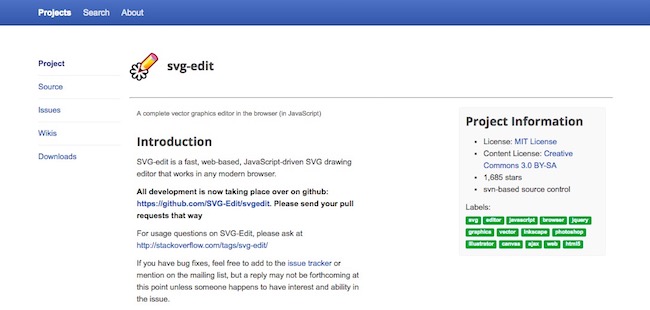
SVG stands for Scalable Vector Graphics and is an open format which allows users to reproduce their graphic programmatically. SVG edit is a speedy and server based drawing editor which is completely built on CSS3, JavaScript, and HTML5 and doesn’t require any server side processing. It not just allows users to create and edit documents but also modify the code by downloading them and make their own version.  SVG-edit packs tons of features and works directly in the browser. It supports all latest versions of browsers like Safari, Opera, Internet Explorer, Firefox etc. and includes several side projects in the repository.

  1. Blender (Windows, Mac)

    blender

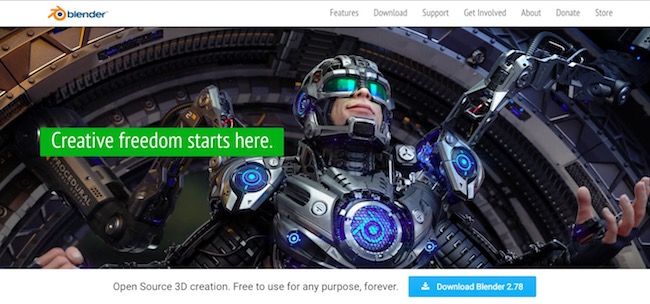
If you are looking for a 3D creation suite, but can’t afford to buy because of heavy price, then blender is a perfect option for you. It is a free, open-source application which supports 3D modeling, animation and rigging, compositing, simulation, CPU and GPU rendering, VR rendering etc. The software also sports 3D motion tracking, game creation, and video editing. Blender is a popular tool which is being used by many artists, developers professional across the globe. Blender works fine with Mac, Windows, and Linux.

  1. Sculptris (Windows, Mac)

    sculptris

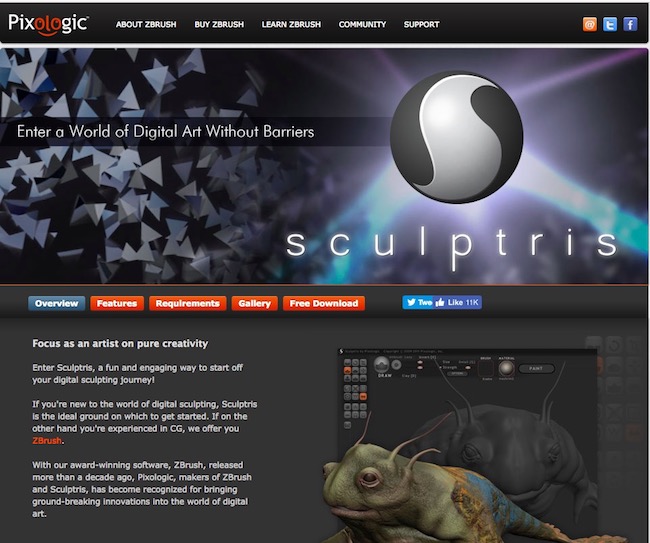
Sculptris is a powerful 3D modeling application developed by Pixologic. The software is packed with easy to learn features like Dynamic Tessellation and GoZ and can be used by beginners as well as masters. The base models created using those features can be refined with other applications such as ZBrush. The software boasts an immersive interface and the more you become skilled, you get to know more about the working capabilities. The software offers two navigation methods. The software is compatible with both Mac and Windows.

  1. Inkscape (Windows, Mac)

    inkscape

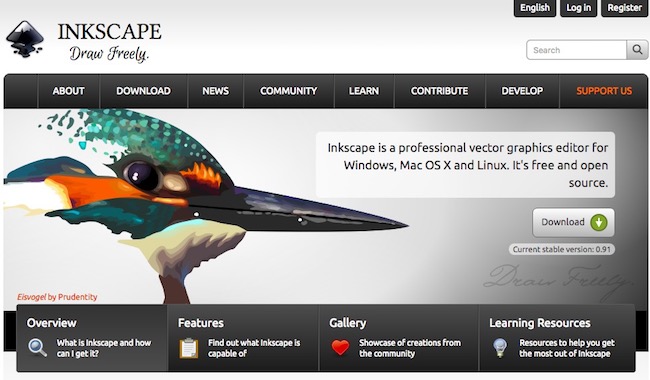
It is another robust and professional vector graphics editor which is suitable for illustrators, designers, and web designers. Although SVG is the primary file format yet it provides wide file format compatibility. There are multiple features that are hard to find in other suits such as markers, clone objects, and alpha blending. The tool provides full support to various color modes which make it preferable for web and print designing as an alternative of illustrator. The software is available for Windows and Linux, but if you are technically sound, then you can use it on Mac as well.

  1. Daz Studio (Windows, Mac)

    daz-studio

Daz Studio is a 3D morphing, animation, posing and rendering tool that lets users create incredible illustrations. It includes various useful features such as virtual props, accessories, animals, environments, and vehicles to create ultimate animations. You can easily produce graphic designs, create virtual environments, custom 2D avatars and do much more. The suit provides real time rendering accelerated by GPU and produces photo realistic results. There are interactive tutorials which can help a beginner to become a proficient 3D artist effortlessly. The software is available for both Mac and Windows.

  1. GIMP (Windows, Mac)

    gimp

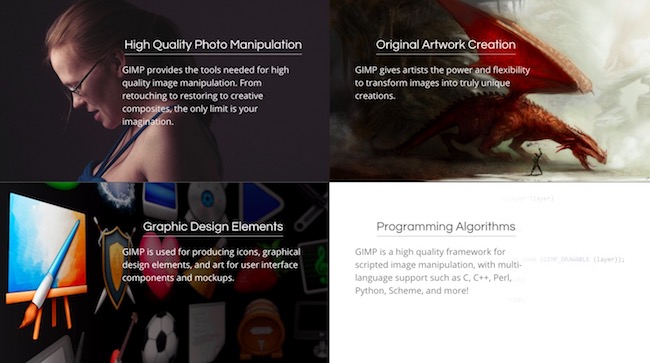
GIMP stands for GNU image manipulation program and is an open source free graphic designing software/image editor. It was initially launched for Unix based programs and now is available for Mac, Linux, and Windows. If you have used Photoshop for a long time, then using this software would be quite easy for you. There are plenty of tools available for color correction, cloning, painting etc. and enhance your working capabilities. You can work with all famous file formats without any hassle. It also packs multiple customization options, an in-built file manager, and many third party plugins.

  1. Sumo Paint (Windows, Mac)

    sumo-paint

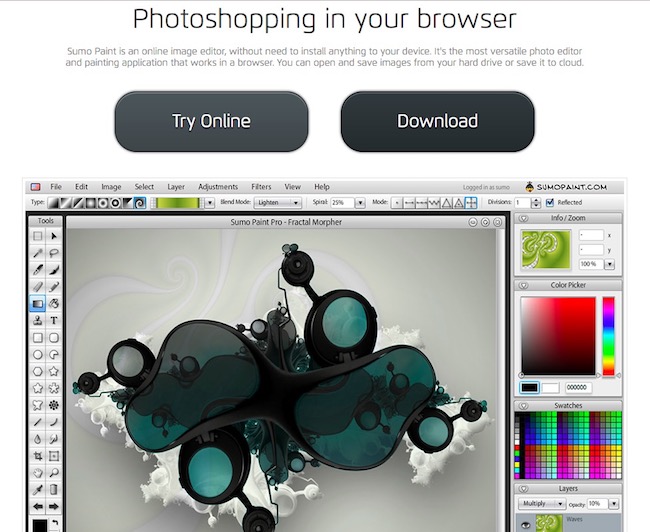
Sumo Paint is a creative online image editor which works in the browser and requires Adobe Flash Player to function. It is light, loads faster and works fine with the latest versions of Windows OS. When you try to download the web version of Sumo Paint, it asks for an upgrade to the Pro version which eventually unlocks all the features of this software and increases the working capabilities. However, the free tool also includes plenty of features text. shapes, brushes etc. can be accessed quickly from the floating toolbar. The software also has the ability to open saved documents on the hard drive.

  1. DrawPlus Starter Edition(Windows)

    drawplus-starter-edition

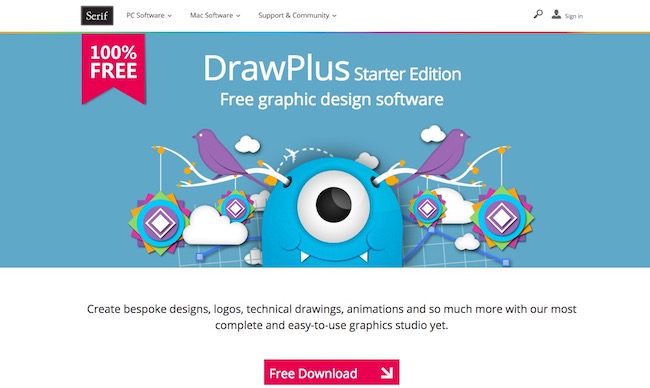
It is a multi-dimensional vector graphics editor which is suitable for creating specific designs, technical drawing, animations etc. You can create incredible web buttons and Flash banners with rollover graphics to grab the attention of viewers. There are plenty of decorative effects such as pastel, watercolor, charcoal Photo-quality spray brushes and other real-looking brushes. There are many modes and styles that let you achieve color consistency with ease and makes your designs unique. There are many tools available to create perfect drawings as well. You can enhance the image quality and apply accurate cutouts of pictures using PhotoLab, Cutout, and AutoTrace studios. The software is available for the latest versions of Windows OS.

  1. Paint.net(Windows)

    paint-net

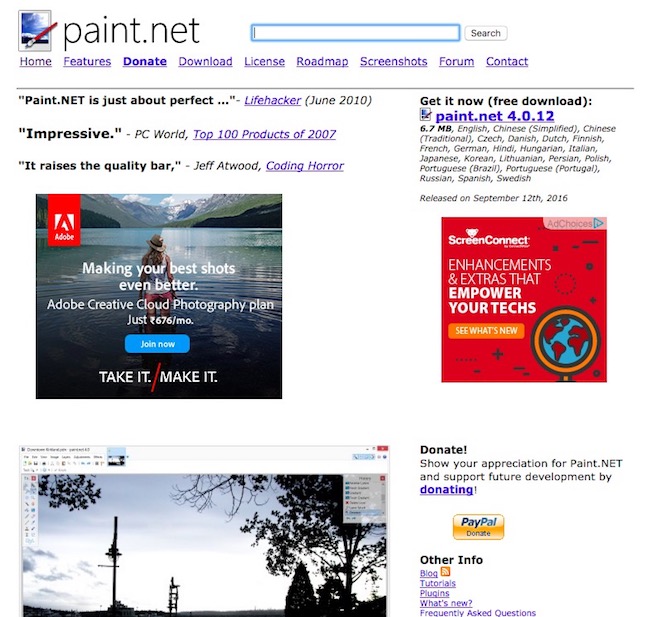
Paint.net is a perfect alternative of Microsoft Paint and works fine with the latest version of Windows OS. It is a powerful, free and easy to use graphic design software too. It seems that the developers have focused on photo editing more rather than artistic creations. Though, there are special effects that help you to create your own designs in a sophisticated manner. Paint.net flaunts a wide range of tools and includes many useful features that allow users to make designs and edit existing files with ease.

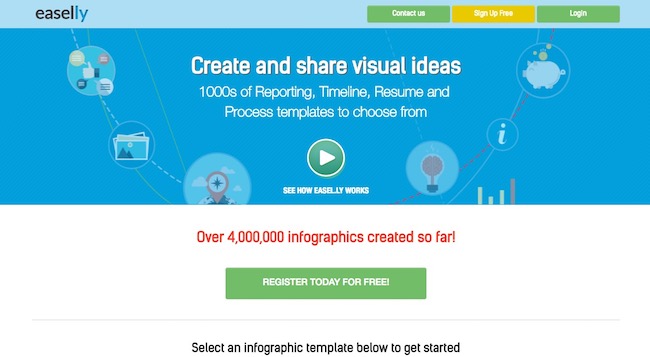
  1. Easel.ly(Windows, Mac)

    easel-ly

It is a web-based tool which is free to download and offers tons of free templates to start your project. You can access the library to find the format suitable for you and also customize the theme using fonts, styles, colors etc to create infographics. Improving graphics are very easy and you can do that with a single click. The software is highly suitable to create infographics in a real short time as it just wants you to choose a theme, objects, shapes and add some text to make it ready.

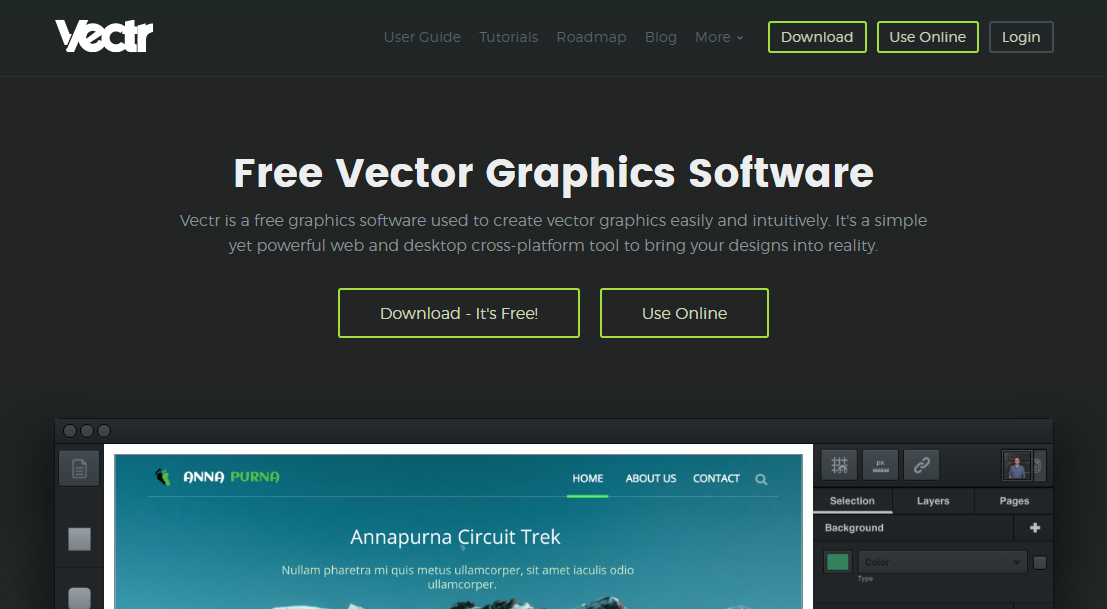
  1. Vectr

    Vectr

Vectr is another web based and Desktop based graphic editing software. It is available for the all popular platform as Mac, Windows, Linux, Chromebook. Vectr is a free graphic editor for creating the 2D vector designs. The interface of this software is very simple and impressive. Unlike raster graphics, vector graphics are always crisp and clean. Create blur-free logos, presentations, cards, brochures, website mockups, or any 2D graphic with Vectr. The Vectr full fill all the property of the Vector design. One can easily share its work online by someone else, you just have to copy the URL and share it with other. So they can also see your work.

  1.  KritaKrita

Krita is a FREE and open source painting tool designed for concept artists, illustrators, and the VFX industry. The software has been in development for over 10 years and has had an explosion in growth recently. It offers many common and innovative features to help in the editing as professional.

Krita is available for the all popular platform like Windows, Mac, and Linux. Krita has a lot of features like Brush Stabilizers, Pop-up Palette,  Drawing Assistants, and Mirroring Tools. There are more tools which Krita is offering to the user to editing. If you facing any problem regarding tool then they are providing the tutorial so you can easily understand the software how it is work.

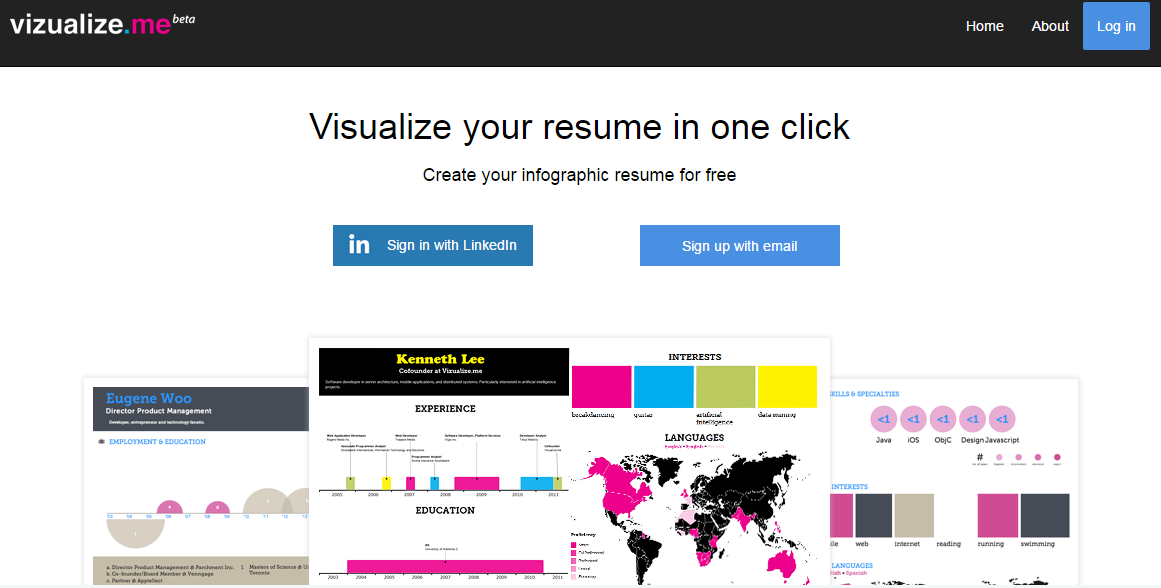
  1. Vizualize

    vizualize me

    Vizulalize is the best online editing platform for artists, illustrators. Apart from Vizulalize didn’t offer a lot of features for editing but still it is a nice platform. You can visualize your design in one click and also take a look at previous examples. Vizualize is the first choice for the graphic resume makers.

  2. Pixlr pixlrPixlr is the multiplatform graphic editor in free. Pixlr is available for all the platform you know and not only this there is a web based application also. Pixlr also available for the smartphones, so if you want to do editing on your phone then also enables that. There is no doubt in that Pixlr has the open world for the design and it all in free for you. You don’t have to subscribe any plan or anything for that.
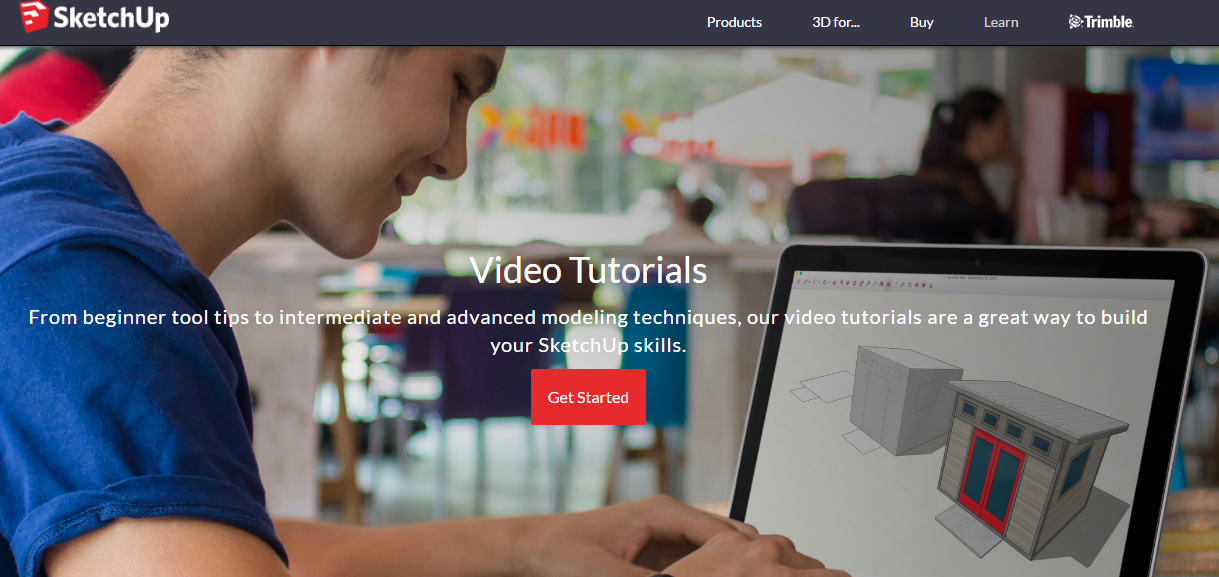
  3. SketchUp Make

    sketchup

SketchUp is not a free tool for the graphic editing you have to buy this software for your work. According to the Graphic editing software, this software offers a great help in that. SketchUp also has a lot of video tutorial for understanding the tools of this software. The software generally works best for the architect work. Moreover this it gives you a great experience of building design, office, and home.

Conclusion

These above mentioned graphic design software can reduce your burden and help you to create ultimate graphic designs very quickly without any complication. These best free graphic design software are developed by highly skilled developers and offer great functionality which eventually reflects in the end result. Hopefully, you might have found the one that you are looking for after going through the list. Feel free to provide us your feedback and do share your experience about this software with us.

Optimal Cooling Systems for Various PC Setups

Whether you’re building the ultimate gaming machine or a modest PC for office work, you’re going to need a good cooling system. Computers produce a considerable amount of heat. Some processor-heavy tasks can generate enough residual heat to warm up a small room! Contrary to popular belief, it’s not just one component that’s getting hot. Everything from the processor unit to optical drives produces heat. Thus, the amount of heat your system will depend largely on the setup you have.

Cooling systems help to prevent overheating and let you work or play without any issues. The trick to building an efficient computer is to match your cooling system with your setup. Here are some common systems you can invest in. But before you decide on water/air/no cooler, make sure your PC case can actually fit the cooler. If you’re using an extremely outdated chassis model, Game Gavel recommends some excellent budget PC cases of various sizes.

Budget-Friendly Gaming PC

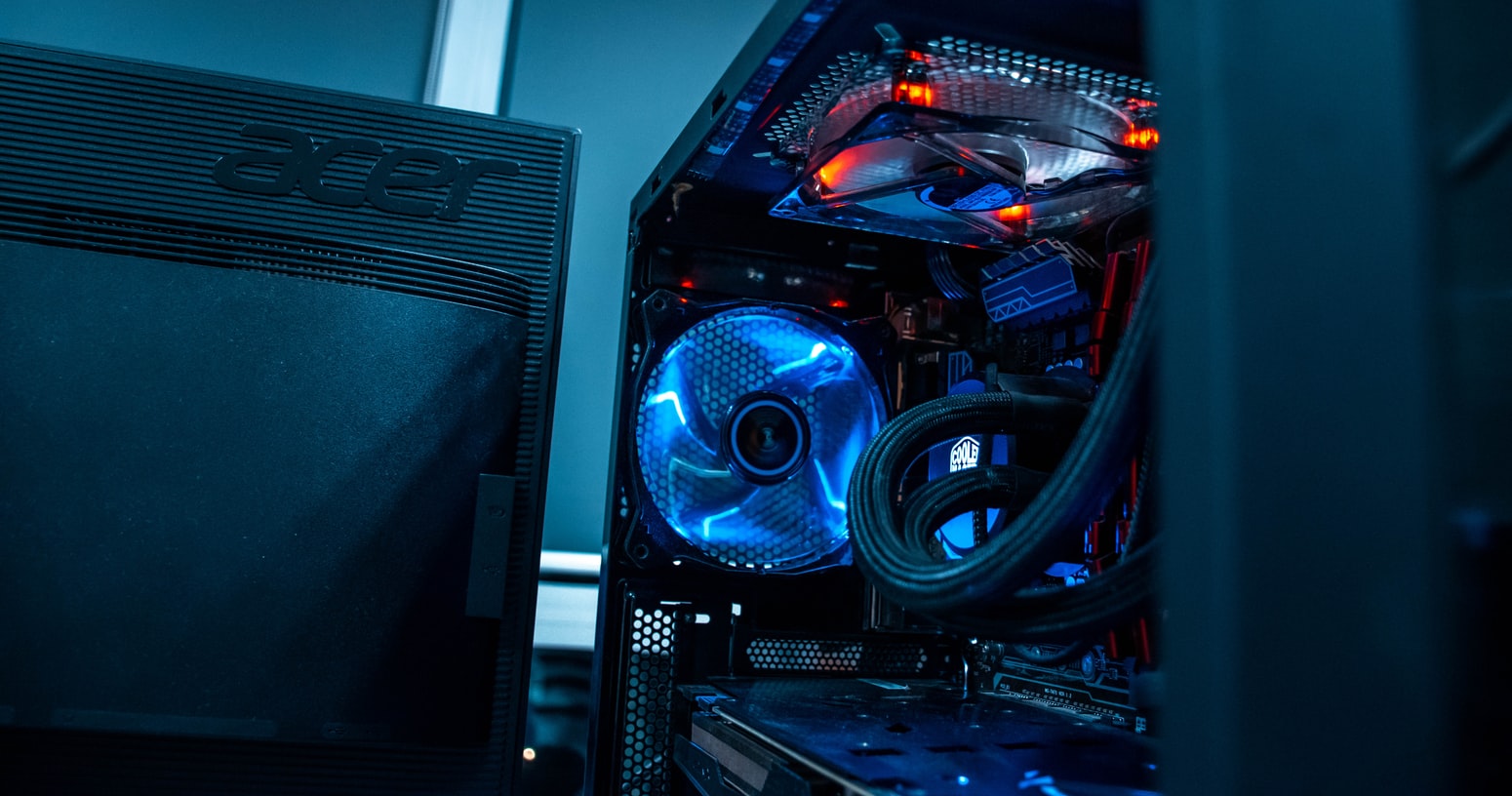
Fans are one of the oldest PC-cooling methods around. The concept behind computer fans is simple. The fans direct warm air out and draw cool air in through vents in the chassis. Placement is a big factor when it comes to efficiency. They should be placed strategically around the chassis to cool as many components as possible.

Typically, a minimum of three fans is recommended. Though, it doesn’t hurt to go all out and install more. The great thing about fan systems is that they’re relatively affordable and flexible enough to fit most needs. Thus, they’re a suitable option for budget gaming PC builds. You’ll also find them in multi-purpose machines, laptops, and pretty much any moderately priced computer on the market.

You can get fans in a wide range of PC case sizes. Some component manufacturers even integrate them for good measure. For example, you’ll often find fans built into power supply units.

The only downside of fans is that they do require a bit of maintenance. Dust can clog air vents and prevent fans from working properly. As such, keeping your fans clean and dust-free should be an important part of PC maintenance.

Multi-Use Office PC

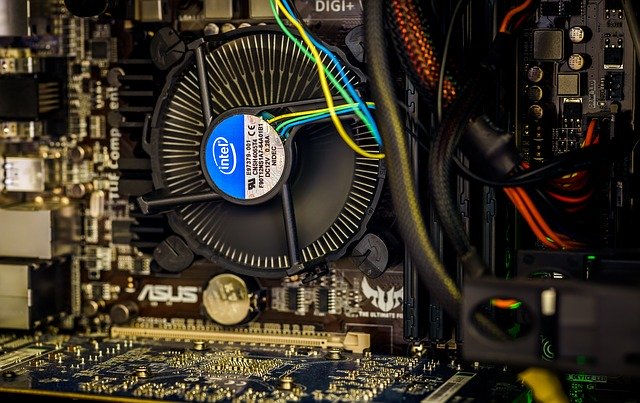
Heat sinks are another common method that computer manufacturers use to keep things cool. It’s a very popular option for multi-use computers or those that are designed with low power consumption in mind. In many cases, heat sinks are used alongside fans or other cooling techniques to increase efficiency.

Basically, heat sinks are designed to dissipate heat efficiently. Often used for CPUs, dedicated graphics cards, and other high-powered components, the heat sinks have several fins to diminish a concentration of heat. The heat from the component will transfer to the sink and travel to the system’s various fins. These fins create a larger surface area to spread that heat more efficiently. There, air can naturally reduce the temperature.

Most heat sinks work alongside a thermal paste. The goopy substance improves the heat transfer process by eliminating any air gaps between the component and the sink.

High-Powered Gaming PC

If you have a high-powered PC that generates a lot of heat, liquid cooling systems are the way to go. Originally created for mainframe computers, liquid cooling systems have experienced a bit of a resurgence in recent years. That’s because it’s a highly effective method that makes overclocking possible.

Liquid cooling is a bit more complex. However, the basic idea of it is pretty simple. The best way to look at liquid cooling systems is to think of the PC as a car. The liquid, which is usually just distilled water, travels from a reservoir through various tubes around the chassis. A pump is used to keep the water flowing at all times as you use the system. As the water flows, it absorbs heat from the components. That heated water then goes into a radiator, where it’s cooled by a fan.

After the radiator, the water is recycled back into the system. It’s highly efficient. Plus, it’s a unique feature that you can show off with a tempered glass case. Liquid cooling systems do cost more than the alternatives. There’s also the added risk of leaks. However, if you do things right, the system is a sleek and quiet way to keep things cool all day long.

Production PC

For machines that need the most power possible, such as production PCs used by filmmakers and editors, there are a few options. Most stick with liquid cooling. However, there’s also immersion cooling. Immersion cooling is quite rare but is considered to be one of the most effective cooling systems around. It’s commonly used for large servers.

Rather than using air to cool down the components, a thermally conductive liquid is used. The liquid does not conduct electricity. Thus, it’s completely safe to use. Typically, it’s a unique cooling oil. The liquid is more effective at transferring heat. All of your components sit in the liquid to stay cool.

Obviously, there are some challenges to be wary of. Not only do you have to choose the right liquid and components, but you need to make sure that your case is completely watertight.

Low-End PC

For extremely basic computers, you may not even need a cooling system at all. Believe it or not, even a portable AC near your case would do the trick. However…

We’re talking about systems with only the bare bones here. Smaller units, such as the Raspberry Pi, do just fine without a built-in fan. Though, some models do have a heat sink in place.

These computers are only used sporadically and serve a single purpose. Pair that with the low power consumption and you have a recipe for efficient natural cooling.

Keep in mind that these PCs aren’t going to be able to do much. If you plan on using the PC for an extended period of time, it’s always better to have some kind of cooling system in place.

Conclusion

Don’t make the mistake of thinking that you can skimp on your cooling system! An efficient system will keep your PC in good shape and help you avoid any irreparable damage. Luckily, there’s no shortage of options out there. You can easily find a high-quality cooling system regardless of your budget and the complexity of your setup.

Top 11 Best Torrent Sites to Download Free Music, Movie, Software, Games or Anything

Most of the people download the large size file from the torrent sites. Here you don’t have to pay any money; it’s free you can download videos, music, movies, software, books and a lot more thing. It’s not wrong if I say, anything you want to download you can do with the help of torrent.

Best Torrent Sites

Torrent is a protocol based peer to peer File Sharing technique which is used by millions of people around the world. There are a lot more thing you should know, but we are not going into deep. Now some of the Best Torrent Sites are closed because of some random reasons. So, we listed the remaining sites and came up with top 10 best torrent sites.

Also Check :

Before we get started, there are some essential things you should know about the torrent. Whenever you download the torrent it’s speed depends on various factors like seeders, leechers, and peers. So let’s take a brief look at those terms and try to understand these factors:

>> Torrent: What is torrent?? A Torrent file is nothing but a small file associated with specific content related to the downloading file.

>> Seeders: Seeders are those who uploaded the file. It means they already download this file and now uploading it. It means the high no of seeder means good downloading speed.

>> Leechers: Leechers are those who downloaded the file, but they are not uploading. if some random file is having a good no of Leechers that means the file is right.

>> Peers: The no of people who Downloading the file and sharing also is known as Peers.

Now I think you understand how to download a right torrent file. Now let’s go to top 11 best torrent sites where you can download the videos, audios, movies, books, and a lot more things.

After the shut down of many favorite torrent websites like PirateBay and Torrentz in different countries, people struggled to search for a content-trusted torrent website. However, there are PirateBay alternatives and torrentz alternatives you can use to download your favorite content.

Top 11 Best Torrent Sites in 2018

Torrent is the web-based file sharing system that delivers high-quality large files to download over the internet. Here is the list of Top Best free Torrent Sites 2018. Recently the famous Torrentz, best torrent search engine shuts its operation. However, don’t worry there are many Torrentz alternatives here.

1. BOBTOR

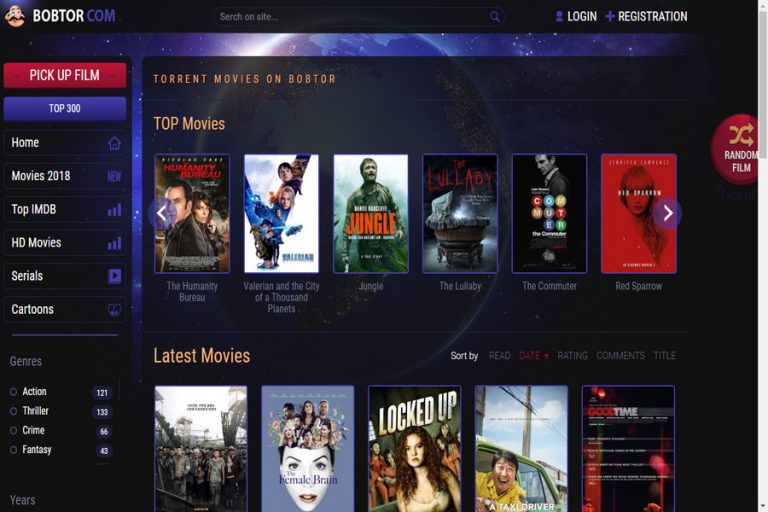
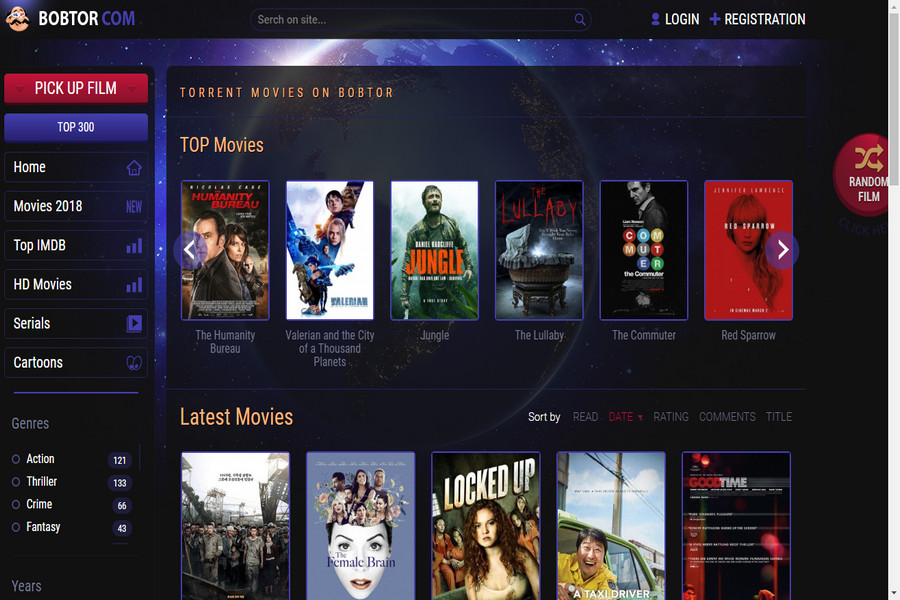
Bobtor is one of the latest addition to torrent websites, and it has everything which other websites lacked.Best Torrent Sites

This torrent has updated list of categories with genres and release year. You can check the list for top movies or top IMDB movies on the left side menu. It also some new interface for users in comparison with boring UI on other websites. What it has common is the original list of content and category and lets you download your favorite content easily.

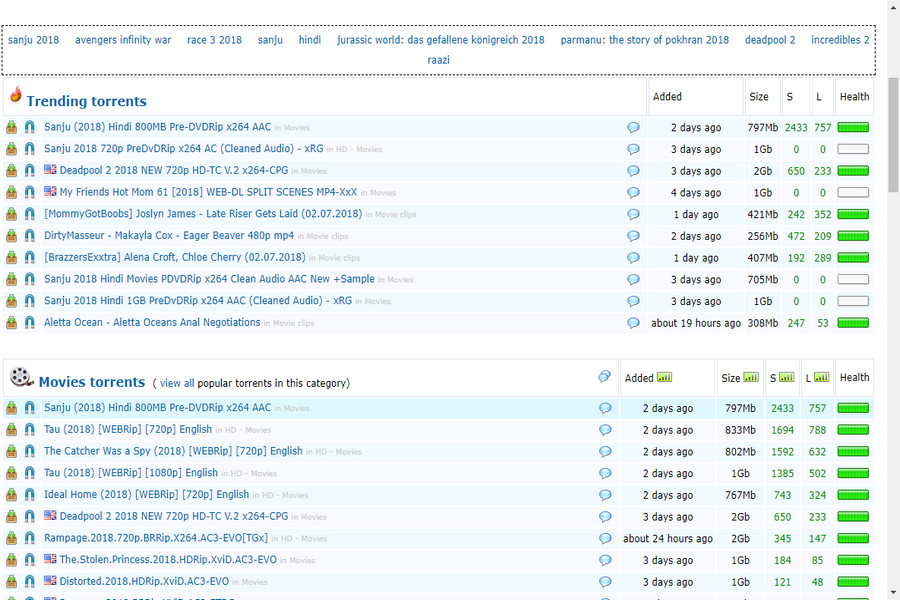
2. Extratorrent

Extratorrent is one of the best torrent sites I have ever used. It has the large repository of torrent files. The best part of extratorrent is they have categorized the files. Now let you need any book, so they have a category of books, so it’s straightforward to find any item.

Best Torrent Sites

This is why the user interface of this site is very good. You can easily search, download, upload and browse for your required file.

3. KickAssTorrents

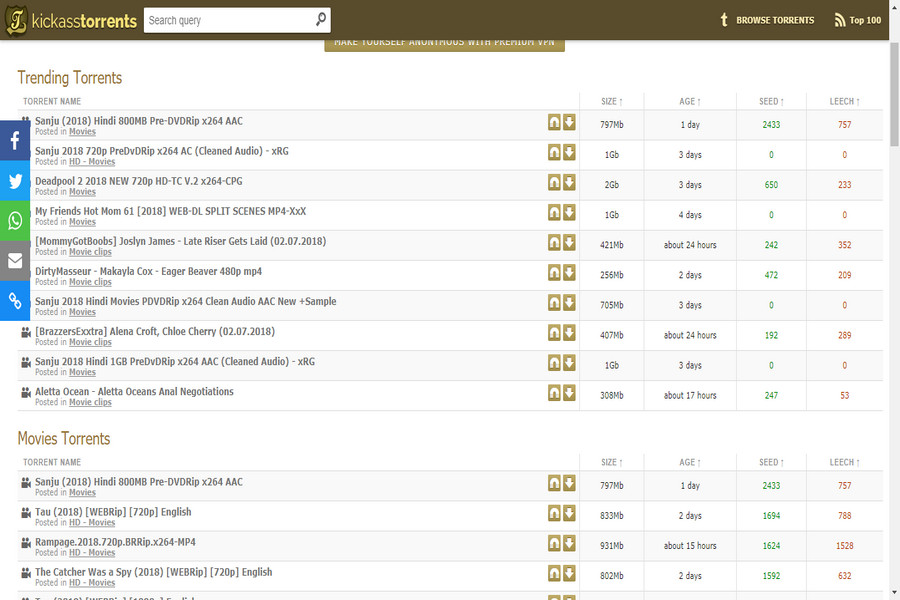
KickAssTorrents was founded in 2009 and now becoming one of the most popular torrents.

Best Torrent Sites

You can easily search any movie, music, video or whatever you need and download the torrent. It has the largest number of content spread in the wide range of categories and type.

4. ThePirateBay

ThePirateBay is one the best silent torrent sites. It is the most popular and trusted torrent website we have come along with genuine content and uploaders.

Best Torrent Sites

They also have the category options to the user to download the files. The user interface is very good and attractive. You can download and also upload any torrent if you want.

5. Torlock

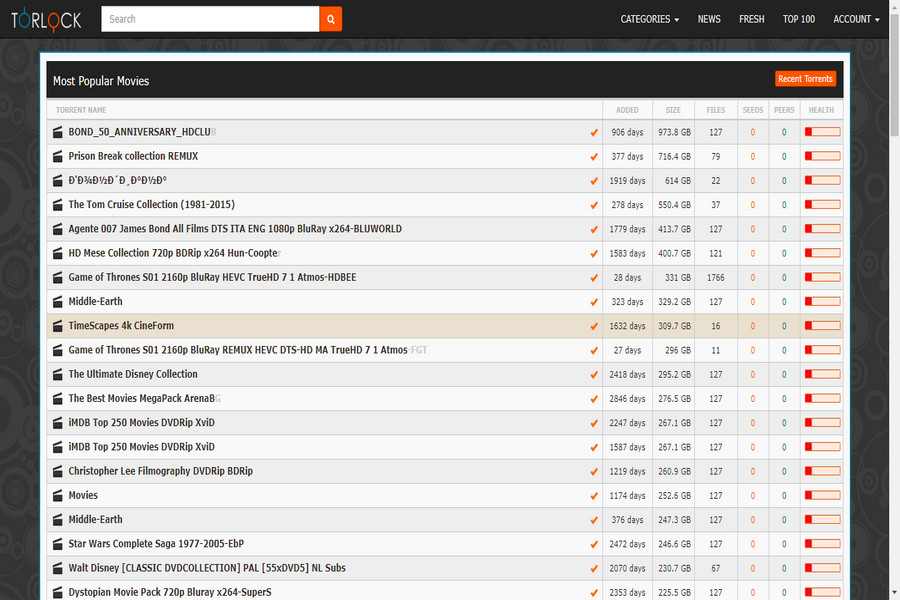
Torlock is special kind of torrent. The reason behind that, this torrent actually pay their users commission for uncovering fake torrents.

Best Torrent Sites

Today there are many fake torrents on torrent sites so if you removed them or complained them into the community you with have your commission. This is also a good way to make money online without investment.

6. SeedPeer

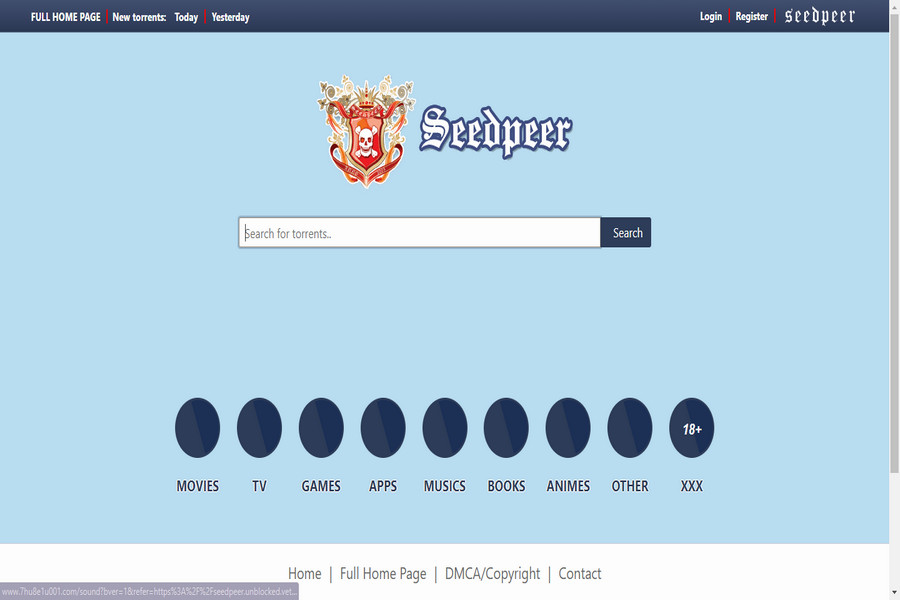
SeedPeer is a very large database of over 3 million torrent files.

Best Torrent Sites

The user interface is very simple, you can easily search and the keyword cloud map helps you to find the best match. From this torrent site, you can also download quality files.

7. RARBG

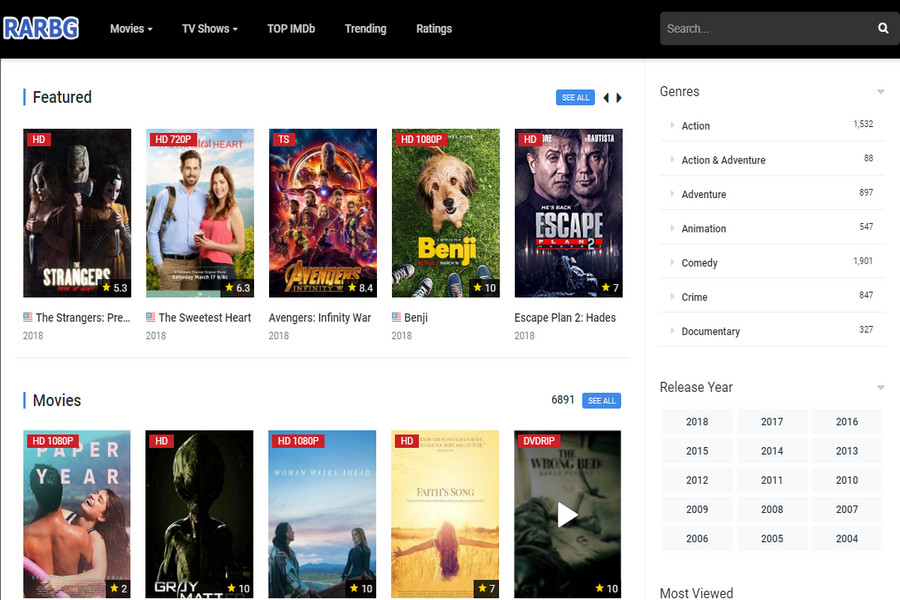
RARBG is also getting a nice website for downloading torrents. They have also categorized the files so, the user can easily browse the desired file.

Best Torrent Sites

They also offering the membership on their site so if you get lucky then you can download the high-quality torrent file in free.

Note: Once you will be a member you will be considered with adult advertising at this site.

8. Demonoid

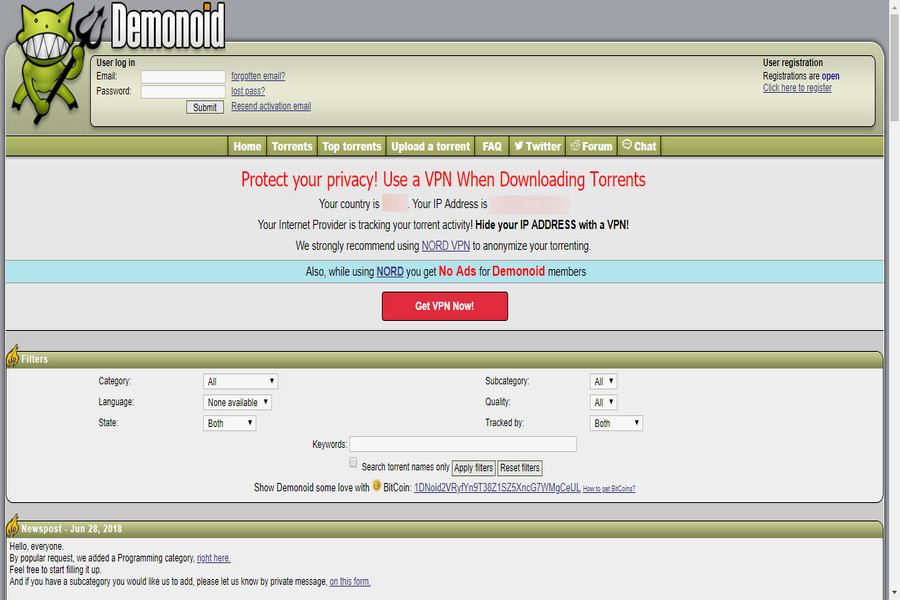
Demonoid this is a private membership community. They have 2 domains if Demonoid.pw didn’t work try Demonoid.ph. 

Best Torrent Sites

For downloading any torrent you have to first become the member on this site and then you can ask for the torrent file and they will give you a direct link of that. As you see how this site works, so they work in a private network.

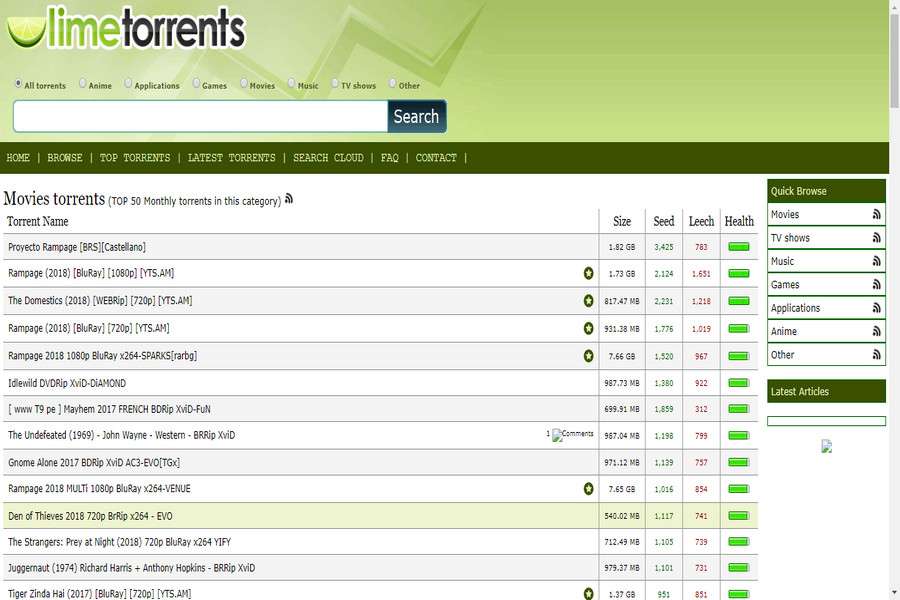
9. LimeTorrents 

LimeTorrents looks like most other torrent sites nothing special but they have the collection of file and torrent.

Best Torrent Sites

Today they having nice reviews and getting popular also. You can upload your torrent file and start sharing it with others.

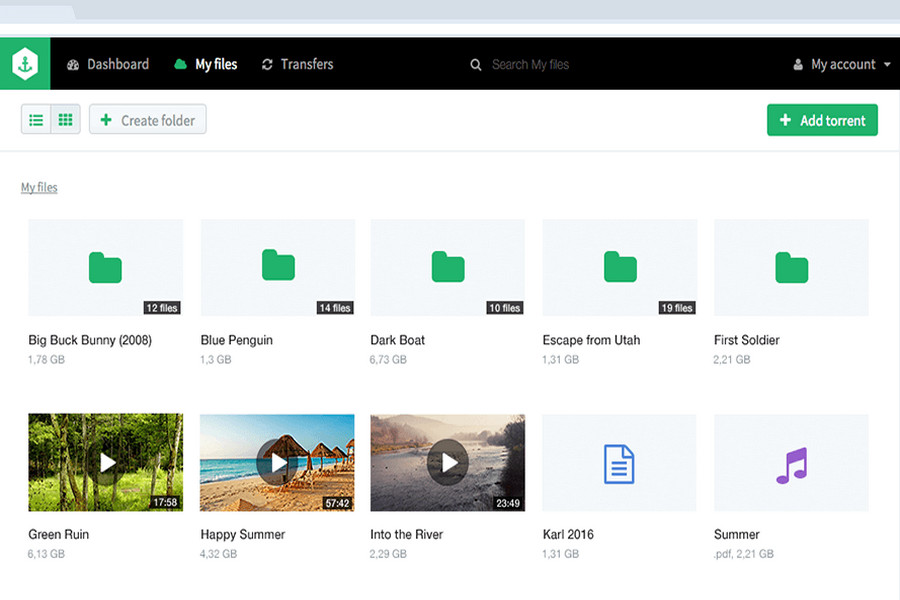
10. Bitport

Bitport is the new and excellent cloud torrent service. This site is an excellent 3rd party service. They don’t provide you with torrents but instead will download the torrents for you onto their own private servers.

Best Torrent Sites

Once your large files are transferred to them, then all you have to do login and download the completed file. The free version allows 100MB per hour transfer. To get more data you have to purchase the packages.

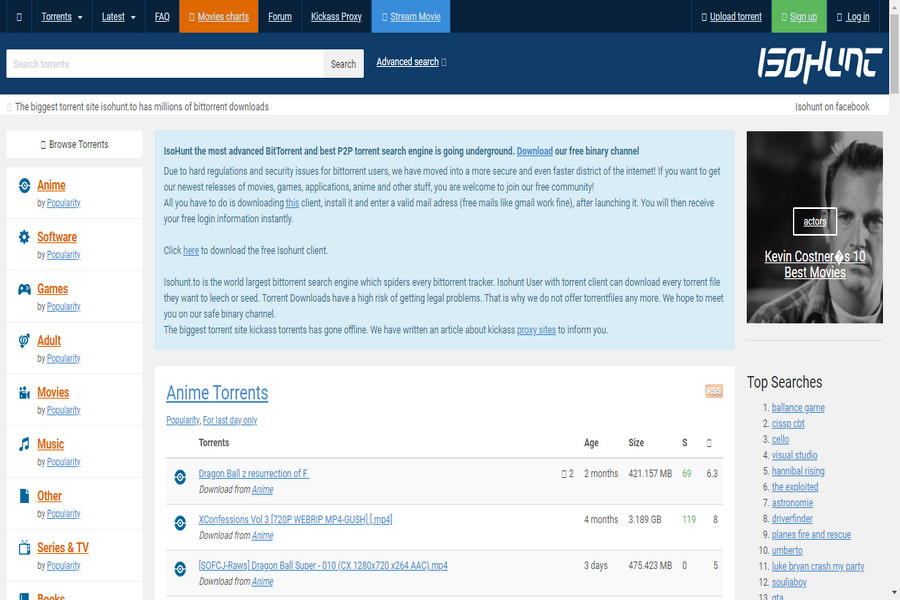
11. Isohunt

Isohunt is reborn after being shut down in October 2013. Isohunt is not the greatest yet has quality content in different categories.

Best Torrent Sites

It has been resurrected with a new domain name in a new country. Now they are providing the quality torrents.

Which is the best Torrent Website?

Here are the top 11 best torrent sites. They all are legitimate and tested torrent websites lets you download your favorite content from them. We have ranked them as per our preferences which can vary from person to person. However, if we have missed any of the websites that you find useful, do let us know in the comments section below.

Also, if you liked it, do not forget to share the articles with your friends so they can also get to know about the best torrent site available and work. If you have any query, then tell us through the comment section.

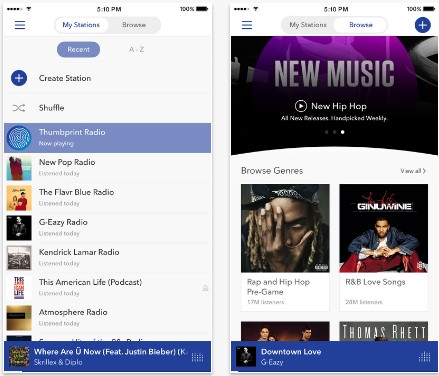
How Much Data Does Music Streaming Apps like Pandora, iTunes and Spotify use?

0

There is nothing as distressing as running out on data while your subscription is not even close to hitting the expiry date. If you are the kind of person who pays data for a longer time let’s say a week or a month, you don’t want to exhaust your data before the stipulated time is over.

This is simply because purchasing more data will disorganize your budget. There are many reasons why you might be running out of cellular data before the subscription is nearly over. Music streaming Apps are at the very top of the list.

If you want to prevent any data loss, you must have some estimate of data usage by your music streaming apps.

Contents

How Much Data Does Music Streaming Apps Use

So we ask ourselves today, how much data is lost while streaming a song from Google Music, Pandora, Spotify or any other kind of music streaming app.  The truth of the matter is that the amount of data you use while streaming a song from any of these apps will depend on your custom setting for the app. Most music streaming apps come with their own default settings that are far from economical. If you choose to continue using the app in default settings, then you can be sure that this will injure your data reserve.

What Determines The Amount of Data Consumed while streaming Music?

When it comes to data consumption, the amount of data your streaming app uses will depend on the quality of the song you are streaming. Some apps like Google Play music, Beats music, and Spotify will stream high-quality music at a maximum data consumption rate of 320kbps. However, not all songs on these music streaming platforms are in high quality.

How much Data Does Pandora Use

Out of all the mentioned apps, Pandora seems to be the most economical of all music streaming apps. All the same, it does not offer high-quality streams. Usually, streaming lower quality music, consumes a less amount of data. But Pandora does not allow you to save music for offline use, you can only play the song by direct streaming from your cellular data or WIFI. But in other apps, you can save data by downloading your favorite songs. For instance, Pandora’s average data consumption rate will range

For instance, Pandora’s average data consumption rate will range between 64kbps and 128kbps. By default, it’s 64kbps in iPhone, but you can choose between 64 or 128 kbps. Let’s do the Math, if you were to stream music from Pandora at an averaged 128kbps consumption rate, then you would use not less than 57.6 MB every hour.

This tells you that for an 8-10 hour day of music streaming your smartphone will use close to 1GB of data. At such a rate your monthly 2GB subscription wouldn’t last a week. But if you use it for 1 hour daily, it can last long till month end.

But in the premium version of Pandora, bitrate is higher than the free one, as the quality increased. So the total data consumption is at the bitrate of 192 kbps and 87.6 MB per hour, so if you use it for 1 hour daily then your data pack of 2GB can last long 3 weeks.

How much Data Does Spotify Use

Now first let’s have a look at the data consumption rates of Spotify.

Spotify:- Mobile/standard quality: 96kbps (max)

High Quality: 160kbps (max)

Extreme HQ: 320kbps (max)

Spotify

Now your Spotify data usage per hour depending on the quality of stream you were using. Suppose if you are streaming at the rate of 96kbps, so about 42 Mb per hour, so if you Spotify for 1 hour daily, then it will eat more than 1GB till month end.

But if you go for high quality at 160kbps or 320kbps then it will be around 72 Mb or 152 Mb per hour and for 1-hour daily use it will be more than 2GB per month.

Spotify allows saving your favorite songs, so better save your collection or use WiFi to save data usage.

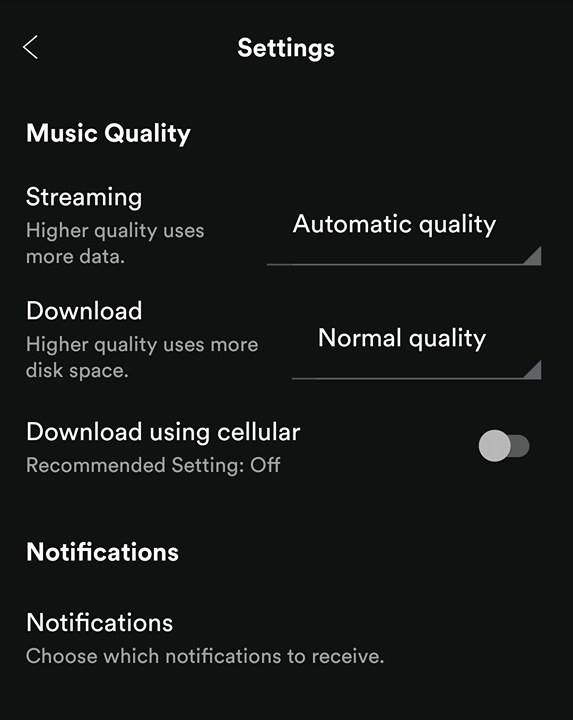
Also, You can change the Music Quality in Spotify app, Go to the Settings menu in Spotify app, scroll down and tap on  Music Quality, now you can set the quality in Streaming option.

How much Data Does Apple Music Use

The data consumption rate of Apple Music is

Apple Music:- Mobile/standard quality: 64kbps (max)

High Quality: 128kbps (max)

Extreme HQ: 320kbps (max)

If we calculate the data consumption with standard quality, so 64kbps, which is around 28 Mb per hour and if we go for higher quality then it will be 58 Mb per hour and 117 Mb per hour. Now, 1-hour music streaming of Apple Music will consume less than 1 GB in standard quality and more than 1 Gb in High quality and for the extreme high quality, it will be more than 2GB.

Apple Music also has the offline mode, so download all your favorite tracks and play them again and again with any data usage. Or use WiFi while streaming or downloading, you can also limit the data in your phone settings.

How much Data Does Google Music Use

For Google Play Music the data consumption rate is

Google Play Music: High Quality: 320kbps (max)

So if you stream at high quality, then it will consume 2.4 Mb per minute and about 144 Mb per hour.  But there is an option in Google Play music, you can switch between Low, Normal and high quality. You can switch to low or normal mode and save your data. Otherwise, if you stream regularly for 20 hours on a day then it will consume all your 2GB data pack in 1 day.

How much Data Does Beats Music Use

Now here is the data consumption rate of Beats Music, you can yourself calculate the data usage.

Beats Music:- Mobile/standard quality: 64kbps (max)

High Quality: 320kbps (max)

If you go for high quality then it will consume about 144Mb per hour and if you go for standard one, than 28 Mb per hour. Now you can calculate the data consumption according to your usage.

Best Method to Calculate your Mobile Data Usage

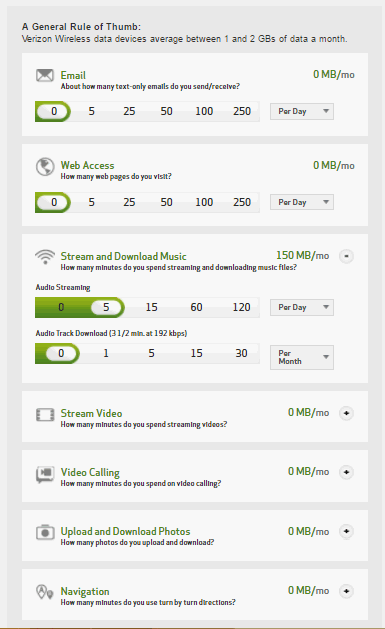
Many companies like Verizon has developed a data calculator, where you can select your usage, like No of hours of Web Acess, No of track of Music streaming etc and then it will give you an estimate of your monthly data consumption. Though its just a rough estimate, which is made by adding the average data consumption of different services. But it gives you an idea about your usage and then you can limit and use methods to save your data.

Here on this calculator, you can select all your usage then will give you an estimate for your monthly data usage.

Luckily, there are several data saving methods you can try out so as to minimize data consumption on your smart device. For instance, always make sure that you use streaming services while you are on Wi-Fi. It is also advisable that you download music in its raw format, like MP3 or MP4. This way you won’t have to stream the song again when you want to listen to it since you will already have it saved on your smartphone.

Some mobile service providers are also giving free streaming offers. T-Mobile is a good example of these providers. With T-Mobile, you can stream music for free on Spotify, Pandora, iTunes Radio and iHeartRadio.

Best Free Stock Videos Sites for Youtube & Other Commercial Projects

0

If you are looking for the best free stock videos sites then you are at the right place here we have listed best 10 free stock videos sites. You can download and use those all footage that is available on the below sites. You can use that footage in your Youtube videos, advertising videos, presentation, and anywhere for personal and commercial use. Finding relevant footage for your videos it’s not easy and you can’t use some other footage without permission because the owner of the video may give you copyright. All these sites that we have listed below provide you free stock videos that you can use anywhere without permission. Most of the free stock videos sites don’t require attribution but it is always appreciated if you do.

All videos are available in the high-quality format on these sites and the good thing is that all videos are free on these sites. So scroll down and find the best free stock videos sites for using anywhere.

1. Pixabay Videos

Free stock videos sites

Pixabay is one of the best free stock site that provides you free and high-quality stock videos that you can download for using anywhere. All videos are free to use that are available on this site. Users can edit and modify videos as he wants. Not only Videos there are free stock photos, vectors, and illustrations are also available on it. Pixabay has over 1.2 million images and videos. All videos and images on Pixabay are available in the creative commons zero licenses.

2. Pexels Videos

best free stock videos sites

Pexels is also a great site for downloading free stock videos. Users can download any videos that are available on the Pexels. All videos that are available on Pexels also come in the creative commons zero licenses. These videos don’t require any attribution for using their videos but it’s appreciated if you give. Users don’t require any permission for using videos that are available on the Pexels.

3. Videezy

free public doamain stock footage

Videezy is a platform for downloading free stock videos. It has a large collection of high-quality free stock videos. Users can download and use those videos anywhere. All videos that are available on Videezy are free for personal and commercial use but users need to give attribution for using Videezy videos.

4. Videvo

royalty free videos for youtube

Videvo is also has a great collection of high-quality videos. All videos that are available on the Videvo are royalty free users can download and modify those videos for using anywhere. But the bad thing is that you need to give attribution for using their videos. All videos that are available on the Videvo come in the different licenses so you can check the license details in the description of the videos.

5. Life of Vids

free video clip sites

Life of vids is also a good option for downloading stock free videos. All videos of Life of Vids are free to use without any restrictions. Users can download and modify videos for using. You will never get a copyright issue from Life of Vids.

6. Vidsplay

free stock video footage

Vidsplay gives you high-quality videos for free. All videos on the Vidsplay are royalty free and users can use without any permission and restrictions. Vidsplay is a great platform but you need to give attribution for using their videos. You can give attribution at the end of the videos or also in the description.

7. Wedistill

Wedistill is also a great platform for downloading stock free videos. They offer high-quality videos free of cost. users can download and use all videos that are available on the distill anywhere. You can modify videos according to you. All videos are free for personal and commercial uses but you can download only 10 videos in 10 days from Wedistill.

8. Mazwai

best stock free video sites

Mazwai has a large collection of high-quality videos that you can download use for presentations, youtube videos, facebook videos, advertisement, and anywhere. You can modify all the videos that you want to use according to you. All videos that are available on the Mazawai are in HD quality. Users need to give attributions for using Mazwai videos.

9. Coverr

free videos site for commercial use

This is a great website where you can find great videos for your website header section. You can also use those videos some other platforms like youtube. Users can download and modify videos for use without any permission. You don’t need to give any attribution for using Coverr videos on your site header or some other places.

10. Cute Stock Footage

best free footage sites

Cute Stock Footage is also has a good video library for you. Users can download and use Cute Stock Footage videos for free without any permission but if you are using a Cute Stock Footage video then it’s required to give attribution. You can find all free stock images on the Cute Stock Footage under the free resource tab.

Conclusion

So, friends, we hope that this article will help you in finding the best free stock videos. You can use all videos for free without any permission and restrictions that are available on the above sites. If you have any question and suggestions then don’t forget to comment below.

Best Free Stock Photo Sites | Free to Use Commercially

0

Many time we need to use photos in our article and videos, but using an image that does not come in under creative common license then it may affect you. Now what will you do, Do you need to go out with your camera for clicking awesome pictures? No, you don’t need to click pictures yourself because there are many sites are available from there you can download HD quality pictures without any cost. The good thing is you can modify those pictures for use in your article and videos or anywhere where you want to use.

Best Free Stock Photo Sites | Copyright Free Images

In this article, I will tell you about some best stock photo sites from where you can use photos for free. You can modify all images that are available at sites that we have listed below.

1. Pexels

free stock images

Pexels is a website that gives you free quality images that you can use anywhere. Pexels gives you free and best quality images in different sizes. You can also download images from Pexels in a custom size. All images that are available on the Pexels comes in the creative commons license. You can use these all images for personal and commercial use for free.

2. Pixabay

best free stock photo sites

Pixabay is also a great place for downloading HD quality images. Pixabay images also come in the creative commons license. Not only images You can also download vector graphics, illustration, and HD quality videos from Pixabay without any cost and these all come in creative commons license. Users can modify and use an image anywhere that is available on Pixabay. Some images on Pixabay require attribution.

3. StockSnap.io

best free stock images sites

StockSnap.io is also a great store of free stock images. StockSnap.io gives you the freedom to download images in HD quality, and you can modify all images that you want. StockSnap.io required no attribution for using their images.

4. Reshot

best royalty free stock images

Reshot is also a great platform for downloading copyright free images. Thousands of images are available on the Reshot that you can download and modify for using anywhere. All images that are available on Reshot are free to use for both commercial and non-commercial.

5. Freestocks.org

royalty free images free of charge

Freestocks.org is a website from where you can download copyright free images without any cost. All photos that are available on Freestock are free to use with modification for commercial and non-commercial use.

6. Unsplash

free royalty free images

Unsplash is also a great site from where you can download unlimited free stock photos. All images that are available on Unsplash are free to use. Users can download and modify all images that are available on the Unplash. All images are in the creative commons license. The Unplash claims that they have over 110,000 contributing photographers. Unplash has over 8,10,000 photos in their library and they generate over 9 billion impressions per month.

7. Gratisography

royalty free images for commercial use

Gratisography is a free stock images site that provides free images for download and use. Gratisography offers high-quality images. Users can modify all Gratisography images for using, they never give you copyright issue because all images of Gratisography come in the creative commons license.

8. Picjumbo

free images no copyright

Picjumbo offers you free and high-quality images for downloading and using for commercial and non-commercial use. Users don’t need to give any attribution of using Picjumbo images but appreciated if you give. There are all images are free so never try to sell them on a different site.

9. Picography

free images for youtube videos

Picography is also a great site of free stock images. All photos that are available on Picography come in the creative commons license. Picography says that users don’t need to give attribution for using their images but it’s appreciated if you do. Users can download images for free without any permission and they can also edit those images for use.

10. Foodiesfeed

free images for blogs

Foodiesfeed is a free stock images website that has a big library of food images. All images of Foodiesfeed are available for free. Users can download images and use them. Foodiesfeed provides you high-quality food images. It is a perfect free stock images site for food bloggers. The all images are comes in creative commons zero licenses. You can edit and use images anywhere for personal and commercial use.

Conclusion

We hope that you will happy with these all free stock sites. You can use those all images for free that are available on the above sites. Users can modify image for use that on different platforms. There are many images are available on some of the above sites that requires attribution, You can see the image descriptions for checking that image required attribution or not.

We hope that you will like this article of free stock images. If you have any question and suggestions related to this post and our blog then don’t forget to comment below.